

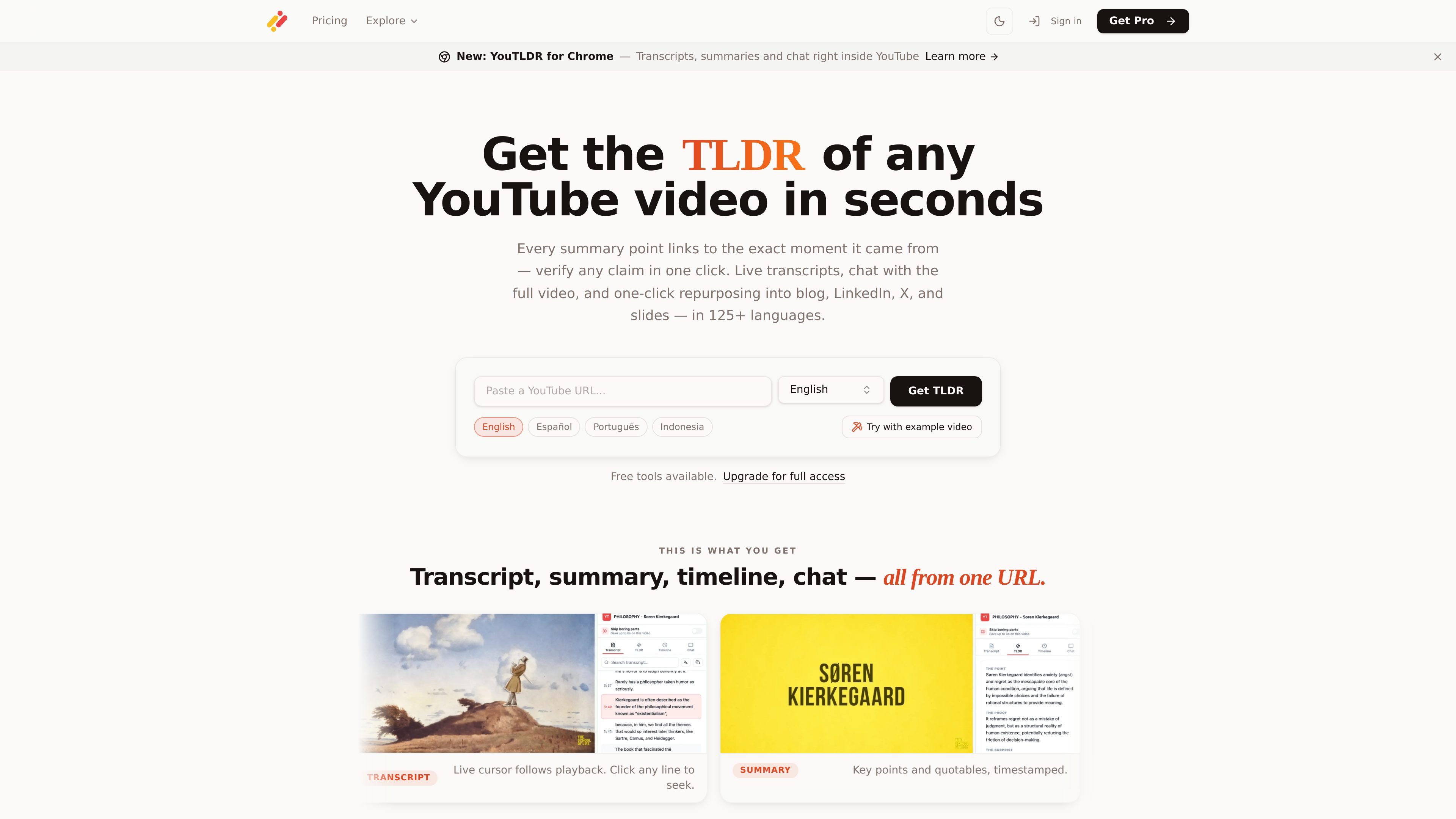
Transcript, summary, timeline, and chat
Paste a YouTube URL or use the browser extension to generate a transcript, summary, timeline, and chat view from the same video source.
YouTLDR is an AI tool for working with YouTube videos through transcripts, summaries, timelines, chat, translation, and repurposing outputs. You can paste a YouTube URL on the main site or use the Chrome extension to open the toolkit directly inside a watch page.
The product is designed for people who need more than a short summary. Its workflow keeps every key point tied to a timestamp, offers a live transcript cursor during playback, and supports outputs such as blog posts, social drafts, slide decks, study notes, and quizzes.
Paste a YouTube URL or use the browser extension to generate a transcript, summary, timeline, and chat view from the same video source.
Every summary point links back to the exact timestamp in the video, and the live transcript cursor follows playback so you can verify claims quickly.
The Chrome extension opens a side panel inside YouTube with the full toolkit, including searchable transcript, AI summary, timeline, and interactive chat.
YouTLDR translates transcripts and summaries in 125+ languages, letting you work across multiple languages from the same video.
The repurposing tools convert videos into blog posts, LinkedIn posts, X threads, slide decks, chapter lists, study notes, quizzes, and Shorts ideas.
Saved videos keep their transcript, summary, and chat in history so they can be reopened and searched later.
Turn a long YouTube video into timestamped notes so you can review the main points without losing the original evidence trail.
Extract key moments from interviews, talks, or tutorials and repurpose them into blog posts, LinkedIn updates, X threads, or slide outlines.
Use the transcript and chat to ask specific questions about a video when you need a precise answer from a long recording.
Work directly inside the YouTube player with a side panel, so you can summarize, translate, and jump between moments without switching tabs.
Save videos to history so you can revisit transcripts, summaries, and chats later instead of rebuilding the analysis from scratch.
YouTLDR summarizes YouTube videos from a pasted URL or inside the Chrome extension. It provides a transcript, timestamped summary points, a visual timeline, and a chat interface for asking questions about the video.
The source pages describe the Chrome extension as free to install and usable with an existing YouTLDR account. The product site also shows free tools and a Pro plan for full access.
The Chrome extension opens a side panel on YouTube watch pages with transcript, summary, timeline, and chat. You can also use the main site by pasting a YouTube URL.
Yes. The source material says transcripts and summaries can be downloaded, along with videos, and that videos can be repurposed into blog posts, LinkedIn articles, X threads, slide decks, study notes, quizzes, and chapter lists.
The site says YouTLDR supports 125+ languages, including translation of transcripts and summaries.
트래픽 데이터는 참고용으로만 확인하세요.