

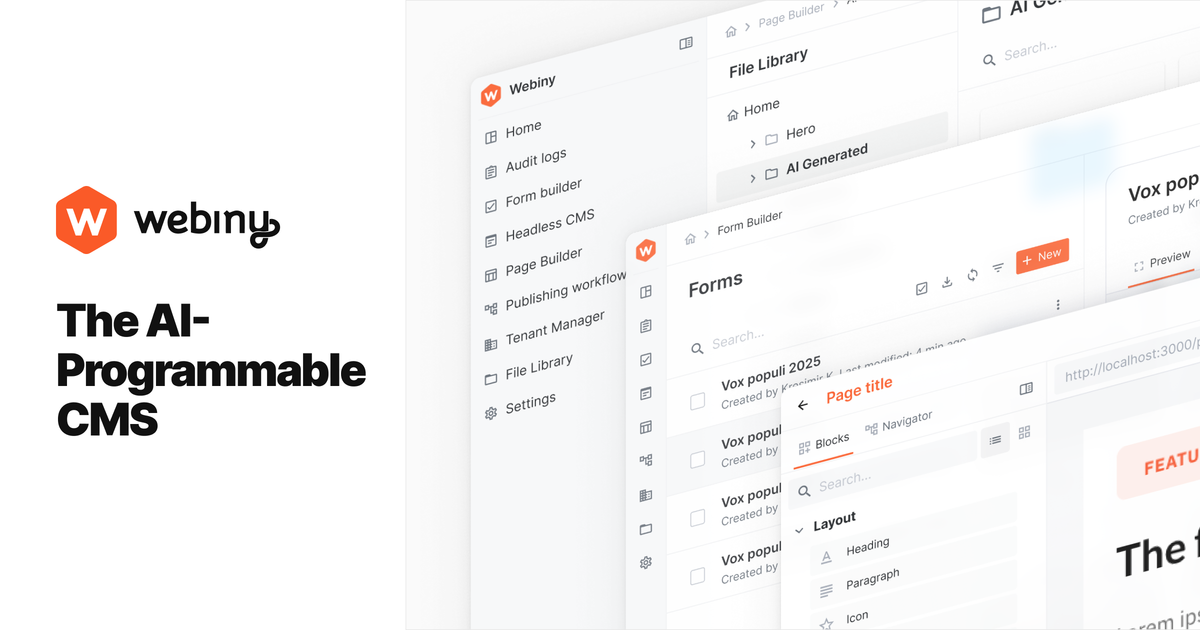
Flexible headless CMS modeling
Define content models through the UI, through code, or through the API, then expose them through GraphQL for application development.
Webiny is an open-source, self-hosted headless CMS platform built for teams that want to own their content infrastructure. The platform combines a headless CMS, website builder, and file manager with a TypeScript-based framework and GraphQL API.
The product is designed for enterprise-scale deployments and multi-tenant content operations. According to the source, developers can define content models, extend APIs, automate workflows, and build on a production-ready foundation that can be deployed to an AWS account.
Define content models through the UI, through code, or through the API, then expose them through GraphQL for application development.
Create and customize websites with a drag-and-drop editor and pre-built components.
Manage digital assets in a dedicated file manager for organizing and using content files across projects.
Set up publishing workflows, role-based access control, multi-tenancy, and team management depending on the plan.
Deploy into your own AWS account and choose between DynamoDB and DynamoDB plus OpenSearch for different scaling needs.
Use TypeScript, SDKs, lifecycle events, and the built-in GraphQL playground to extend the platform and connect custom logic.
Build structured content systems where developers define models and APIs, while editors manage entries through the UI.
Launch or extend marketing sites with a visual website builder and reusable components without rebuilding the core platform.
Organize and serve assets through a dedicated file manager when teams need to manage many digital files in one place.
Run multi-tenant platforms or branded instances from a single Webiny installation when one deployment has to support multiple projects.
Deploy content infrastructure into a customer-owned AWS account when self-hosting, infrastructure control, and scaling choices matter.
Webiny is designed to be deployed into your own AWS account. The quickstart explains how to create a project, deploy it, and open the Admin panel after the first deployment.
The quickstart says Webiny supports two database setups: Amazon DynamoDB for smaller or evaluation projects, and Amazon DynamoDB plus Amazon OpenSearch for larger or enterprise-level projects.
The pricing page shows a free Community plan, a Business plan for commercial projects and small teams, and an Enterprise plan with contact sales pricing.
The source highlights Headless CMS, Website Builder, and File Manager as core apps, with additional capabilities such as workflows, permissions, multi-tenancy, and SSO available in higher plans.
트래픽 데이터는 참고용으로만 확인하세요.