

Audio transcription
Transcribe uploaded audio into text, with support for multiple languages, accents, and dialects.
WavoAI is an audio transcription product that turns recordings into transcripts and AI-assisted summaries. Its core workflow is to upload audio, transcribe it, and then use transcript-aware analysis to surface action points, to-do items, and summaries.
The site presents WavoAI as useful for people who need to review long recordings, meetings, or conversations more efficiently. It also highlights speaker identification, transcript annotations, and support for multiple languages, accents, and dialects as part of the transcription experience.
Transcribe uploaded audio into text, with support for multiple languages, accents, and dialects.
Distinguish between speakers and add transcript annotations for easier review of conversations and recordings.
Use the AI assistant to generate insights, action points, to-do items, and summaries from a transcript.
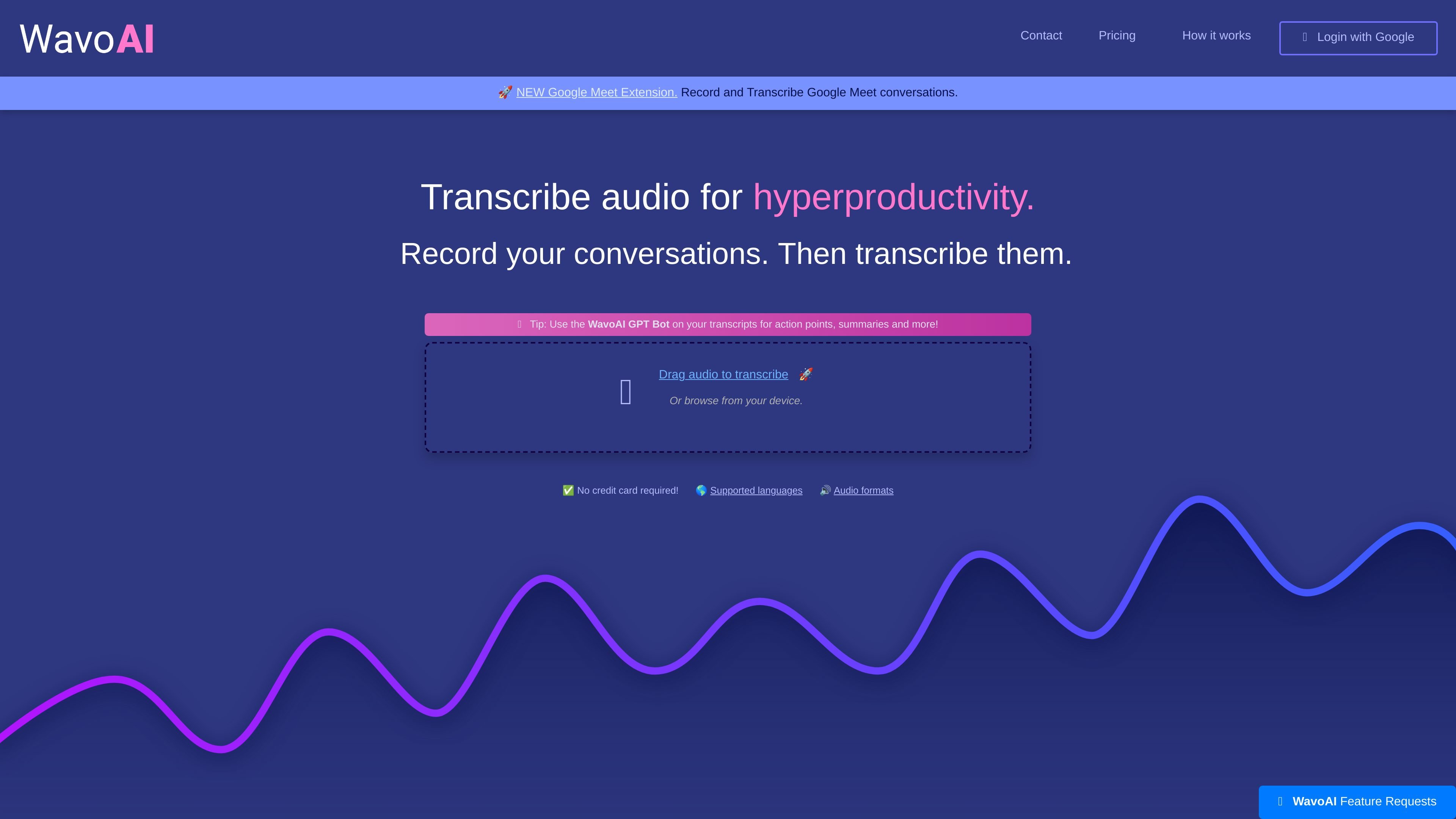
Start from the web app by dragging in audio or browsing files from your device.
Use the Google Meet extension mentioned on the site to record and transcribe meetings.
Continue from transcripts into a GPT bot-style workflow for follow-up analysis and action items.
Turn recorded meetings into transcripts and then review the AI-generated summaries, action points, and to-do items to capture follow-up work.
Upload interviews, calls, or other conversations and use speaker identification plus annotations to review who said what.
Process long recordings that would be tedious to reread manually, then navigate the transcript with AI-assisted insights instead of scrubbing audio.
Use the Google Meet extension workflow for teams that want to record and transcribe live meeting conversations from the browser.
Upload audio files from a device when you already have a recording and want a transcript without relying on a separate meeting tool.
WavoAI offers a free trial tier with a 1-hour transcription limit and partial AI content analysis. The pricing page also shows a Pro plan with unlimited audio, unlimited transcripts, and full AI analysis, plus an Enterprise option for higher-volume use.
The source shows WavoAI supports uploading audio for transcription and also mentions a Google Meet extension for recording and transcribing meetings.
WavoAI includes speaker identification, transcript annotations, and AI-assisted outputs such as insights, action points, to-do items, and summaries.
The available source text does not list a detailed integration catalog. It only states that WavoAI can integrate with existing tools and workflows, so specific third-party services are not confirmed here.
The source presents an account flow that asks users to register with Google before checkout, and it also shows Google login on the account page.
트래픽 데이터는 참고용으로만 확인하세요.