
On-device transcription
Use Apple’s on-device Speech engine, including the newer macOS 26 models, to transcribe locally so audio does not leave your Mac.
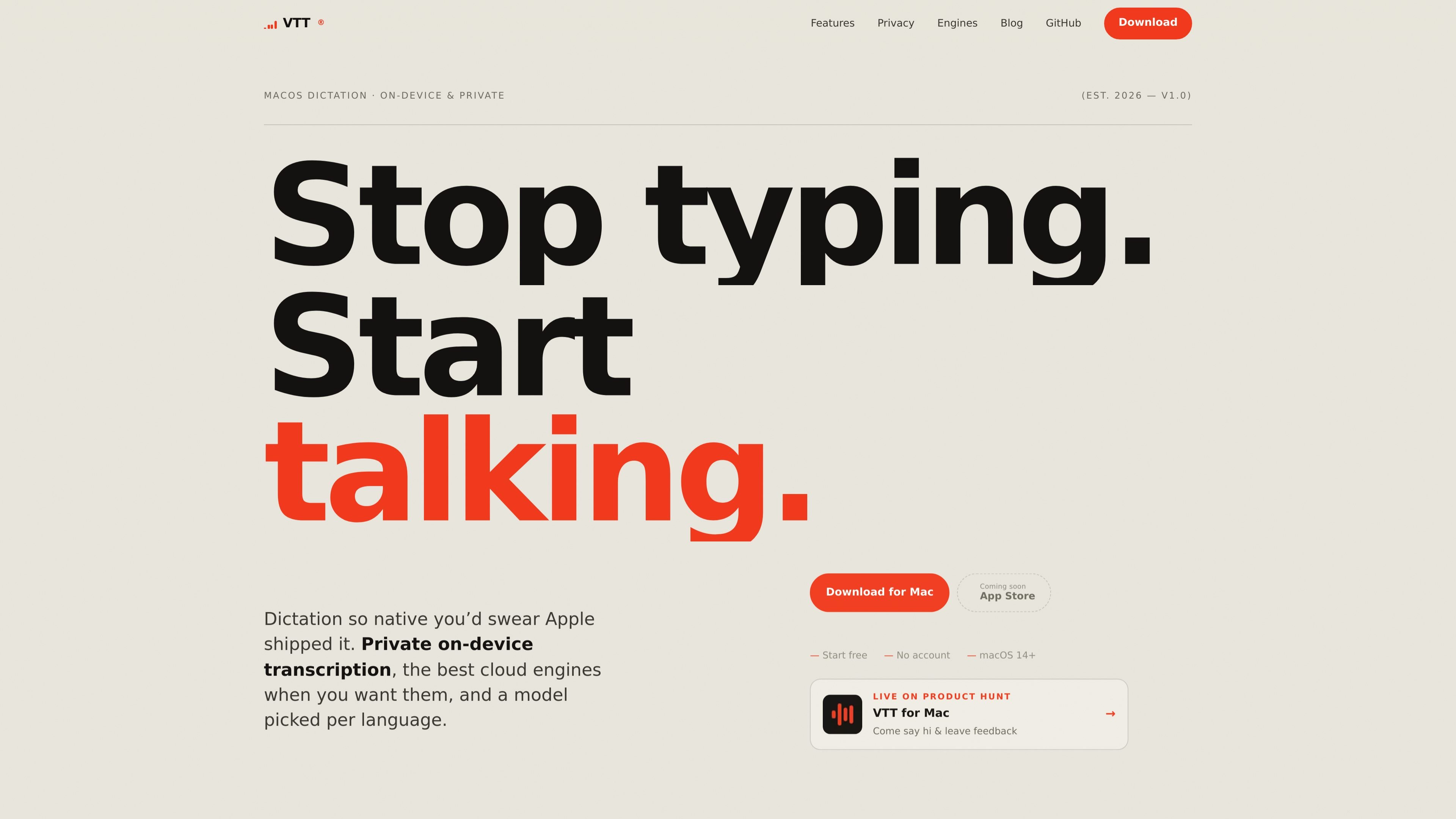
VTT is a native macOS dictation app for people who want voice-to-text that stays close to the system experience. It supports on-device transcription by default, with optional cloud engines if you want to trade privacy for another accuracy path, and it is built only for Mac.
The app is designed around a menu-bar workflow: trigger dictation with a global hotkey, have text inserted into the app you are working in, and keep a local history of recent transcripts. The site also highlights per-language engine selection, downloadable models, and support for accents that built-in dictation may handle poorly.
VTT’s privacy model is straightforward. On-device dictation keeps audio on the Mac, while cloud engines are used only with your own provider key. The result is a dictation tool aimed at users who want a private default, a native macOS interface, and more control over which engine handles each language.
Use Apple’s on-device Speech engine, including the newer macOS 26 models, to transcribe locally so audio does not leave your Mac.
Run VTT from the menu bar with a global hotkey, a live waveform, and auto-insert into the app you are currently typing in.
Bring your own API key for Deepgram, OpenAI, or ElevenLabs, then choose the model you want from each provider.
Route different languages to different engines, either automatically or by manual selection, so each language can use the engine that fits best.
Pre-download supported language models so dictation starts as soon as you press the shortcut, even without waiting on a download.
Keep a local, newest-first transcript history on your Mac so you can paste a recent dictation again if you need to.
Dictate text into emails, documents, and other Mac apps using a global hotkey and automatic insertion, instead of switching to a separate transcription window.
Keep sensitive audio on your device by using Apple’s on-device Speech engine for drafts, notes, and other private dictation.
Switch to Deepgram, OpenAI, or ElevenLabs when built-in dictation struggles with a strong accent or a particular language.
Route languages separately when you work across more than one language, so each one can use the engine that handles it best.
Re-paste recent transcripts from local history if you paste into the wrong place, close the app, or want to reuse the latest dictation.
By default, VTT transcribes on-device using Apple’s Speech engine, so audio stays on your Mac. There is no account or analytics. If you enable a cloud engine, audio is sent directly to that provider using your own API key.
Yes. VTT is free to start, with no account required. On-device dictation costs nothing. Cloud engines are pay-as-you-go through your own provider API key if you choose to use them.
VTT supports Apple’s on-device Speech engine, including the macOS 26 models, plus optional cloud engines from Deepgram, OpenAI, and ElevenLabs. You can choose the engine per language.
VTT requires macOS 14 or later and runs on both Apple Silicon and Intel Macs. The site says it recommends the correct build automatically.
Yes. On-device dictation works fully offline. An internet connection is only needed for cloud engines or to download additional language models.
트래픽 데이터는 참고용으로만 확인하세요.