

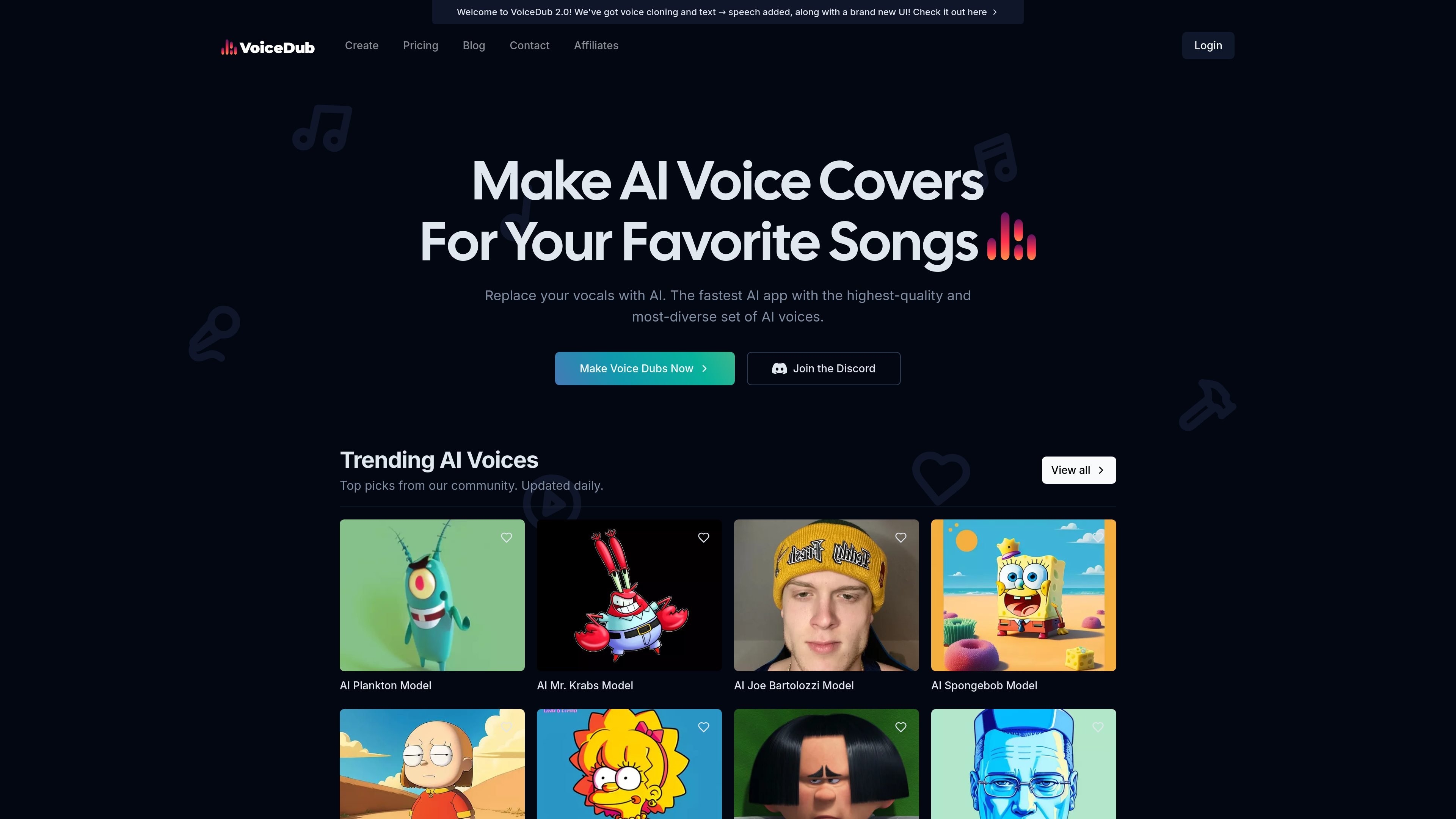
Voice-to-voice dubbing
Replace vocals in an audio file with one of the platform’s AI voices. The site positions this as the core VoiceDub workflow for making voice covers.
VoiceDub is a web-based AI audio tool for making voice covers and related voice transformations. Its main workflow replaces vocals in an uploaded audio file with an AI voice, while adjacent tools handle voice cloning, text-to-speech, stem isolation, and vocoder-style singing effects.
The product presents itself as a browser-first platform with a large and frequently updated voice library, plus options to train a custom voice from uploaded vocals or from model files. Pricing is tiered, with a free/basic entry plan and higher plans that raise usage limits and add faster processing and premium support.
Replace vocals in an audio file with one of the platform’s AI voices. The site positions this as the core VoiceDub workflow for making voice covers.
Convert written text into spoken audio using the site’s text-to-speech model, which it says is optimized for speech and storytelling.
Upload vocals and train the platform on your own voice for custom covers or voice generation. The clone page supports uploaded audio and model-file based workflows.
Upload a track and split it into vocal and instrumental stems. The site labels this tool as free and browser-based.
Use the vocoder flow to make dialogue sing over a track, with the page describing neon-edge visual treatment and MP4 export.
Browse, sort, and filter a large voice library by tab, category, language, genre, and style. The site says it includes over 10,000 AI voices.
Create a cover by uploading an audio track and swapping the vocals for a selected AI voice. This is the product’s primary path for making AI voice covers.
Train the system on your own vocals to build a reusable custom voice for later dubs or experiments. The clone flow supports uploaded audio as well as model-file-based imports.
Turn text into spoken audio when you do not already have a voice recording. The site describes this as useful for speech and storytelling.
Separate a song into vocal and instrumental stems when you want to remix, isolate a part, or create karaoke-style assets. VoiceDub labels this as a free browser tool.
Use the vocoder tool to make a dialogue clip sing along with music and export the result as MP4. The page frames this as a browser-based workflow with no upload required.
VoiceDub says new credits and features should appear immediately after a successful checkout. If they do not, the site advises contacting support.
The site says dubs are queued for processing. If VoiceDub is busy, it parallelizes work to keep jobs moving, but some requests can still take a few minutes.
VoiceDub adds new AI voices regularly, but some requested voices may not be available yet. The site asks users to request voices through its request flow or Discord.
Yes. VoiceDub says it has an official affiliate program that pays a 30% commission for each paying customer who subscribes through a referral link.
트래픽 데이터는 참고용으로만 확인하세요.