

Color controls
Adjust background, text, border, accent, chart, and sidebar colors through a visual interface instead of editing theme tokens by hand.
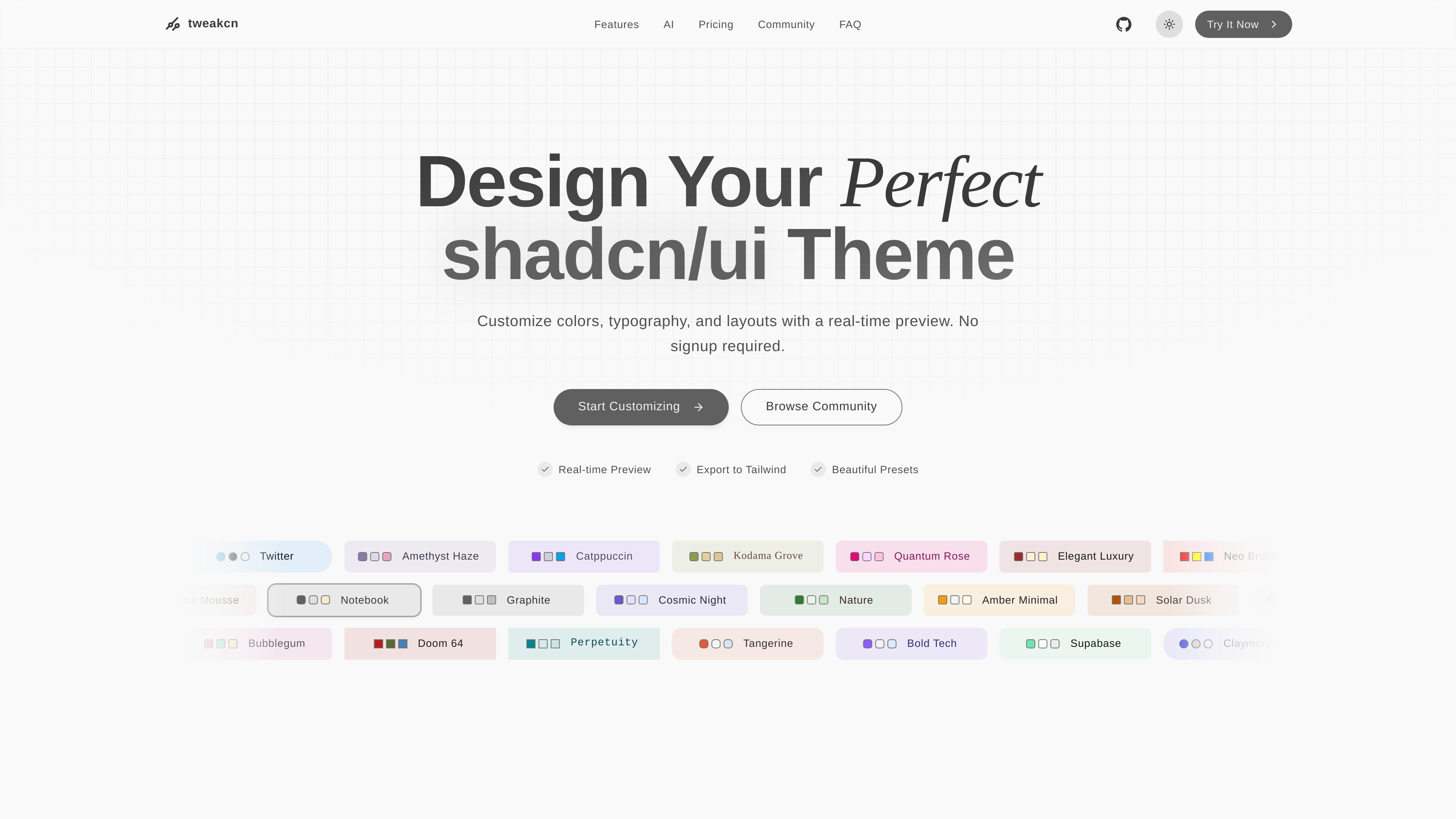
tweakcn is a visual theme editor and generator for shadcn/ui. It helps developers build and refine custom themes by changing colors, typography, and other theme properties in a live preview instead of editing styles blindly.
The product supports Tailwind CSS v4 and v3, works with shadcn/ui and custom styles, and offers export paths for copying CSS variables or a Shadcn Registry command into a project. The home page also positions it as a no-signup starting point with community themes and AI-assisted theme creation.
Adjust background, text, border, accent, chart, and sidebar colors through a visual interface instead of editing theme tokens by hand.
Tune font size, weight, and text transform so the theme matches the tone and hierarchy of the interface.
Switch between Tailwind v4 and v3 while working with supported color formats such as OKLCH and HSL.
Edit radius, spacing, shadows, and other theme properties for broader control over component appearance.
Check contrast ratios while editing to catch accessibility issues before export.
Create a theme from an image or prompt in the AI flow, then refine it in the editor.
Start from a preset or community theme, then adjust colors, radius, and typography until the design fits a specific product brand.
Use the AI theme flow to generate a starting point from an image or prompt, then refine the result in the editor.
Move theme settings into a project by exporting CSS variables or a Shadcn Registry command after previewing the result.
Browse public community themes for inspiration, then compare styles by tags such as minimal, professional, dashboard, or cyberpunk.
Check contrast ratios while iterating on colors to keep the theme closer to accessible UI choices.
tweakcn is a visual theme editor and generator for shadcn/ui. It lets you customize colors, typography, layout-related properties, preview changes in real time, and export the result as code or CSS variables.
Yes. The pricing page includes a Free plan and a Pro plan. The Free plan includes full theme customization, 5 AI-generated themes, saving and sharing up to 10 themes, importing and exporting via CSS variables, exporting via a Shadcn Registry command, and a contrast checker.
Pro adds unlimited saved and shared themes, unlimited AI-generated themes, image-based theme generation, priority support, and the ability to save your own fonts and colors.
The source explicitly says tweakcn supports Tailwind CSS v4, and the editor page also references Tailwind v3. The pricing and home copy also mention shadcn/ui and custom styles.
Yes. The home page says you can start customizing without signup, and the pricing page includes a Free plan that supports full theme customization. The editor is positioned for shadcn/ui projects, including importing and exporting themes through CSS variables or a Shadcn Registry command.
트래픽 데이터는 참고용으로만 확인하세요.