

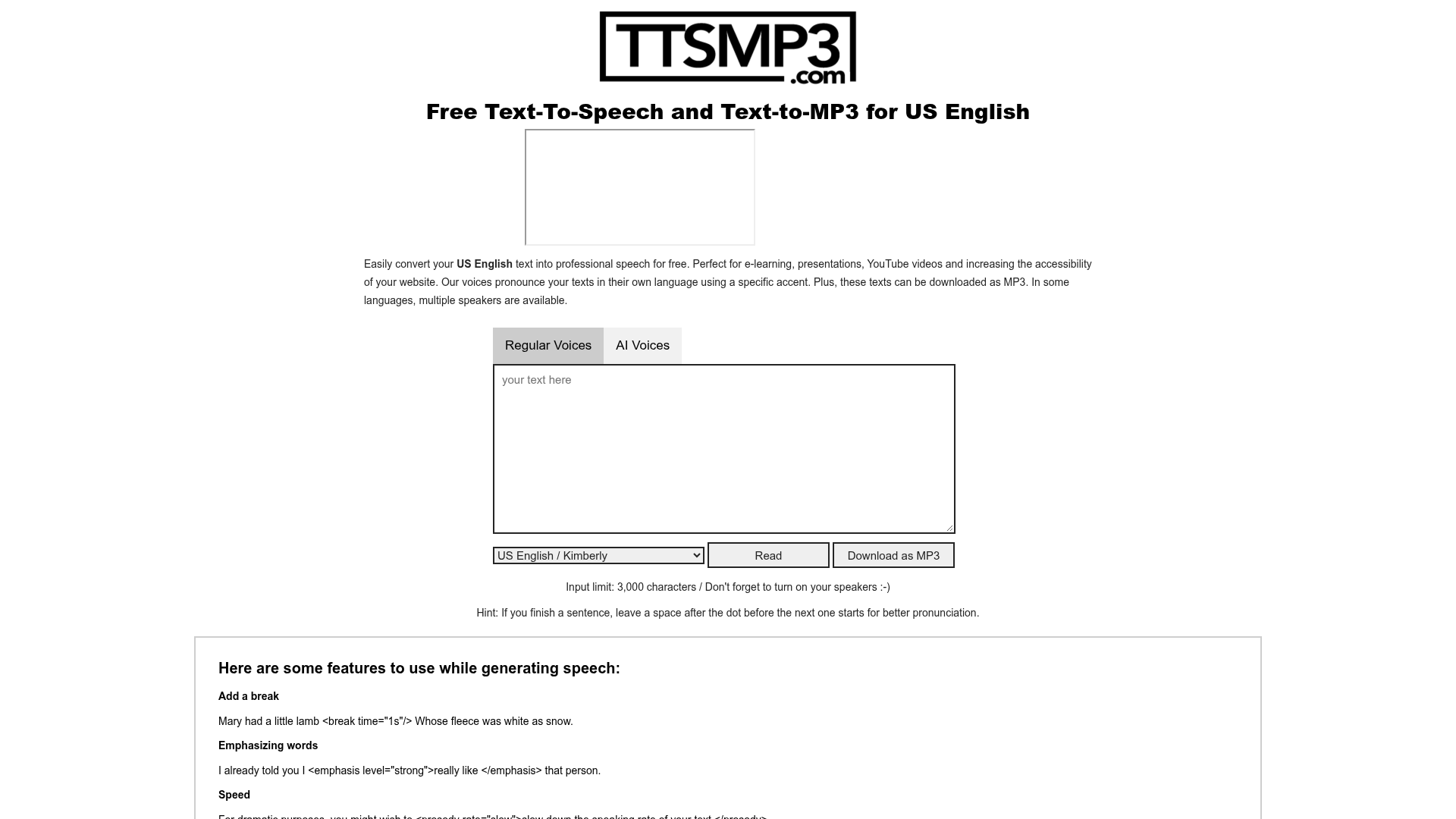
Text-to-speech conversion
Convert written text into spoken audio using either Regular Voices or AI Voices, depending on the style and language support you need.
ttsMP3 is an online text-to-speech service that turns written text into spoken audio and lets you download the result as an MP3 file. The site offers both Regular Voices, powered by Amazon Polly, and AI Voices, powered by OpenAI Text-To-Speech, so users can choose between SSML-style controls and more natural-sounding AI speech.
The service is set up for short-form conversion workflows such as e-learning, presentations, YouTube videos, accessibility content, and app or website automation through the API. Free use is available with daily character limits, while 1-year premium access includes API access and additional conversion capacity.
Convert written text into spoken audio using either Regular Voices or AI Voices, depending on the style and language support you need.
Generate audio in multiple languages and accents, with regular voices listed at more than 28 supported voice languages and AI voices supporting a separate set of languages.
Listen to the generated speech in the browser before downloading it as an MP3 file.
Use SSML-style controls with Regular Voices, including pauses, emphasis, speed, pitch, and whisper effects.
Add pauses and voice instructions for AI Voices, including guidance for identity, affect, tone, emotion, and pronunciation.
Use the API to send text and receive a generated MP3 URL for apps, websites, and automated workflows.
Turn scripts, lesson prompts, and reading passages into downloadable audio for online learning materials.
Generate narration for product demos, slides, or internal presentations without recording a voice track manually.
Create voice tracks for YouTube videos and other published media, with commercial reuse allowed for the generated MP3 files.
Convert on-page or app text into spoken audio to support accessibility-focused experiences on websites and apps.
Use the API to automate text-to-speech conversion in applications, websites, or batch workflows.
Yes. ttsMP3 can be used for free with daily character limits. The regular voice converter currently offers up to 3,000 characters per day, and AI voices have a separate daily limit.
Choose a voice, enter your text, and start the conversion. When the speech is generated, you can listen online and download the finished MP3 file.
Yes. The generated MP3 files can be used in commercial and non-commercial projects, including YouTube videos, presentations, websites, apps, and e-learning content. A backlink or mention is appreciated but not required.
Yes. API access is included with every 1-year plan and must be requested by email after purchase. The API documentation is available at https://ttsmp3.com/apidoc.
Regular Voices are powered by Amazon Polly and support SSML features such as breaks, emphasis, speed, pitch, and whisper effects. AI Voices are powered by OpenAI Text-To-Speech and support pauses and voice instructions, but not the same direct pitch controls.
트래픽 데이터는 참고용으로만 확인하세요.