

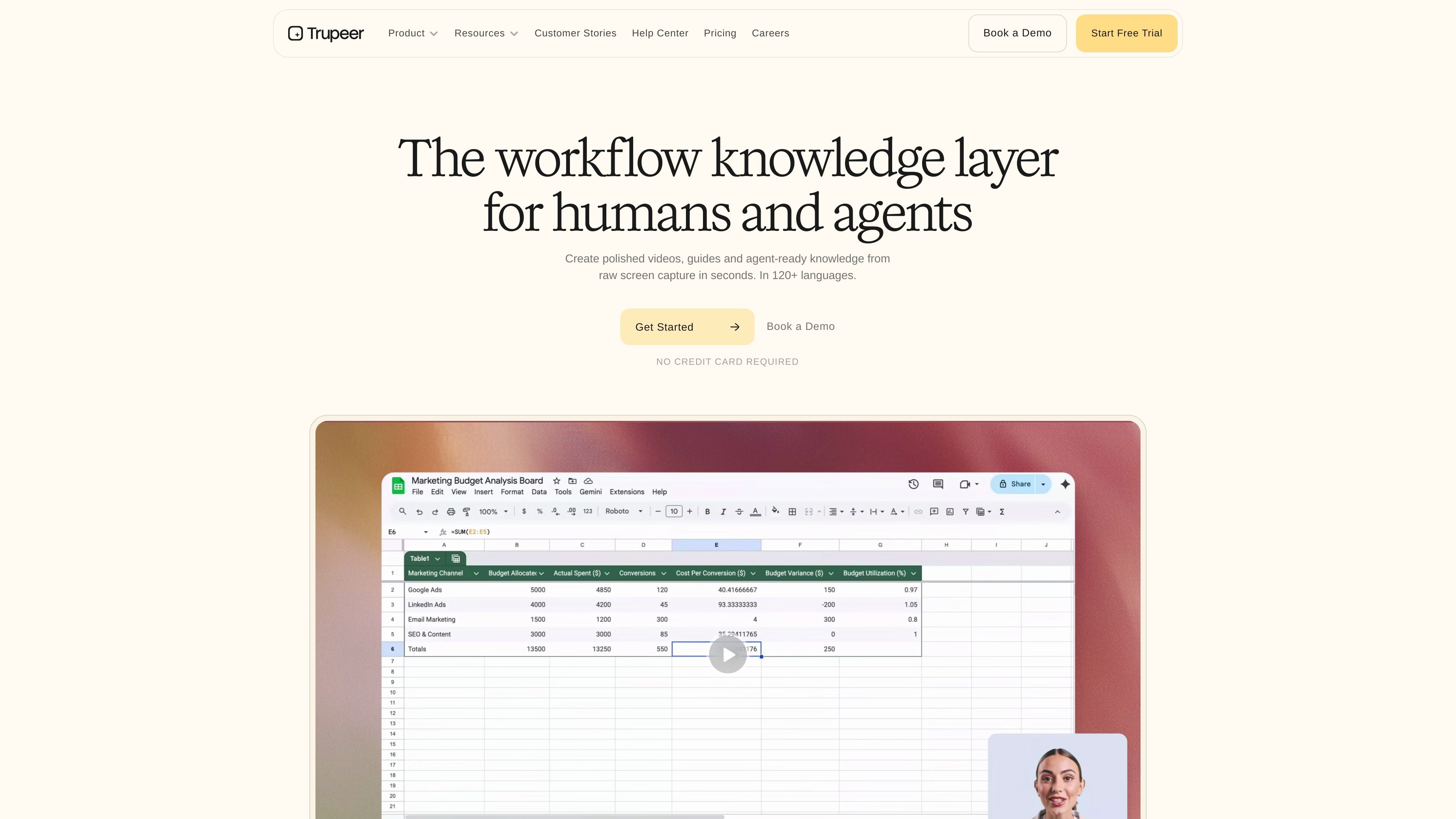
Screen recording input
Record a screen workflow in the browser with the Chrome extension, or upload an existing recording, then turn it into a finished video.
Trupeer AI is a workflow knowledge platform for turning screen recordings into polished videos, step-by-step guides, and searchable documentation. The site describes it as software for businesses that can create video and documentation outputs from raw capture in minutes.
The product centers on a simple workflow: record your screen in the browser with the Chrome extension, or upload an existing recording, then let AI handle editing, narration, zooms, branding, and output generation. The pages also position it for multilingual use, with translation support and claims of content in 120+ languages across the site.
Record a screen workflow in the browser with the Chrome extension, or upload an existing recording, then turn it into a finished video.
Add AI voiceover in multiple accents and voice styles, with filler words removed from the raw recording.
Apply automatic zoom transitions to key clicks and actions so important steps are easier to follow.
Add realistic avatar narrators and brand elements such as logos, colors, fonts, and wallpapers.
Convert a recording into polished scripts, manuals, SOPs, and step-by-step documentation.
Translate videos and docs into 120+ languages, with the site also describing multilingual creation in 65+ languages on the video page.
Create a product demo from a screen recording and add AI narration, zooms, avatars, and branding before sharing it with prospects or customers.
Turn an internal process recording into SOPs, manuals, or step-by-step guides for onboarding and day-to-day team use.
Publish customer-facing help content with searchable guides and AI video search so people can find answers without a support call.
Translate one recording into multilingual videos and docs for teams, customers, or regions that need localized content.
Build customer success or sales assets that can be shared by link, embedded, or downloaded after editing and formatting are complete.
Yes. The pricing page shows a free plan, paid plans, and an Enterprise option that uses a contact-us flow.
The pricing page says each plan includes a fixed number of AI video minutes per month, and guide creation is unlimited on paid plans. Exporting videos does not consume credits.
The video page says you can record with the Chrome extension or upload an existing recording, then use Trupeer to add voiceover, zooms, avatars, branding, and sharing options.
The documentation page says Trupeer can auto-generate manuals, SOPs, and step-by-step guides from a recording.
The translation page and pricing page indicate translation is available for videos and guides, and the homepage says Trupeer supports 120+ languages.
트래픽 데이터는 참고용으로만 확인하세요.