
Inbox triage
Toyo reads incoming messages, helps sort priorities, and drafts responses so the user can move faster through a crowded inbox.

Toyo는 창업자와 리더를 위한 AI 비서로, iMessage 또는 Telegram에서 받은편지함 정리, 회의 일정 조율, 통화 준비, 후속 조치를 처리합니다. 별도 앱 없이 Gmail, Calendar, Notion, Slack과 연결됩니다.
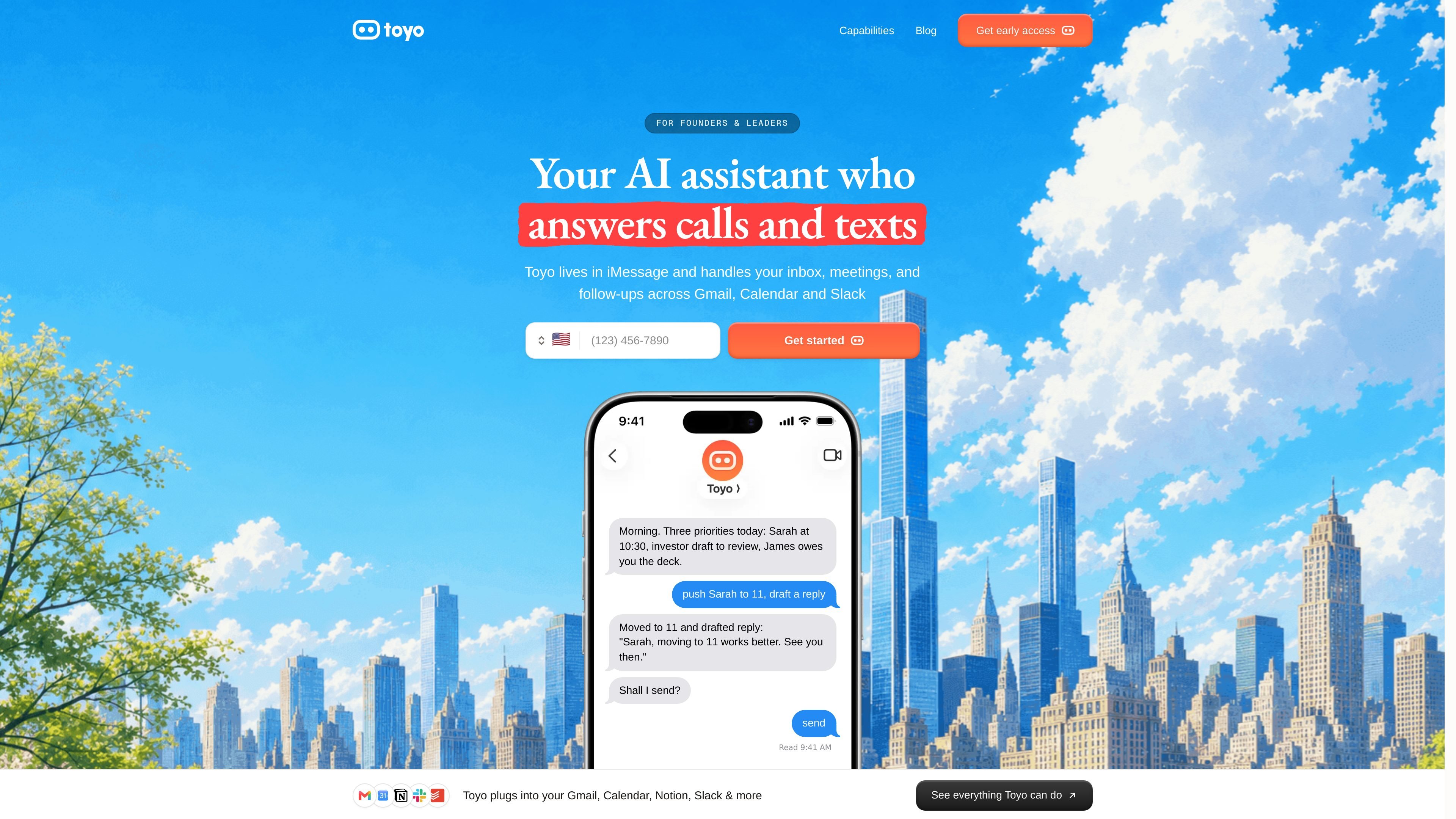
Toyo is an AI assistant for founders and leaders that works inside iMessage and Telegram rather than through a standalone app. The product is built to handle everyday admin work such as inbox triage, meeting scheduling, call preparation, and follow-up drafting.
The home page frames Toyo as a way to reduce the time founders spend on email, calendar juggling, notes, and reminders. It plugs into tools including Gmail, Calendar, Notion, and Slack, so the assistant can act across the systems where work already lives.
Toyo reads incoming messages, helps sort priorities, and drafts responses so the user can move faster through a crowded inbox.
The product can schedule meetings and help reshape the day around changing priorities, which fits the founder workflow shown on the home page.
The home page shows Toyo preparing for calls and handling follow-ups, including drafting replies to action items after a meeting or message.
Toyo is presented as working through iMessage, so the main interface is a familiar chat thread instead of a separate dashboard or inbox app.
The site says Toyo plugs into Gmail, Calendar, Notion, Slack, and more, suggesting it works across the tools founders already use.
Use Toyo to sort through incoming mail, identify what needs attention, and draft quick responses so your inbox does not become a full-time task.
Use Toyo to move meetings when priorities change, keep the calendar aligned, and reduce the back-and-forth that slows down planning.
Use Toyo to prepare for calls by pulling together notes and context from connected tools before the conversation starts.
Use Toyo to chase follow-ups after conversations, so action items and promised replies are less likely to get lost.
Use Toyo as a lightweight operating layer for founders who want admin handled through chat instead of another dashboard to monitor.
Toyo is positioned as an AI assistant for founders and leaders. It lives in iMessage and also supports Telegram, so the workflow is designed around chat rather than a separate app.
The source pages show Toyo handling inbox triage, meeting scheduling, call preparation, and follow-ups across Gmail, Calendar, Notion, and Slack. The capabilities pages suggest the product is organized around those workstreams.
The site says Toyo is useful for founders and leaders who are losing time to email, calendar management, notes, and follow-up work. It is aimed at people who want administrative work handled in the background rather than through another dashboard.
The pricing page is available, but the collected text does not include explicit plan names, prices, or usage limits. The safe reading is that pricing exists, but the specific model is not visible in the provided evidence.
Toyo plugs into Gmail, Calendar, Notion, Slack, and more according to the home page. The source does not provide a complete integration list or setup details beyond those examples.
트래픽 데이터는 참고용으로만 확인하세요.
| 4월 | 2998 |
|---|---|
| 5월 | 2051 |
| 6월 | 2199 |
