

Browser-based text-to-MP3 conversion
Convert written text into spoken audio in your browser and download the result as an MP3 file. The homepage presents this as a direct text-to-speech workflow without login or sign-up.
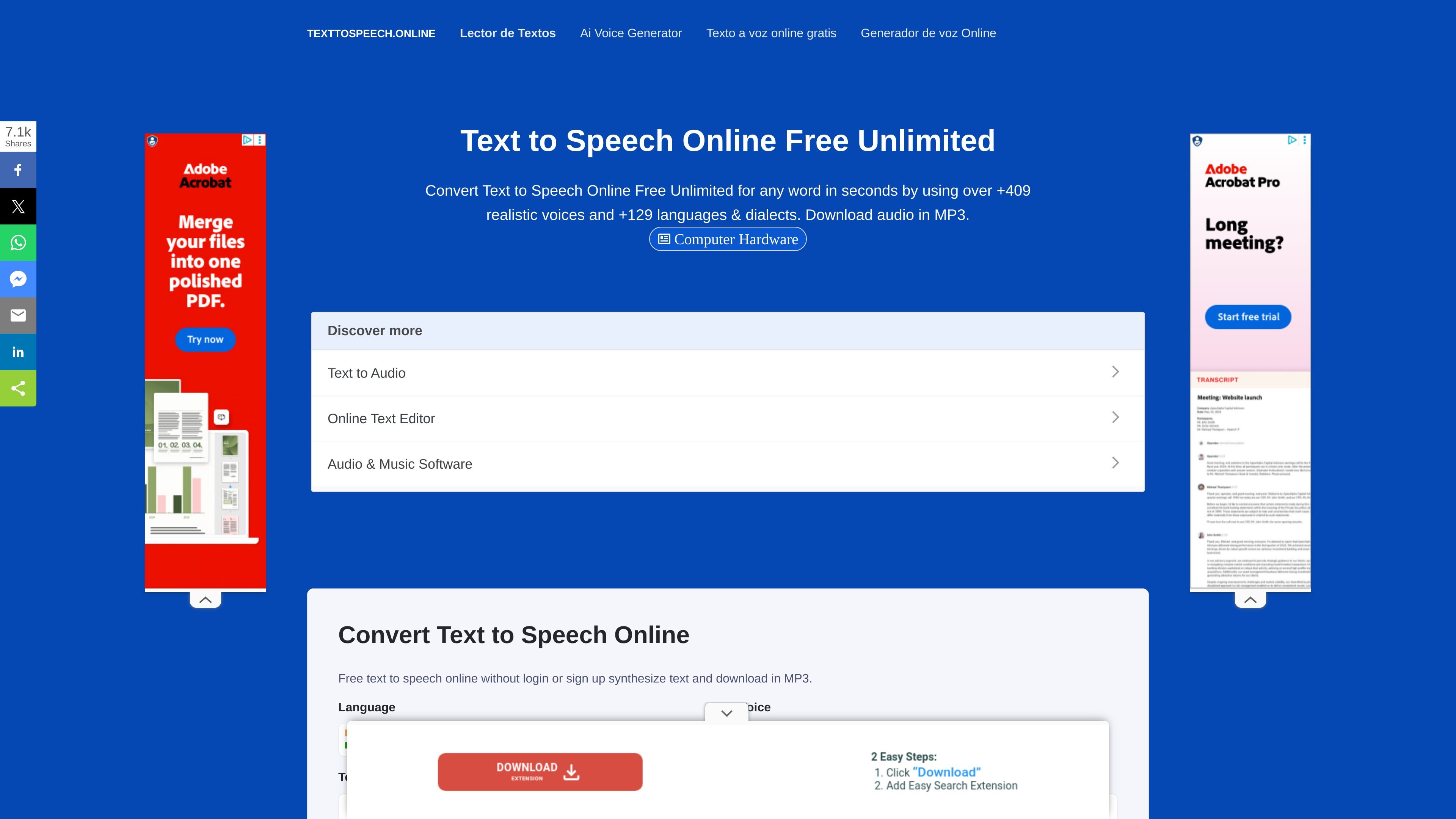
Text To Speech Online converts written text into downloadable MP3 or WAV audio through a web browser. The homepage describes it as a free, unlimited service with natural-sounding voices and highlights direct MP3 conversion for use on mobile or desktop devices.
The site emphasizes broad language and voice coverage, with claims ranging from 409+ voices and 129+ languages and dialects to 65 languages and more than 400 voices in the feature copy. It also supports standard and AI / neural voices, SSML controls, and multiple output formats, including MP3 and WAV.
Convert written text into spoken audio in your browser and download the result as an MP3 file. The homepage presents this as a direct text-to-speech workflow without login or sign-up.
Choose from a broad catalog of voices and languages. The site advertises 409+ voices and 129+ languages and dialects, and also says its converter covers 65 languages and more than 400 voices.
Use standard voices or AI / neural voices. The site states that standard voices are lower cost, while AI voices are described as more fluent.
Apply SSML controls to shape speech. The homepage lists pitch, volume, speed, emphasis, and beep-outs for words or phrases among the supported tags.
Export audio in multiple formats. The feature copy mentions MP3 and WAV output, along with the ability to download, export, or embed files repeatedly.
Share or publish audio through podcast workflows. The site says text can be converted into podcasts and published to platforms such as iTunes, Spotify, SoundCloud, and Google Podcasts using RSS feeds.
Paste short or long passages and quickly generate spoken audio for listening on a phone or computer.
Select from numerous language and dialect options when you need speech in a specific locale or accent.
Use SSML tags to adjust pitch, speed, volume, or emphasis, or insert beep-outs for speech timing and presentation.
Create audio versions of articles, books, or other written material for listening instead of reading.
Publish audio content as podcasts and share files through RSS-based podcast workflows.
No login or sign-up is mentioned on the homepage, and the product copy says you can synthesize text and download MP3 audio directly.
The site says it supports MP3 downloads on the homepage and also mentions WAV audio in the feature list.
The pricing page shows a free package, and the site also describes pay-as-you-go, package, and subscription pricing models.
The homepage says the converter covers 65 languages and more than 400 voices, while other sections advertise 129+ languages and dialects and 409+ voices.
The site provides a contact form with fields for name, department, email, phone number, and message, suggesting that contact is handled through the website rather than through published support details.
트래픽 데이터는 참고용으로만 확인하세요.
| 4월 | 30854 |
|---|---|
| 5월 | 28601 |
| 6월 | 37529 |
아직 트래픽 분석 데이터가 없습니다.