
Run summaries
View each run as a report with summary, spec breakdown, error groups, run history, and configuration metadata so teams can understand failures in context.

TestDino는 CI 테스트 결과, 로그, 실패 컨텍스트를 중앙화하는 Playwright 리포팅·분석 플랫폼으로, AI 지원 트리아지, 불안정 테스트 탐지, 워크플로 통합을 제공합니다.
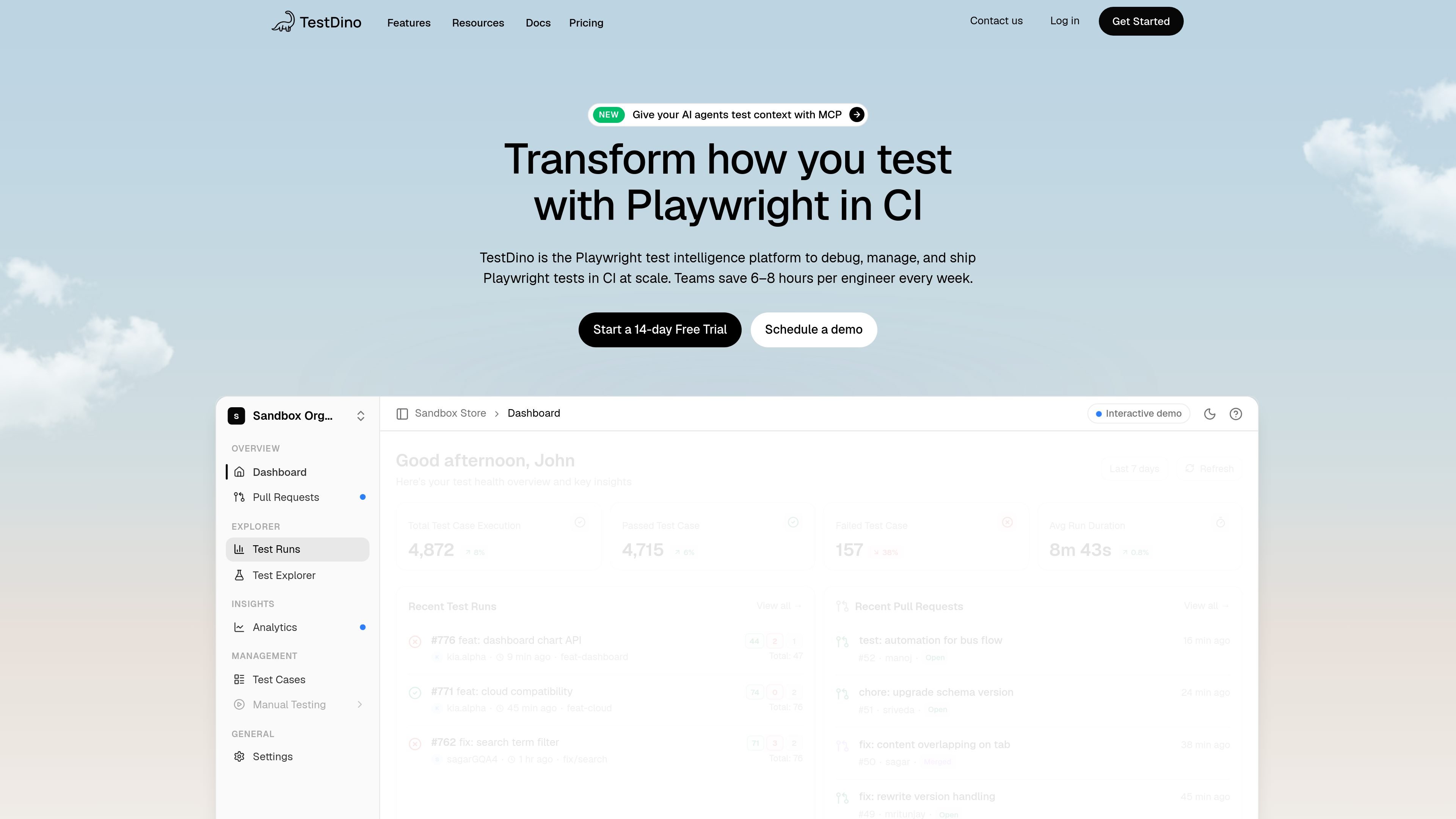
TestDino is a Playwright reporting and test intelligence platform for teams that run browser tests in CI. It centralizes test results, CI logs, and run metadata so engineers can review failures, track trends, and manage test health from one place.
The product combines run summaries, failure grouping, flaky test detection, analytics, and AI-assisted debugging. It also exposes an MCP server for AI agents and supports workflow integrations across GitHub, GitLab, Slack, Jira, and other engineering tools.
View each run as a report with summary, spec breakdown, error groups, run history, and configuration metadata so teams can understand failures in context.
Inspect failures with screenshots, video, trace viewer integration, DOM snapshots, console logs, network logs, and visual diff comparison.
Classify failures with AI, get fix suggestions, and apply custom AI classification rules to group recurring issues.
Spot unstable tests with stability percentages, root-cause categories, flake subcategorization, quarantine recommendations, and rerun controls.
Track suite health with pass/fail trends, duration trends, CI cost tracking, custom metrics, environment pass rates, and dashboards.
Connect reporting to the rest of the delivery workflow with GitHub, GitLab, Slack, Jira, Linear, Azure DevOps, Asana, monday, and MCP access for AI assistants.
Use run summaries and error grouping to understand what failed, where it failed, and what changed in the run without digging through raw CI output.
Review stability scores, failure categories, and rerun history to identify tests that are unreliable and decide whether to quarantine or rerun them.
Monitor pass/fail rates, duration trends, and CI cost tracking to keep test suites healthy as they grow.
Send summaries, alerts, and PR status checks to GitHub, GitLab, and Slack so failures reach the right people in the same workflow they already use.
Query results and failure context through MCP from an AI assistant or coding agent when you want debugging help without switching tools.
TestDino counts each individual test case run as one execution. If a suite runs across multiple browsers, each browser run counts separately, and retries are counted again.
The pricing page shows a 14-day trial for the Pro and Team plans, with Enterprise available by contacting sales.
The source shows three paid tiers: Pro, Team, and Enterprise. Pro and Team have listed monthly prices, while Enterprise uses custom pricing.
TestDino supports GitHub and GitLab integrations, Slack notifications, CI/CD provider support, and a REST API. The site also highlights an MCP server for AI agents.
The security page states that enterprise customers can disable AI-powered features for their workspace.
트래픽 데이터는 참고용으로만 확인하세요.