
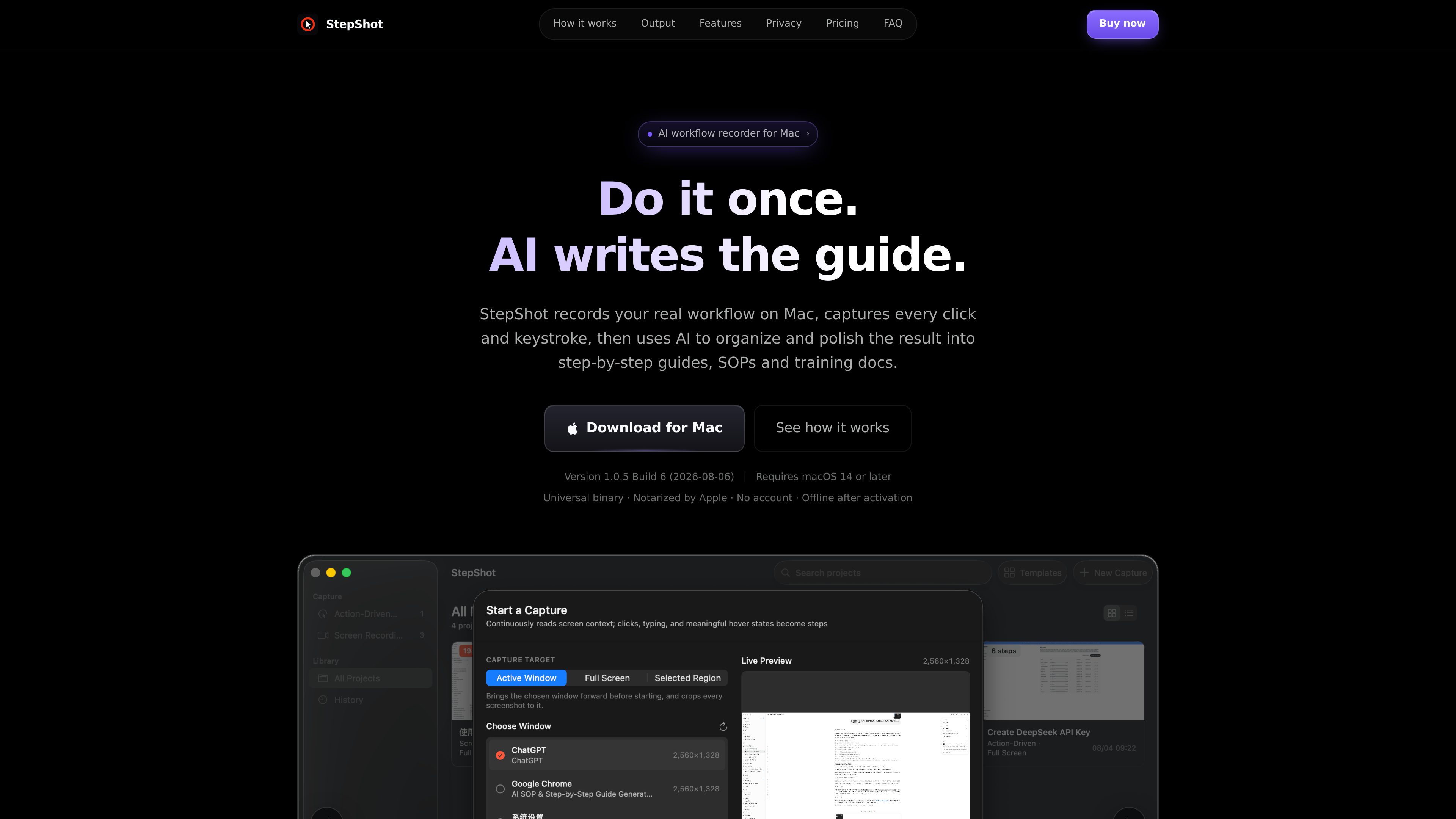
Two capture modes
Use action-driven capture to record the frame before each click, or screen-recording mode to keep a continuous video while cursor pauses help split steps.

StepShot은 워크플로를 기록해 단계별 가이드, SOP, 교육 문서로 변환하는 Mac 앱입니다. 스크린샷, 주석, 내보낼 수 있는 파일을 활용해 개인과 팀이 반복 가능한 프로세스를 문서화할 수 있습니다.
StepShot records Mac workflows and turns them into structured step-by-step guides, SOPs, and training documents. It captures user actions on screen, builds a draft document as you work, and lets you review the result before exporting.
The app is designed for people who need to document repeatable processes without assembling screenshots, annotations, and page layouts by hand. It can use optional AI to improve structure and copy, while keeping the local draft and export workflow intact if you do not use cloud features.
Use action-driven capture to record the frame before each click, or screen-recording mode to keep a continuous video while cursor pauses help split steps.
StepShot builds step titles and descriptions from captured actions, with accessibility data used to identify controls, labels, roles, and screen positions when available.
An OpenAI-compatible model can improve titles, descriptions, and step order after the local draft is created. Suggestions are reviewed before they are applied, and a failed request does not remove the local version.
You can crop, merge, reorder, add notes, insert section breaks, and apply redaction. Redacted pixels are resampled rather than masked, and secure fields are never read.
Export finished documents as PDF, Markdown, or HTML from the same rendered layout. HTML inlines screenshots as data URIs and does not depend on external requests when opened.
Supported export options include logo, accent color, footer notice, and PDF layout choices such as A4 or Letter, plus compact or per-step presentation settings.
Document recurring internal processes such as approvals, reporting, or administrative tasks so the final guide can be reused by the team.
Record a workflow once and turn it into a training document or new-hire walkthrough that shows the exact sequence of steps.
Create branded guides for product delivery, setup, or support handoffs so customers receive a clear, consistent document.
Let multiple people capture their own workflows while exporting documents that follow the same brand preset and layout rules.
Re-open saved projects, edit steps after a process change, and update only the affected parts instead of rebuilding the document from scratch.
It generates step-by-step guides, SOPs, and training documents from recorded Mac workflows, with a local draft that can be edited before export.
No for the core workflow. Capture, editing, and the main export formats are handled locally; optional cloud planning is separate and only used if you configure it.
StepShot exports documents as PDF, Markdown, and HTML.
The source says StepShot uses Screen Recording to capture images, Accessibility to read element names and positions, Input Monitoring to detect clicks and keys, and Files and Folders to save projects.
Yes. The Team licence includes a shared brand preset that can be imported by the rest of the team so exports use the same logo, accent colour, and footer note.
트래픽 데이터는 참고용으로만 확인하세요.