

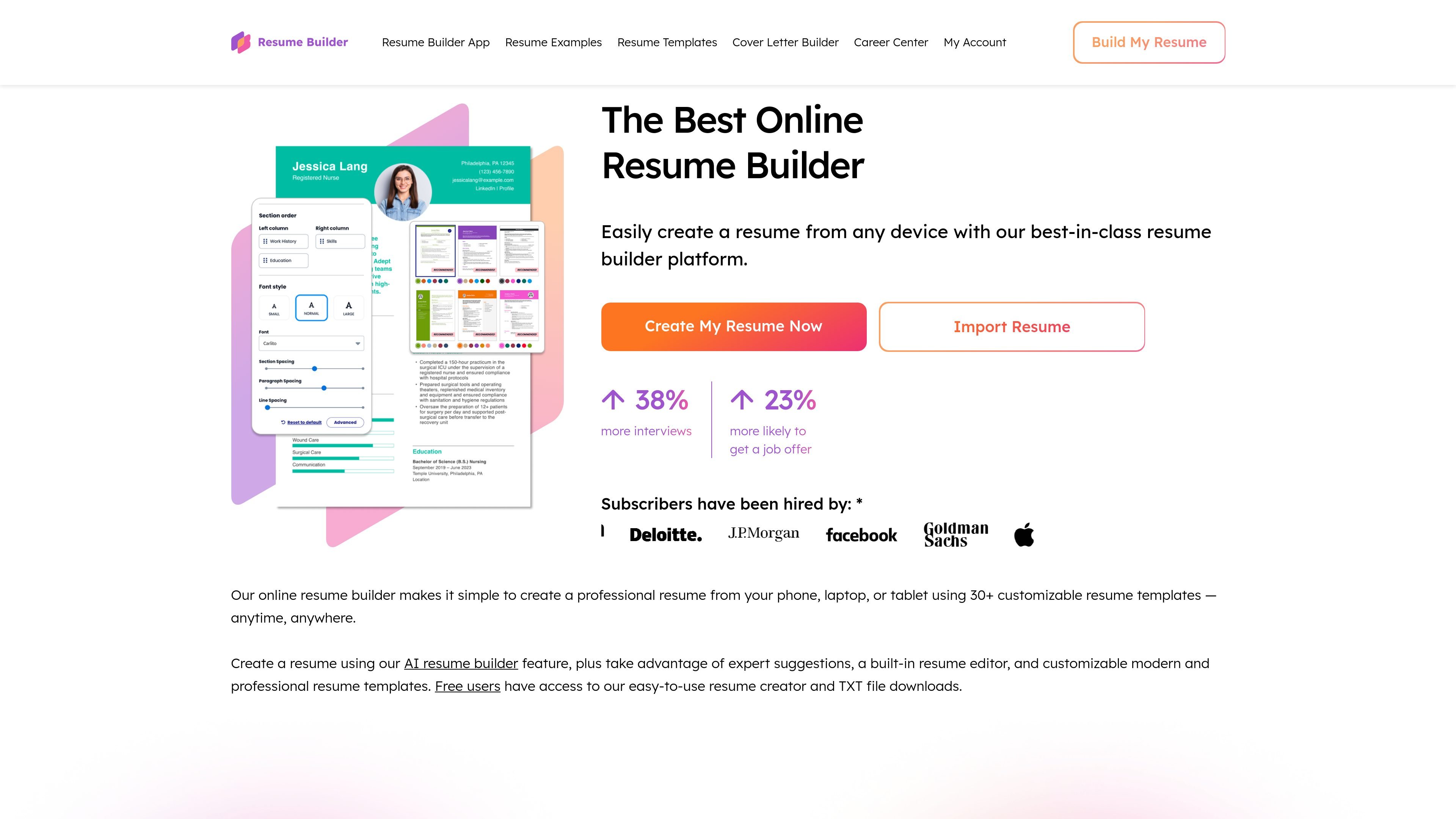
Browser-based resume building
Create a resume from a phone, tablet, laptop, or desktop browser without installing a separate app.
ResumeBuilder.com helps job seekers create, edit, import, and download resumes in any browser, with guided steps, templates, and AI writing help.
The platform supports both people starting from scratch and users who already have a draft. It offers customizable templates, resume examples, and mobile-friendly editing so users can work on a resume in the browser and save or download the result when ready.
Create a resume from a phone, tablet, laptop, or desktop browser without installing a separate app.
Start from a template, import an existing resume, and edit with guided steps that cover experience, education, skills, and more.
Use the AI resume builder to get tailored wording suggestions and help drafting content for different roles.
Choose from 25+ ATS-friendly modern and professional templates, with 500+ resume examples and templates available as references.
Adjust fonts, colors, and layout to match your preferred presentation.
Download a TXT file for free, or upgrade for professionally designed Word or PDF downloads.
For a first-time applicant, the guided builder helps organize experience, education, and skills into a structured resume without needing to format the document manually.
Someone updating an older resume can upload an existing draft and continue editing in the browser instead of rebuilding the document from the beginning.
A job seeker tailoring applications for different openings can use templates, suggested phrases, and AI assistance to adjust wording and presentation for each role.
People working on a phone or tablet can create or edit a resume in the browser when they are away from a desktop computer.
Applicants who want to compare layout options can browse template styles and use resume examples to see how different industries present skills and experience.
You can start by selecting a template, then fill in your experience, education, skills, and other sections with guided steps. The homepage also says you can import an existing resume, and the FAQ notes that expert tips, suggested phrases, and an AI writer can help while you build.
No. The homepage says you can use the builder directly in your phone’s browser, and it also describes a mobile-friendly browser app for a faster experience.
Free users can access the resume creator and download a TXT file. The pricing page says Word and PDF downloads require a 14-day Full Access trial or a Monthly Pro Plan.
The site says the builder includes 25+ ATS-friendly modern and professional templates, expert tips, AI-enabled suggestions, and resume examples written and reviewed by certified professional resume writers.
트래픽 데이터는 참고용으로만 확인하세요.