
Auto captions
Generate AI-synced subtitles from uploaded video or audio, with support for accents and multiple languages.

영상과 오디오를 자막이 있는 숏폼 클립으로 바꾸는 브라우저 도구입니다. 스타일 자막, B-roll, GIF 및 TikTok·Reels·YouTube 내보내기를 지원합니다.
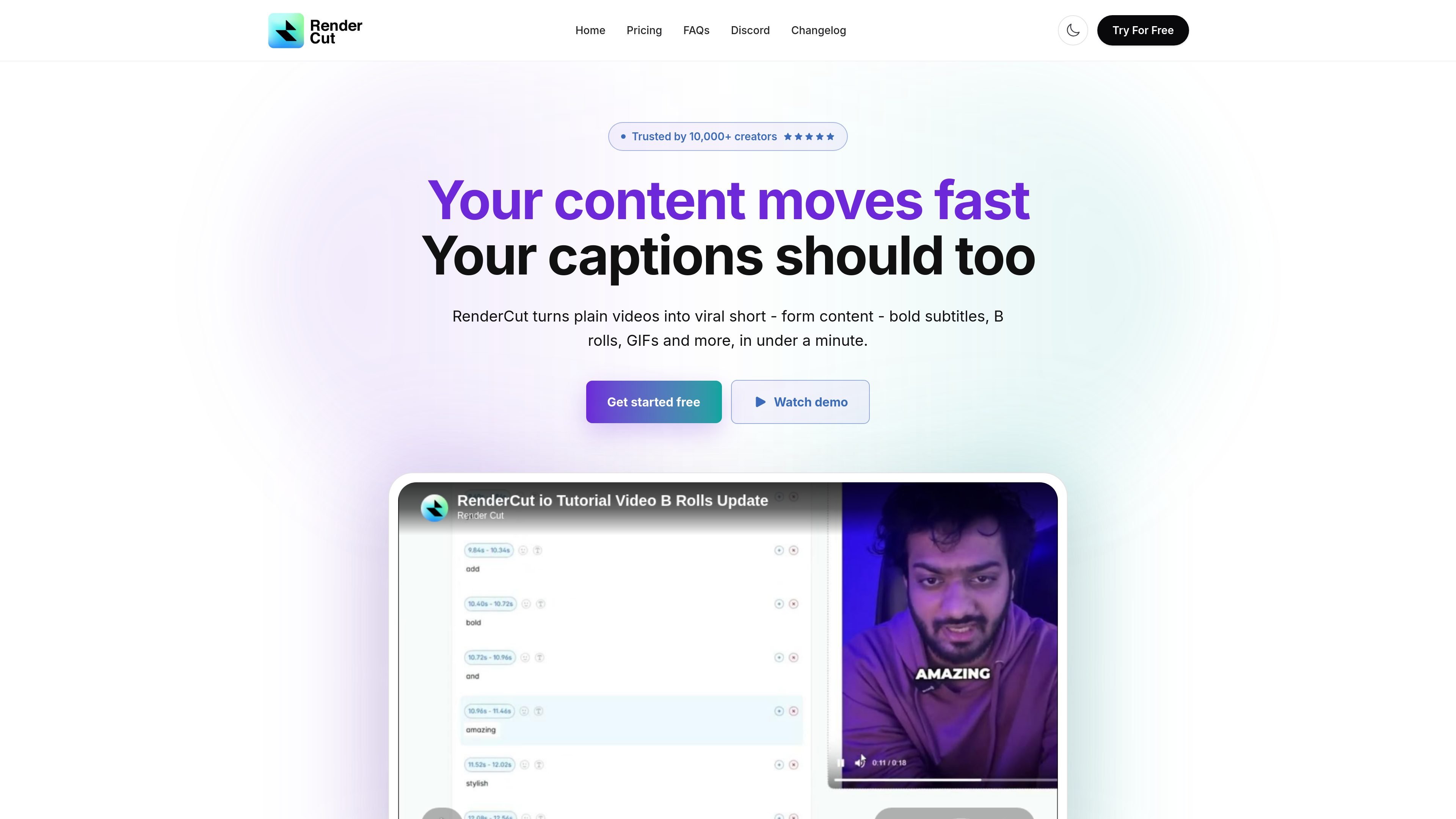
RenderCut is a browser-based video captioning tool that turns uploaded videos or audio into short-form content with styled subtitles, B-rolls, GIFs, and related overlays. The homepage positions it for creators who want to produce captioned clips quickly rather than edit subtitles manually.
Its workflow is simple: upload media, choose a template, adjust the caption styling, and export the finished video. The pricing page shows a free plan and paid tiers for individuals, growing creators, and teams or high-volume users.
Generate AI-synced subtitles from uploaded video or audio, with support for accents and multiple languages.
Apply custom fonts, colors, backgrounds, placement, and animations to subtitle styling.
Turn captions into multilingual content with support for global audiences.
Add contextual video clips, GIFs, emojis, and memes to keep short-form edits visually active.
Upload audio and receive a full captioned video output, not just a subtitle file.
Export and share finished videos for TikTok, Reels, and YouTube.
Creators can upload talking-head footage or raw clips, then use captions, templates, and styling controls to prepare posts for short-form platforms.
Editors can upload audio-only files and generate a captioned video instead of building captions and visuals separately.
Agencies and freelance editors can keep captions consistent by reusing custom fonts, colors, and animations across client content.
Teams producing a higher volume of content can use the paid tiers’ larger upload limits and longer per-video durations to process more material.
Yes. The site says RenderCut is compatible with both Mac and PC and can be accessed from any web browser.
The homepage says you can upload a video or audio file, choose a template, adjust the style, and then export or share the result.
The pricing page includes a free plan with 5 videos and no credit card required, plus paid Starter, Growth, and Unlimited plans.
The site does not list specific third-party integrations on the homepage. It does say you can download and post to TikTok, Reels, and YouTube after export.
The FAQ on the homepage says subtitle generation time depends on the video length and audio complexity, and that the product is designed to generate subtitles quickly and efficiently.
트래픽 데이터는 참고용으로만 확인하세요.

wisecut.ai
Wisecut은 긴 형식의 동영상을 짧은 클립으로 변환하는 AI 동영상 편집기로, 자막, 무음 구간 제거, 스토리보드 기반 편집 기능을 제공합니다. Reels, YouTube Shorts, TikTok 등으로 콘텐츠를 재활용하는 크리에이터를 위한 도구입니다.

animatecaptions.com
TikTok, Reels, YouTube Shorts용 짧은 영상에 자동 자막과 단어별 애니메이션을 추가하세요.

app.hiclip.ai
HiClip은 긴 영상을 Shorts, Reels, TikTok용 짧은 클립으로 변환하고 자막과 화면 재구성을 자동화하는 AI 동영상 편집 도구입니다.

fastcutai.co
영상을 TikTok, Reels, Shorts용 숏폼 클립으로 만드는 웹 기반 AI 동영상 편집 도구

snapvid.ai
SNAPVID는 업로드한 영상을 Instagram, TikTok, YouTube Shorts용 숏폼 영상으로 제작하는 웹 기반 AI 동영상 편집기입니다. 자막, 스톡 영상, AI 편집을 지원합니다.