

Unlimited AI conversations
Ask questions by voice and follow up naturally. The guide says rabbitOS selects the right tools for the request, and r1 supports multiple languages.
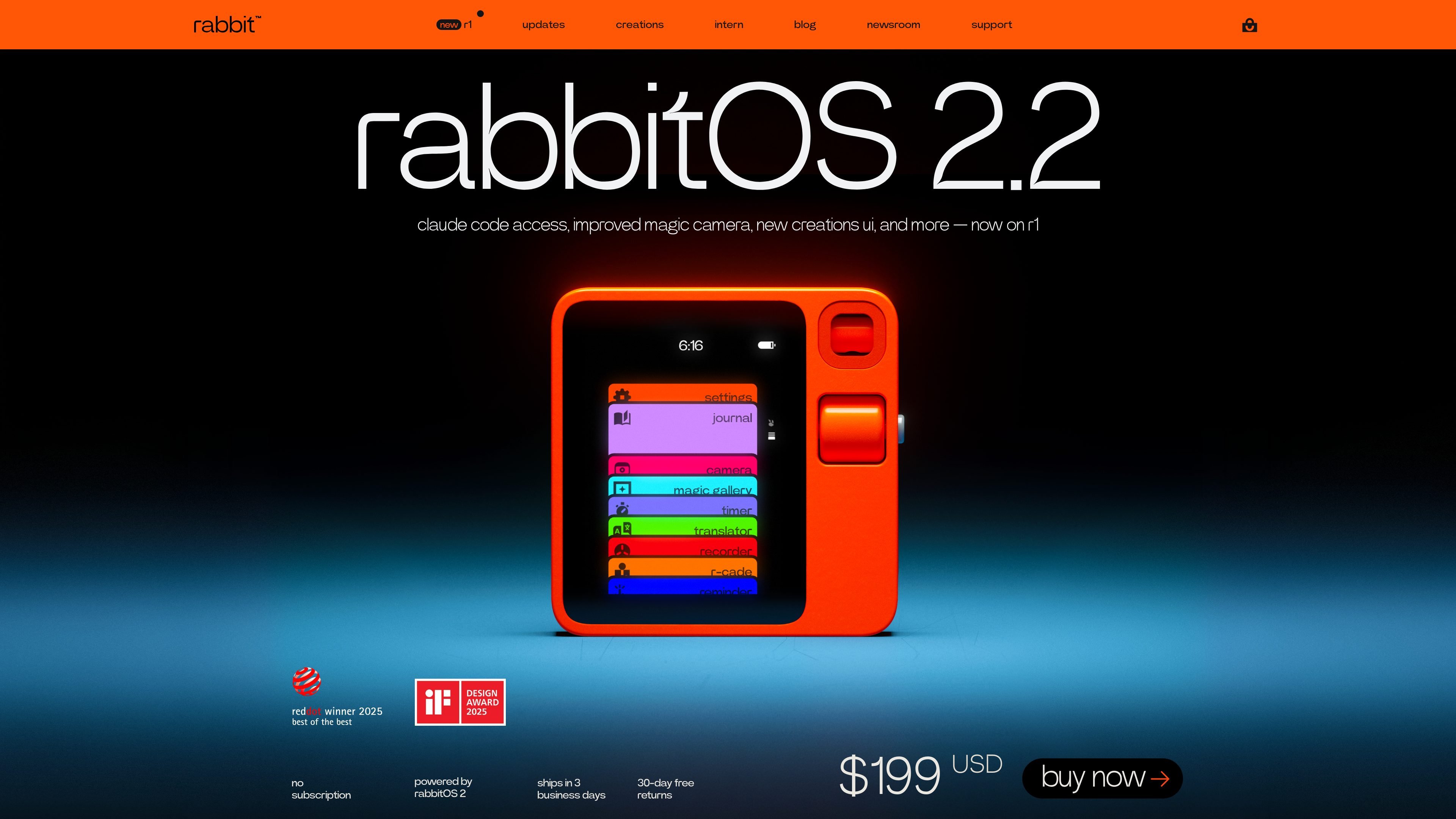
rabbit r1 is an AI-native pocket companion built around voice-first interaction, camera-based understanding, translation, and recording. The device combines a compact hardware interface with rabbitOS services such as rabbithole, where users can review conversations, recordings, photos, notes, and agent tasks.
The product is designed for quick AI use on the go and on a connected device. According to the site, r1 supports unlimited AI questions, bidirectional translation in more than 100 languages, unlimited audio recordings with transcripts and summaries, and DLAM, which can carry out tasks across a computer’s operating system, browser, and applications.
Ask questions by voice and follow up naturally. The guide says rabbitOS selects the right tools for the request, and r1 supports multiple languages.
Use the camera to identify objects, translate text, and understand what is around you. The guide includes examples such as reading a poster, identifying a flower, or asking about a product.
Translate conversations between more than 100 languages by holding PTT and speaking. The guide describes it as bidirectional translation for live conversations.
Record audio with transcripts and summaries that are accessible in rabbithole. The home page describes unlimited recordings, transcripts, and AI summaries with no subscription required.
Use DLAM as a computer agent that can act on a desktop, system settings, browser, or other applications. The homepage positions it as a plug-and-play controller with no setup needed.
Access and manage conversations, recordings, photos, notes, and agent tasks through the rabbithole web portal. The guide describes it as the central place for history and device management.
Use r1 for spoken questions, follow-up prompts, and quick answers when you want an AI assistant that can respond hands-free.
Hold PTT to translate a conversation between two languages, or use the camera to translate text in the environment.
Record meetings or voice notes, then review transcripts and AI summaries later in rabbithole.
Point the camera at an object, poster, or sign and ask r1 to identify it or explain what the text says.
Connect r1 to a computer to let DLAM perform actions across the operating system, browser, or applications.
Rabbit r1 is activated by charging the device, connecting it to Wi‑Fi, and then scanning a QR code in rabbithole after creating or signing in to a rabbit account at rabbit.tech/activate.
Yes. The user guide says r1 supports voice, touch, and text inputs, and the quick settings menu provides access to the camera, keyboard, settings, and lock screen.
The user guide says r1 includes unlimited AI questions, bidirectional translation in more than 100 languages, unlimited audio recordings, transcripts and summaries, and camera-based object understanding.
Yes. The user guide says DLAM uses rabbit r1 as a driver to perform actions on your desktop, system settings, browser, or across apps, and the home page says it works without setup once plugged in.
Third-party AI agents are experimental, must be set up independently, and rabbit says it does not provide support for them.
트래픽 데이터는 참고용으로만 확인하세요.