

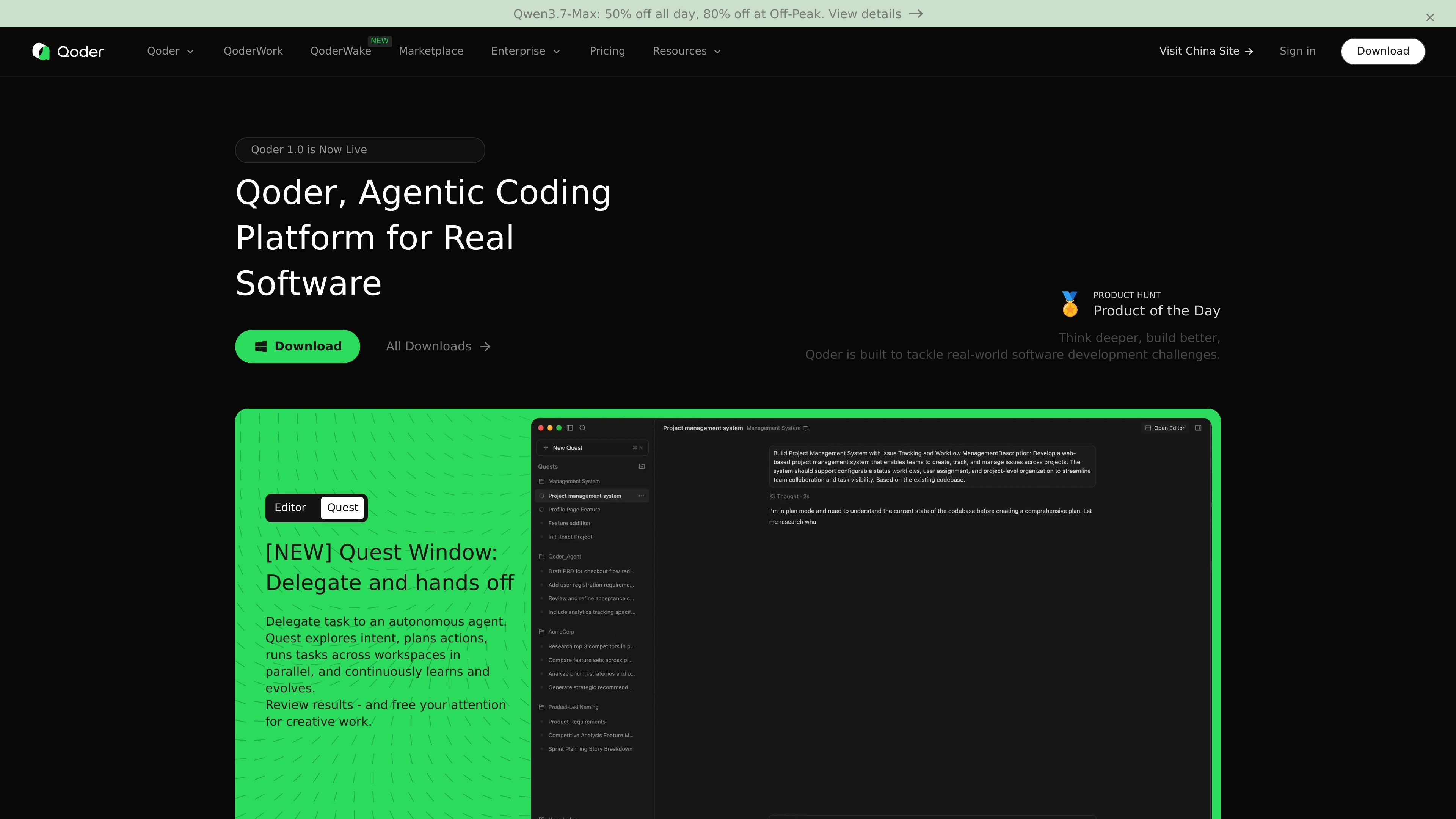
Autonomous task execution
Lets you delegate a task to an autonomous agent that clarifies intent, plans actions, runs work across workspaces in parallel, and returns results for review.
Qoder is an AI coding assistant and agentic coding platform for software development. It combines code completion, conversational programming, automatic code generation, and autonomous task execution so developers can move from assisted editing to delegated implementation.
The product is built around deeper codebase context rather than isolated prompts. Qoder Desktop, the JetBrains plugin, the CLI, and Repo Wiki all point to the same workflow: understand the repository, surface project knowledge, and help developers plan, build, review, and maintain code with less manual context switching.
Lets you delegate a task to an autonomous agent that clarifies intent, plans actions, runs work across workspaces in parallel, and returns results for review.
Predicts the next code and lets you apply suggestions with Tab, making it suitable for incremental coding inside an editor workflow.
Combines codebase analysis with adaptive memory so the system can use repository context, memory, and rules while it works.
Generates a structured project knowledge base, including architecture and dependency information, so agents and humans can work from shared context.
Supports multiple ways to work with the product, including Qoder Desktop, a JetBrains plugin, a CLI, and a mobile control center.
Uses a credit-based pricing model and offers a free 2-week Pro Trial for new users, with automatic downgrade to Free after the trial ends if users do nothing.
Use Qoder when you want an agent to take a task from intent to implementation, especially when the work spans multiple workspaces or needs parallel execution.
Use Repo Wiki to generate structured documentation from code when a team needs project architecture, dependency diagrams, and shared implementation knowledge.
Use the JetBrains plugin or CLI when you want agentic coding support inside a familiar development environment rather than switching to a separate workflow.
Use Qoder when you need code completion and next-step prediction during active development, with the option to apply suggestions quickly using Tab.
Use the mobile control center or QoderWake/QoderWork flows when you need to manage agents, access local files, or coordinate work away from the main desktop session.
Qoder says you can sign up with email, Google, or GitHub, then download and install it to start coding. The site describes the process as having no setup friction.
Qoder states that it supports all major programming languages, with deep expertise in JavaScript, TypeScript, Python, Go, C/C++, C#, and Java.
The site says Qoder is served by the world’s latest and most advanced models, and that the platform will keep upgrading those models over time.
Qoder offers a free 2-week Pro Trial for new users. After the trial, users can upgrade to a paid plan or remain on the Free plan. The pricing model uses credits, with each plan including a set number of credits.
The site says Repo Wiki can be shared by pushing the generated .qoder/repowiki directory to the remote repository, so team members can use the shared knowledge base.
트래픽 데이터는 참고용으로만 확인하세요.