
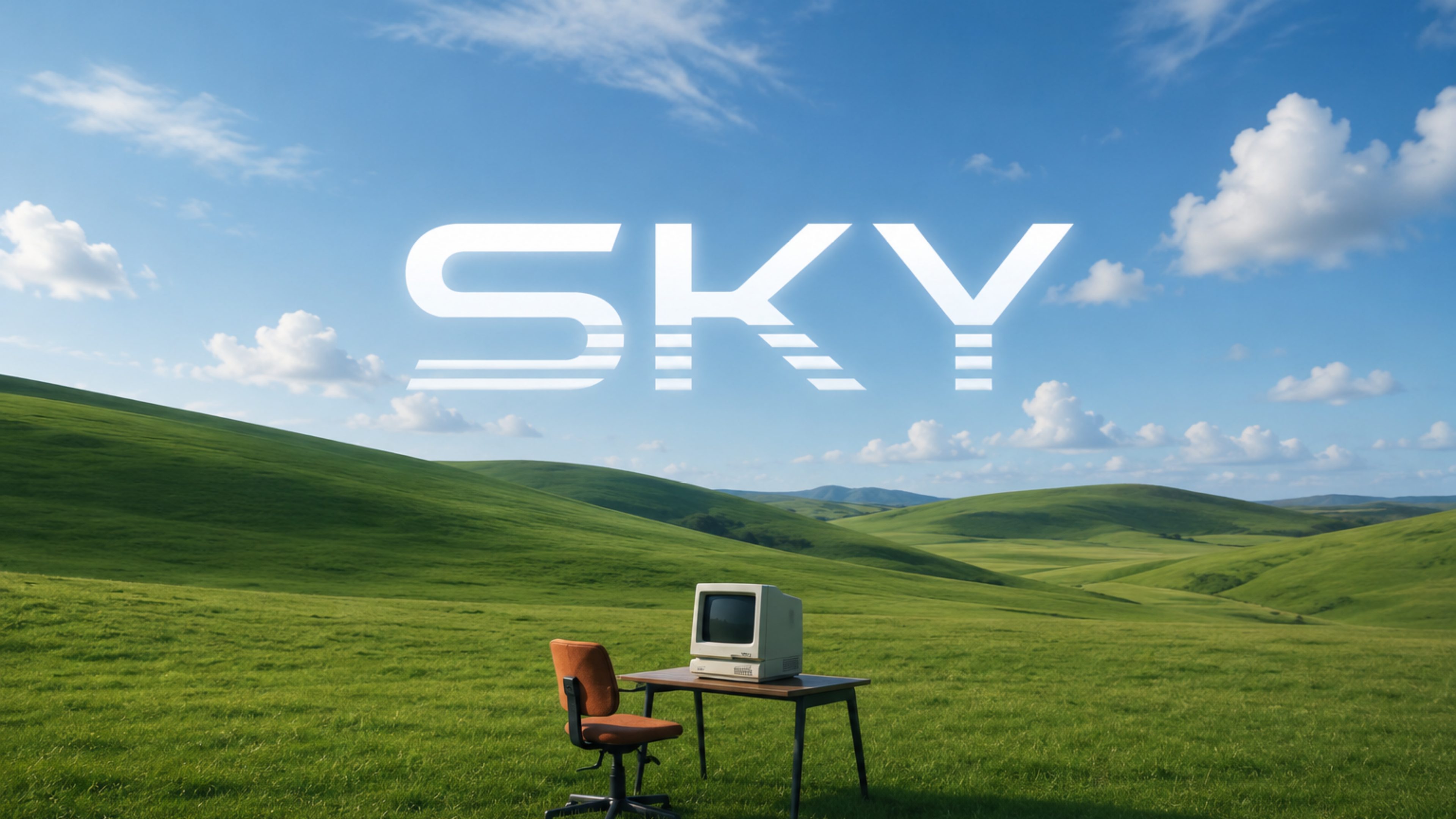
Real-time screen perception
SKY claims to read and interpret what is visible on the desktop, including code, UI layouts, and documentation, so it can respond in context without requiring manual copy-paste.
Project SKY는 데스크톱에 상주하는 Windows 11 네이티브 AI 동반자입니다. 탭을 전환하지 않고도 앱, 화면 콘텐츠, 음성, 로컬 컨텍스트와 상호작용할 수 있도록 돕습니다.
Project SKY is a desktop-native AI companion for Windows 11. It is positioned as an ambient assistant that sits on the desktop, understands what is visible on screen, and helps users move through work with voice, visual context, and operating-system control.
The product’s stated purpose is to reduce context switching by combining screen perception, voice dialogue, memory, and desktop automation in one Windows 11 experience. The site presents SKY as a tool for focused, ongoing work rather than a browser-based chat interface.
SKY claims to read and interpret what is visible on the desktop, including code, UI layouts, and documentation, so it can respond in context without requiring manual copy-paste.
The product supports natural voice interaction with low-latency responses, allowing users to speak through ideas while keeping their hands on the keyboard or mouse.
SKY is described as retaining project guidelines, preferences, conversations, and active ideas across sessions so users do not need to repeat instructions.
It can launch tools, manage windows, organize workspace layouts, trigger scripts, and automate local desktop tasks through natural intent.
The product is designed to connect activity across code editors, browsers, notes, and system tools into a single working flow.
SKY says it can sense active projects and open documents, then tailor suggestions and summaries to the current task.
A developer can ask SKY to interpret visible code, UI states, or error messages while keeping the current application open.
Someone working through ideas can talk to SKY instead of switching to a separate chat window, using speech to keep momentum during focused tasks.
Users who return to the same work later can rely on remembered preferences, notes, and task context rather than reintroducing everything.
SKY can be used to open apps, arrange windows, and execute local actions that would otherwise require multiple manual steps.
Users can ask for synthesis across local files, documentation, and browser tabs when they need a concise summary of what is currently relevant.
The site says Project SKY is in development and private alpha testing, and it is marked as unreleased.
The product is presented as a native assistant for Windows 11.
The homepage contrasts SKY with browser extensions and web chatbots, describing it as a native desktop companion instead.
The site says SKY can launch tools, organize workspace layouts, manage windows, run scripts, and handle other desktop-oriented actions.
The site states that API keys and vault notes stay on the local disk, while vision and voice streams are sent securely over TLS/WSS to the API provider.
트래픽 데이터는 참고용으로만 확인하세요.
| 7월 | 0 |
|---|---|
| 8월 | 1126 |
| 9월 | 197 |
아직 트래픽 분석 데이터가 없습니다.