
Multiple input workflows
Create presentations from text, documents, spreadsheets, URLs, images, webpages, and video-related inputs, then let the system structure the content into slides.

PPT AI는 텍스트, 문서, URL, 이미지 및 동영상 관련 입력을 편집 가능한 프레젠테이션으로 변환하고 온라인 편집과 PPT, PPTX, PDF 내보내기를 지원합니다.
PPT AI is an AI presentation maker that turns source content into editable slide decks. The product is positioned for users who want to generate presentations from text, files, URLs, images, webpages, and video-related inputs without building slides from scratch.
Across the site, PPT AI emphasizes automated slide structure, template selection, and in-browser editing. The workflow shown on the product pages is straightforward: provide content, choose preferences such as template, language, scene, audience, tone, and page length, then review and customize the generated presentation before exporting it.
Create presentations from text, documents, spreadsheets, URLs, images, webpages, and video-related inputs, then let the system structure the content into slides.
The product says it uses AI models such as DeepSeek, GPT-4o, Claude 3.5, and Gemini 2.0 to analyze content and assemble slide layouts.
Choose from a large template library, including 50+ templates mentioned for text conversion and an 800+ template library on paid plans.
Adjust text, colors, images, layouts, and content directly in the online editor after generation.
Export presentations to PPT, PPTX, and PDF, with online editing available before download or presentation.
Support for multiple languages is listed across the product pages, including major Asian and European languages.
Turn rough notes, outlines, or long-form text into a structured presentation when you need a starting deck quickly.
Upload Word, PDF, TXT, Markdown, spreadsheet, or image files to build a presentation from existing source material.
Paste a URL or work from webpage and video-based inputs when the presentation needs to summarize online content.
Use the template library and editing tools to produce branded decks that can be refined before exporting as PowerPoint or PDF.
Choose language, scene, audience, tone, and page length settings when preparing decks for different contexts such as business, education, reports, or public speaking.
PPT AI takes content you provide — such as text, documents, PDFs, spreadsheets, webpages, images, URLs, or videos — and turns it into an editable presentation. You choose a template and settings, then review and customize the generated slides in the online editor.
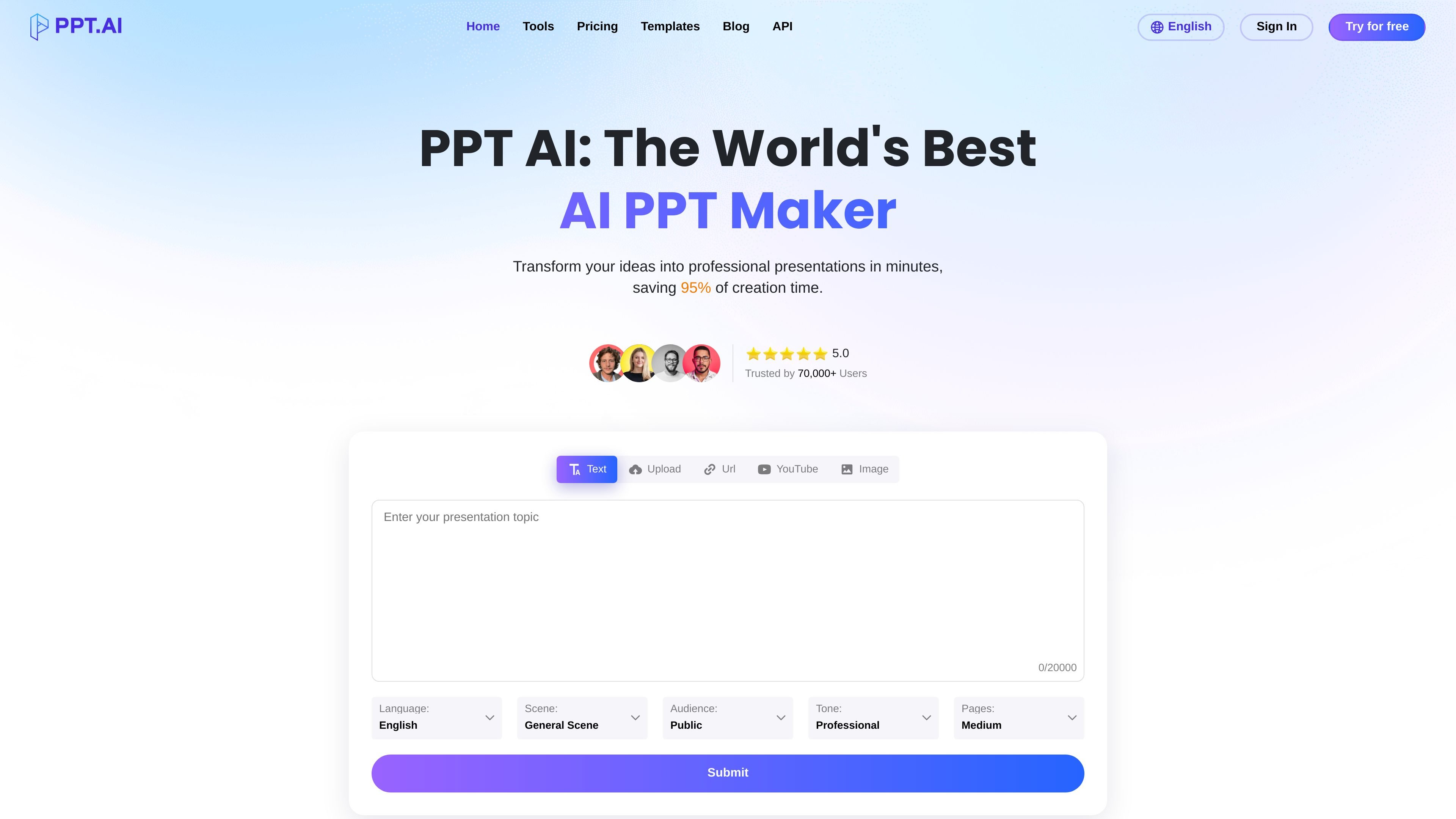
The source pages describe support for text, Word, PDF, TXT, Markdown, spreadsheets, webpages, images, URLs, YouTube/video content, and audio/video conversion workflows. The home page also shows input options for text, file upload, URL, YouTube, and image.
Yes. The pricing page says presentations are editable, and the FAQ notes that all presentations can be customized using built-in editing tools for colors, fonts, images, layouts, and content.
The source states that exports support PowerPoint formats and PDF. The FAQ also says output is available as PPT, PPTX, and PDF.
The free plan supports up to 3 presentations per month, a basic template library, up to 15 slides per presentation, basic editing, basic support, and a PPT.AI watermark.
트래픽 데이터는 참고용으로만 확인하세요.