

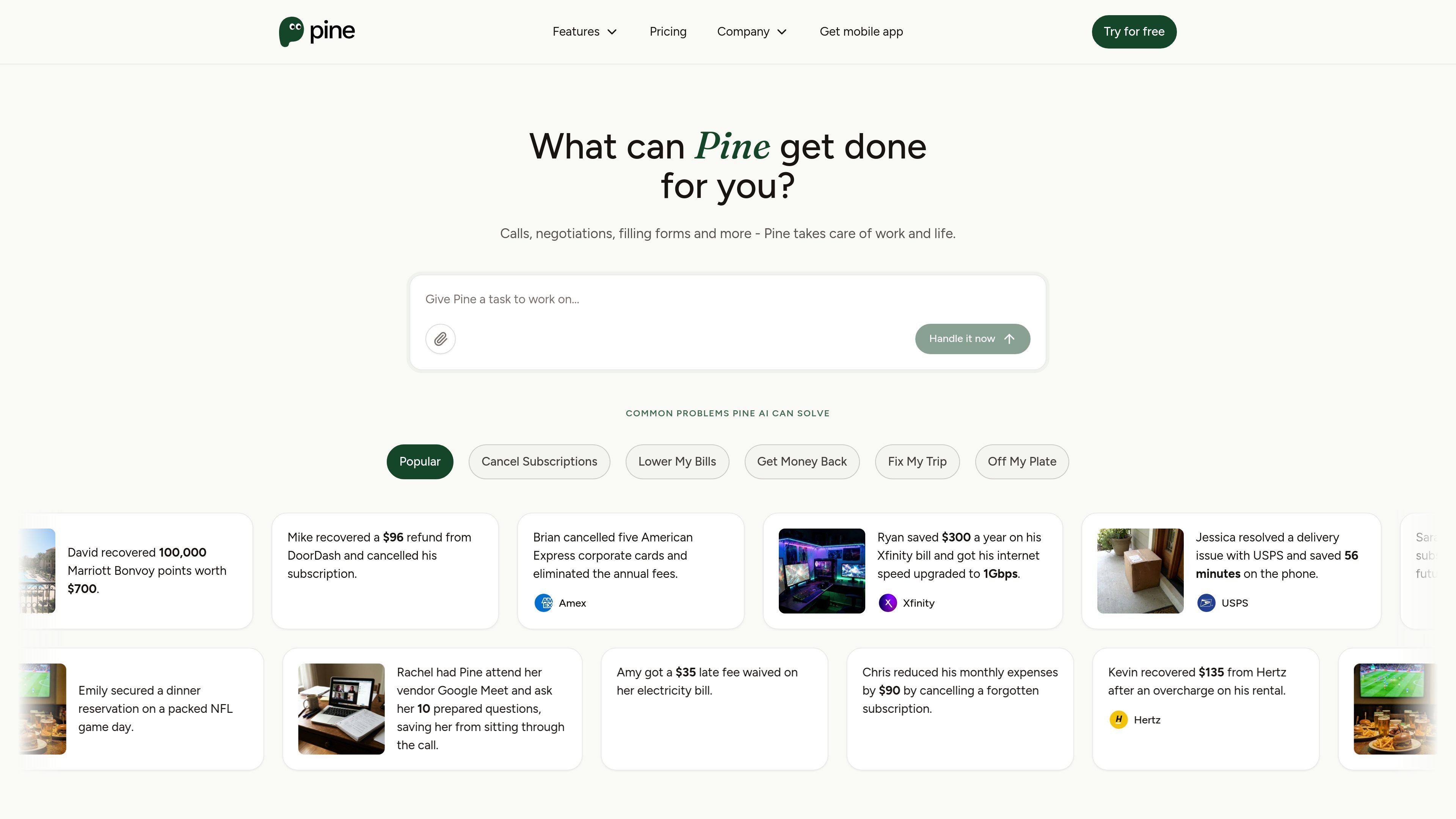
Phone calls on your behalf
Pine can make outbound calls on your behalf to deal with customer service, providers, and other businesses, which is the core workflow behind its negotiation and complaint handling.
Pine is an AI assistant for personal life admin that handles bills, subscriptions, complaints, and other time-consuming tasks on a user’s behalf. The product is built around execution: it can call companies, negotiate charges, fill forms, file disputes, and follow through on the work until the task is complete.
The site positions Pine as useful for recurring and frustrating tasks such as reducing bills, canceling subscriptions, recovering refunds, and resolving service problems. Pricing is organized around monthly or annual plans with credits, and the pricing FAQ explains that most tasks use credits while bill negotiation can follow separate billing rules depending on the plan.
Pine can make outbound calls on your behalf to deal with customer service, providers, and other businesses, which is the core workflow behind its negotiation and complaint handling.
The product handles bill negotiations and claims average telecom and cable savings on the site, plus complaint-related compensation workflows for travel and stay issues.
Pine can cancel subscriptions and help reduce recurring charges, including tasks like stopping future billing and confirming changes with the provider.
The assistant can fill out forms, submit disputes, and complete follow-up work until the task is finished, rather than stopping at a single reply.
The site shows the assistant can also help with research, appointment booking, and other admin work beyond bills, including errands and scheduling-type tasks.
Pine is available on iOS, Android, and the web, letting users start tasks from multiple devices.
Use Pine when you want someone to negotiate a bill, challenge a charge, or ask for a refund without spending time on hold or repeating the same details.
Use Pine to cancel a subscription, confirm there are no future charges, and handle the provider follow-up needed to close the account cleanly.
Use Pine to deal with service problems such as delivery issues, overcharges, or complaint compensation where a phone call or dispute is usually required.
Use Pine for appointment booking, form completion, and follow-up tasks when a job requires more than a single message or lookup.
Use Pine in household or business settings when multiple tasks need to run in parallel, with pricing tiers that explicitly mention higher task capacity for higher plans.
Pine’s pricing FAQ says the assistant can handle questions, conversations, research, phone calls, form filling, disputes, appointment booking, and bill negotiation. The exact steps depend on the task you submit, but the shared pattern is that Pine executes the work on your behalf using credits or, for bill negotiation, plan-specific billing.
Credits are used while Pine is working for you. The FAQ says every conversation, phone call, research step, form submission, and follow-up draws from your balance, and bill negotiation may follow separate billing rules depending on the plan.
The pricing page says Pine is available on iOS, Android, and the website. That suggests you can start tasks from those platforms and let Pine manage the calls, emails, and follow-ups from there.
Pine’s pricing page shows plans for personal use, household use, and team & company use. The pricing FAQ also includes business and vendor negotiation, so the product is positioned for both individual life admin and organizational workflows.
The pricing FAQ says Starter, Pro Monthly, and Enterprise Monthly bill negotiation uses a pre-authorization hold plus a 25% success fee on confirmed savings, while Pro Annual and Enterprise Annual include bill negotiation covered by plan credits with no percentage fee.
트래픽 데이터는 참고용으로만 확인하세요.