

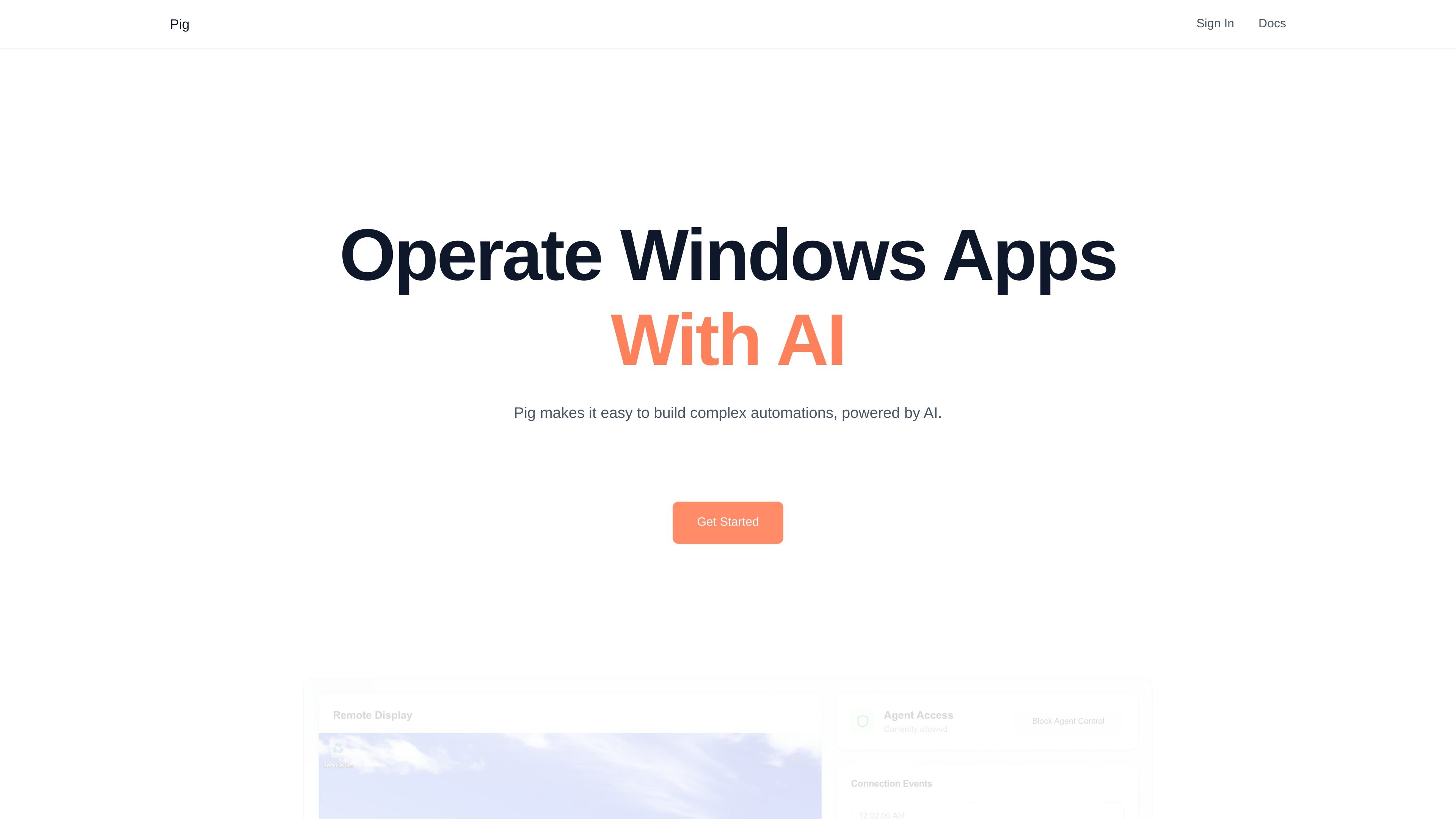
ChatPig interface
Use a chat-based computer-use interface to prototype Windows automation without writing code.
Pig is an API for launching and automating Windows apps. It combines a chat-based automation experience with programmatic access so developers and teams can prototype workflows or build custom agents on top of the same computer-use system.
The product page describes three ways to work with Pig: ChatPig for no-code experimentation, the Agent API for scripted automation, and an SDK for advanced agent implementations. It also states that automations run on machines you control by default, with support for human handoff when a task needs oversight.
Use a chat-based computer-use interface to prototype Windows automation without writing code.
Access the same computer-use AI behind ChatPig through an API for programmatic workflows.
Build lower-level automations with Pig’s SDK when you need more control over agent behavior.
Run automations on machines you control, with your own devices subscribed as workers by default.
Use desktop actions like click(), type(), and screenshot() to interact with Windows applications.
Hand control to a human operator when a workflow needs review or intervention.
Prototype workflows in a chat interface before turning them into code, especially when you want to test a process quickly on Windows apps.
Trigger repeated desktop tasks from the Agent API, such as running the same action across many input files or jobs.
Build custom agents with the SDK when your team needs lower-level control over how the automation loop behaves.
Route sensitive operations to a human operator when a workflow reaches a step that should not be completed fully autonomously.
Pig provides a familiar chat interface for computer-use workflows through ChatPig, and it also offers an Agent API and SDK for programmatic automation. The source does not describe a separate setup process, but it does mention connecting your own machines as workers.
The homepage says Pig is built to automate Windows apps and that agents use tools such as click(), type(), screenshot(), left_click(), yield_control(), and await_control() to interact with the desktop.
The source says automations on Pig are self-hosted by default and that you can securely subscribe your own machines as workers in the Pig system.
Pig explicitly mentions the Agent API, the SDK, ChatPig, and Pig Cloud on the talk page, but the source does not provide integration lists or supported third-party tools.
트래픽 데이터는 참고용으로만 확인하세요.

zed.dev
Zed는 macOS, Linux, Windows용 고성능 멀티플레이어 코드 에디터로, 에이전트 AI, 실시간 협업, 유연한 모델 액세스를 지원합니다.
venice.ai
Venice는 채팅, 이미지, 동영상, 오디오, 코드, 검색, 에이전트 워크플로를 지원하는 비공개 AI 플랫폼입니다. 무료 티어와 유료 플랜을 제공하며, 여러 개인정보 보호 모드를 지원하는 OpenAI 호환 API도 이용할 수 있습니다.

activepieces.com
비즈니스 앱 전반에서 워크플로와 AI 에이전트를 구축하는 AI 우선 자동화 플랫폼입니다.

aisera.com
지원, 워크플로와 부서 간 요청을 자동화하는 엔터프라이즈 에이전틱 AI 플랫폼

codeassist.google
팀과 기업을 위한 Google AI 코딩 어시스턴트로, 코드 완성, 채팅, 에이전트 워크플로, 터미널 지원을 제공합니다.

adaptive.ai
업무 흐름, 리서치, 영업 후속 조치와 앱 구축을 자동화하는 AI 에이전트 플랫폼