
Prompt-based image editing
Upload an image and describe the change you want in plain language. Phedra is positioned as an editor rather than a generator, so it works from an existing image and prompt.
Phedra AI는 텍스트 프롬프트로 이미지를 편집하는 AI 도구입니다. 웹 앱과 Chrome 확장 프로그램을 지원하며 월간 및 연간 구독을 제공합니다.
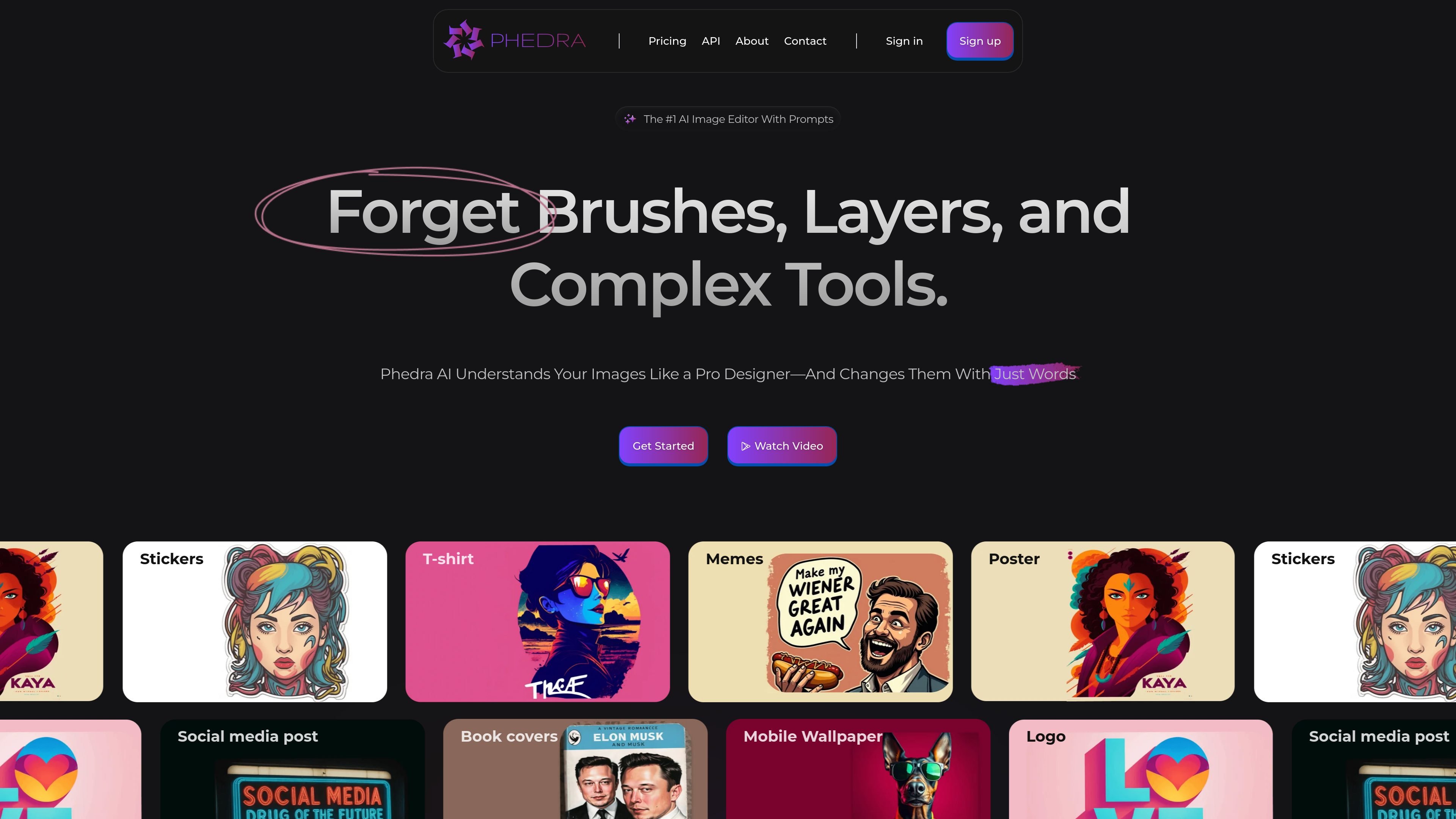
Phedra AI is an AI image editor that lets you change an existing image by typing instructions instead of using traditional brushes, layers, or manual tools. The product is designed for prompt-based editing, with a focus on adding, removing, or modifying parts of an image in plain language.
The site positions Phedra as a fit for creators who want a simpler editing workflow and for users who do not have advanced image-editing skills. It also supports a web app and a Chrome extension, and the pricing page shows monthly and yearly subscription options along with a commercial license on the paid plan.
Upload an image and describe the change you want in plain language. Phedra is positioned as an editor rather than a generator, so it works from an existing image and prompt.
The site says Phedra analyzes images deeply and follows instructions with precision, including adding, removing, or changing objects inside a photo.
Choose from prebuilt styles such as pop art, oil painting, and comics when you want a styled result without describing every visual detail yourself.
Resize images to common output dimensions with a single action using the product’s smart sizing workflow.
Step back to a previous version if you want to revise or undo a change without restarting the edit.
Use the web app directly or install the Chrome extension for a browser-based workflow.
Upload a photo and ask for a specific edit, such as changing an object, adjusting a scene element, or reworking part of the composition.
Remove a background or replace it with another one without moving into a full manual editing workflow.
Create stylized visuals for stickers, T-shirts, posters, memes, book covers, and social posts from an existing image.
Resize an image to a common format for a mobile wallpaper, card, or other standard output size.
Use the Chrome extension when you want to edit images inside a browser-based workflow instead of switching to a separate desktop tool.
No. The site describes Phedra AI as an image editor, not a text-to-image generator. You upload an existing image and use text prompts to edit it.
Phedra AI analyzes the uploaded image and the text prompt, then applies the requested edits to the image. The pricing page also notes that rendered images are not exact replicas of the original image, but keep its theme and essence.
The home page says Phedra can remove an image background or replace it with a new one using image prompts. The pricing FAQ also confirms background removal from rendered images.
The home page says edits usually take from a few seconds to about a minute, depending on image quality and the changes requested.
The home page says Phedra supports over 80 languages, so prompts can be written in many major languages.
트래픽 데이터는 참고용으로만 확인하세요.