

Text-to-video planning
Start from a text prompt and define the subject, action, location, camera motion, style, and destination format for the first video pass.
OmniEditor is a prompt-first AI video workflow built around Gemini Omni Flash-style generation and editing. It helps creators turn prompts, images, clips, audio references, and style notes into short-form video ideas that can be revised without rebuilding every shot.
The site frames the product as a planning and iteration surface for social videos, product demos, explainers, short ads, avatar clips, streaming intros, and campaign variants. It is designed to support reference-led creation, natural-language edit direction, and human review before a final clip is published.
Start from a text prompt and define the subject, action, location, camera motion, style, and destination format for the first video pass.
Use still images, product shots, storyboard frames, or character references to guide motion from the beginning.
Keep the useful parts of an existing clip while requesting targeted changes in natural language.
Preserve products, characters, layouts, and style references across variations and follow-up edits.
Plan ambience, music, speech timing, lip-sync intent, sound effects, and beat-matched motion as part of the creative brief.
Refine prompt versions and edit instructions to move from rough idea to a cleaner publishing plan.
Use prompt-led workflows to draft social videos, launch teasers, Reels, Shorts, and paid ad concepts from product references and concise direction.
Turn a still product shot or storyboard frame into a first motion pass, then refine the brief to improve camera movement, style, or pacing.
Keep an existing clip and request localized edits such as background, subject, framing, style, object, or timing changes.
Work from a structured creative brief that includes references, timing cues, and style rules to keep output consistent across versions.
Shape explainer clips, avatar content, streaming intros, and other short-form assets that need a clear prompt structure and iterative review.
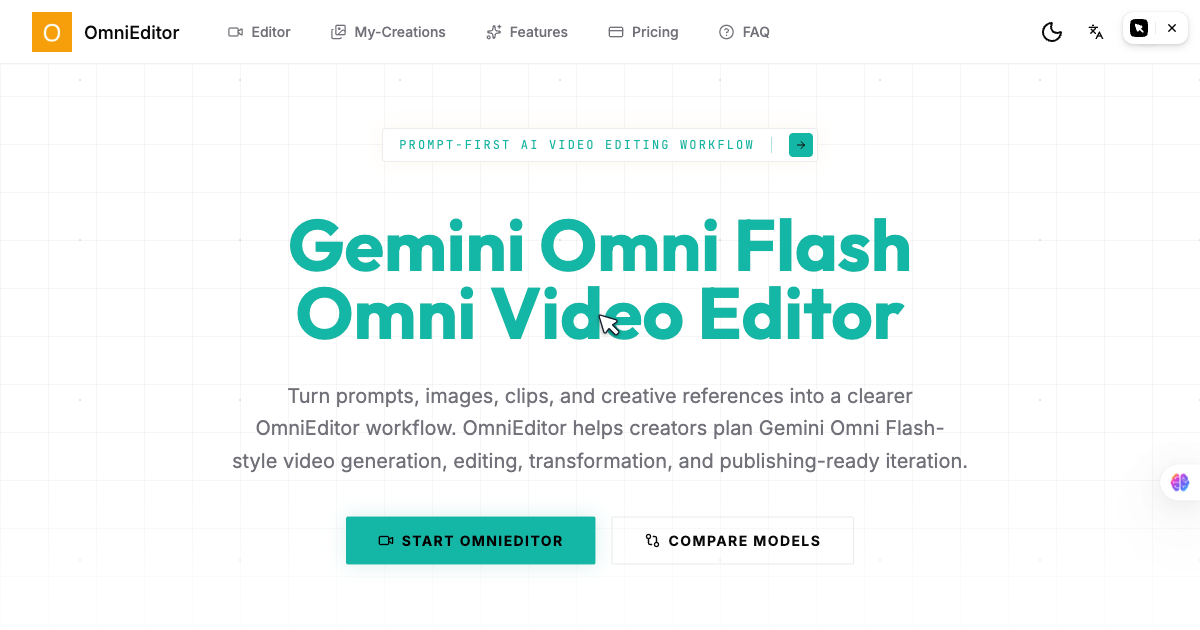
OmniEditor is a prompt-first AI video workflow for generating, editing, and refining short-form videos with multimodal references.
Yes. The homepage describes prompt-led editing where you can ask for targeted changes to what should change and what should stay the same.
The site says OmniEditor can use prompts, images, videos, audio references, and style notes as inputs.
The homepage positions Gemini Omni Flash as a prompt-first workflow for reference-led editing and iterative changes, while Seedance 2.0 is described as better suited to production-oriented, polished output.
A good prompt combines the subject, action, setting, camera motion, lighting, style, reference rules, audio cues, and edit instructions.
트래픽 데이터는 참고용으로만 확인하세요.
| 3월 | 0 |
|---|---|
| 4월 | 0 |
| 5월 | 0 |
아직 트래픽 분석 데이터가 없습니다.