

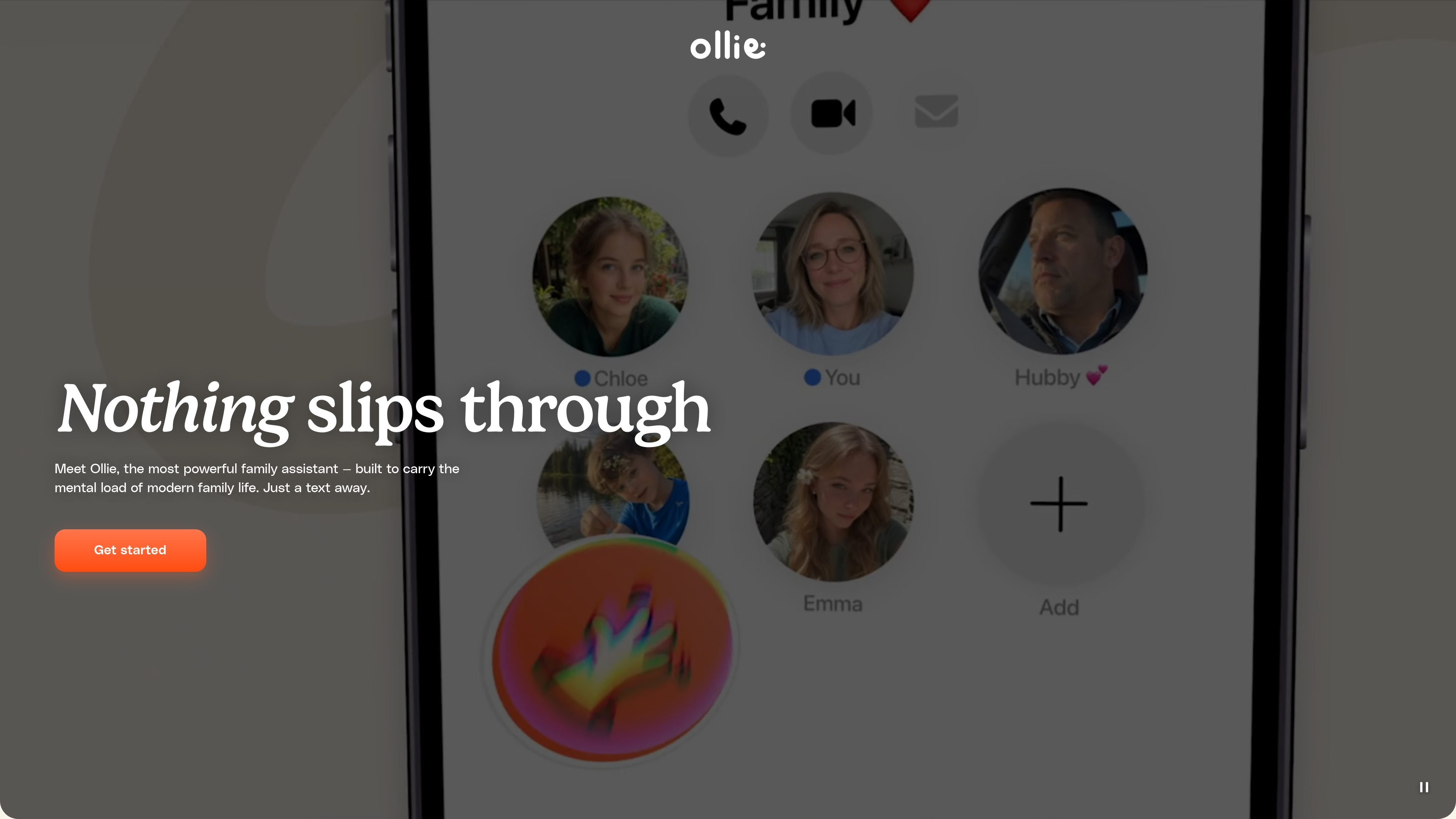
Text-based assistant
Ollie runs through SMS, MMS, RCS, and iMessage so you can use it in the messaging app you already have instead of installing another app.
Ollie is a text-based personal assistant for families. It is designed to help parents and other household members manage the coordination work that comes with calendars, school emails, reminders, and to-do lists.
The product lives in SMS, MMS, RCS, and iMessage, so the main workflow happens in text messages rather than in a separate app. Users can connect email and calendar accounts, share information in a family group chat, and ask Ollie to surface alerts, send reminders, and generate briefings from the information it can access.
Ollie runs through SMS, MMS, RCS, and iMessage so you can use it in the messaging app you already have instead of installing another app.
The product connects to email and calendar accounts to surface school messages, reminders, event details, and other family logistics in conversation.
The homepage says Ollie brings together calendars, emails, and to-dos, then texts you what matters so you can act on it without hunting through multiple apps.
Ollie can send reminders, follow-ups, summaries, and helpful suggestions based on the information you share and the accounts you connect.
The pricing page supports free daily messages and monthly message allotments, with upgrades available for heavier use.
The privacy policy says Ollie can be used in group chats, allowing multiple people involved in family life to participate in the same workflow.
A parent can text Ollie to pull together a week’s schedule, identify conflicts, and turn scattered calendar entries into a readable summary.
When school messages arrive by email, Ollie can surface relevant alerts and help families keep track of deadlines, forms, or schedule changes.
Households can use a group text with Ollie to share reminders, coordinate who needs to do what, and keep a spouse or caregiver aligned.
Users can ask Ollie for reminders or follow-up prompts when chores, appointments, or errands need to stay top of mind.
Families can use Ollie to keep multiple people in sync on recurring logistics, such as kids’ schedules and home management tasks.
No. Ollie can be used for free without a credit card or account needed to get started. The pricing page also offers paid plans for families that need more message volume.
Yes. The site says Ollie lives in your texts on iOS and Android, so no separate app is needed.
Yes. Ollie is built to work with the whole family context and can be added to a group text with a spouse, nanny, home managers, or kids.
Ollie says it connects to email and calendar through delegated access, which means you authorize access and Ollie never sees or stores your password.
You can text Ollie to stop, cancel, or ask for help. The service also says account and data deletion can be requested by texting Ollie or emailing privacy@ollie.ai.
트래픽 데이터는 참고용으로만 확인하세요.