
Ad and tracker blocking
Nook checks page requests against Ghostery's filter lists and stops requests identified as ads or trackers before they download.

Nook은 광고와 트래커를 차단하는 macOS용 미니멀 웹 브라우저입니다. 읽기 모드와 집중 모드를 제공하며, 브라우징 데이터는 기본적으로 로컬에 저장됩니다. 확장 프로그램, 계정, 동기화 없이 한층 차분하게 읽을 수 있습니다.
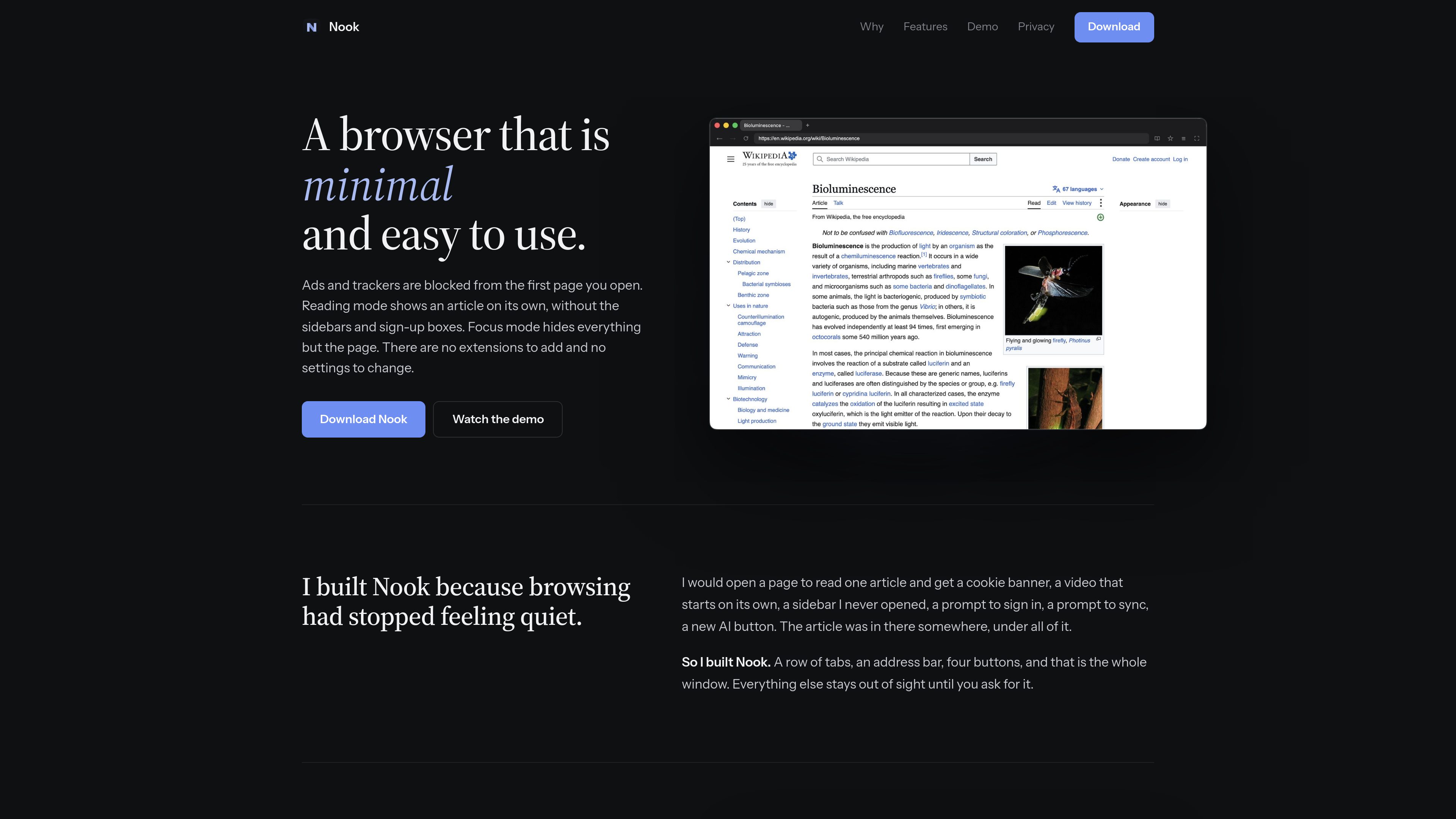
Nook is a minimal web browser for macOS built on Chromium. Its compact interface keeps the window to tabs, an address bar, and four buttons, while ad and tracker blocking operates from the first page you open.
The browser is aimed at readers and other users who want less surrounding page clutter. Reading mode turns long articles into a single column, while Focus mode hides the tabs and toolbar so the page occupies the available window space.
Nook checks page requests against Ghostery's filter lists and stops requests identified as ads or trackers before they download.
Long articles are shown as one readable column of text and pictures without sidebars, sign-up boxes, or related-link carousels. Shortcut: ⌘ ⇧ R.
The tabs and toolbar slide away so the page fills the window. Use ⌘L to enter an address while controls are hidden and Esc to restore them. Shortcut: ⌘ ⇧ F.
A single menu provides access to bookmarks, history, and downloads. Bookmarks are stored in a plain JSON file in the Mac's Application Support folder, while history is kept in memory only.
Cookies, cache, and site data are deleted when Nook quits. The product states that it has no account, sync, telemetry, or crash reporting.
Nook uses Chromium for page rendering, and each page runs in Chromium's sandbox. The Mac download is signed and notarized by Apple.
Use Reading mode to remove sidebars, sign-up prompts, and related-content modules while keeping the article's text and pictures.
Enable Focus mode when you want the page to occupy the window without visible tabs or toolbar controls.
Because cookies, cache, and site data are removed on quit, Nook suits browsing workflows where users prefer to begin signed out of websites.
Bookmarks are saved as a plain JSON file in Application Support, allowing them to be backed up or read outside the browser.
Nook supports macOS 13 or later and runs natively on both Apple silicon and Intel Macs.
No. The product states that there are no extensions to add and no settings to change.
Cookies, cache, and site data are deleted. History is held in memory and is gone after quitting, while bookmarks remain in a plain JSON file in the Mac's Application Support folder.
No. The site states that Netflix and other DRM-protected streaming services will not play in Nook.
트래픽 데이터는 참고용으로만 확인하세요.
| 6월 | 0 |
|---|---|
| 7월 | 0 |
| 8월 | 0 |
아직 트래픽 분석 데이터가 없습니다.
아직 트래픽 분석 데이터가 없습니다.