
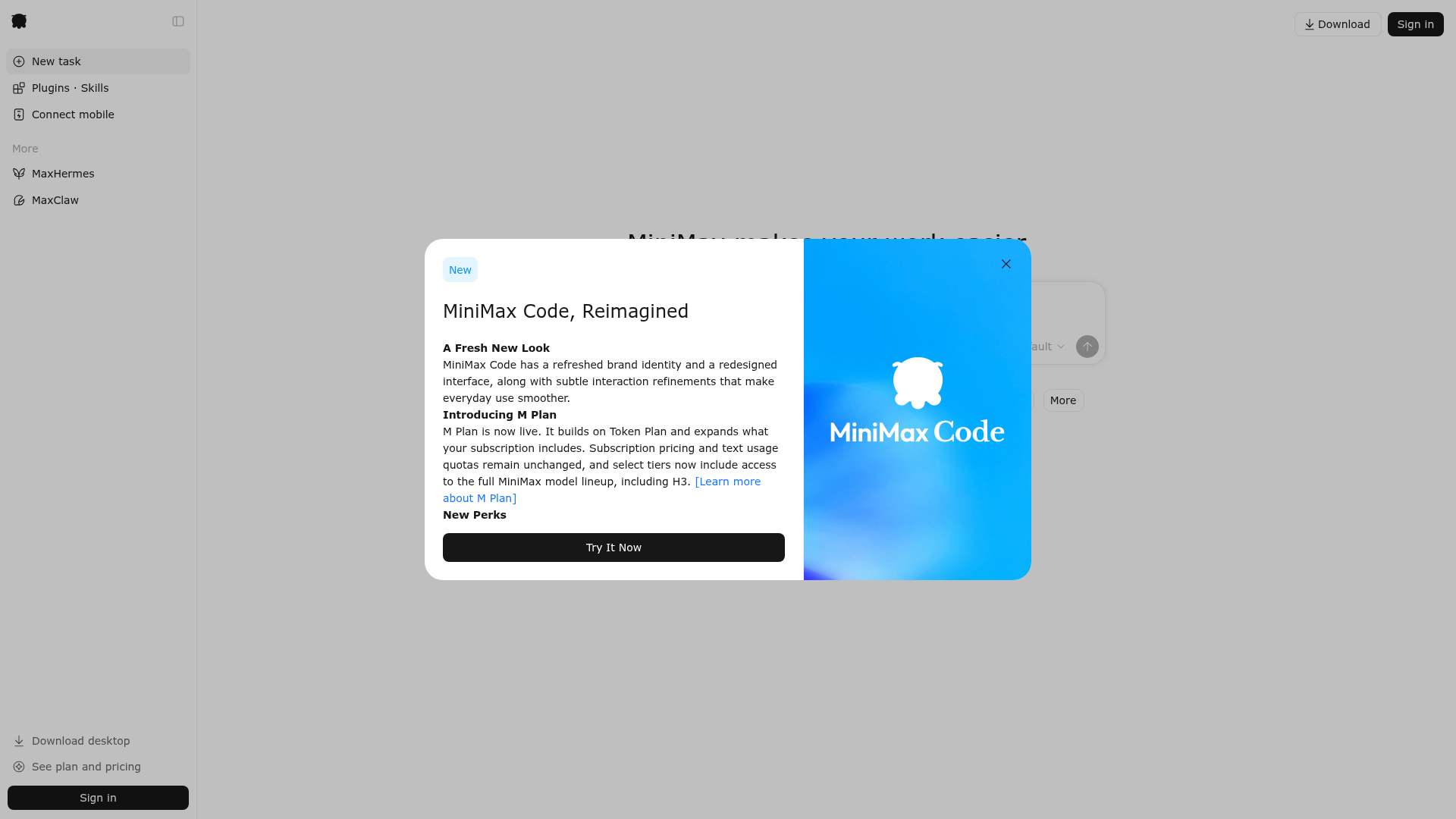
M3 model for task handling
MiniMax describes M3 as its most intelligent and responsive model for handling a wide range of tasks from everyday requests to more complex work.

MiniMax Agent는 웹과 데스크톱 작업에서 글쓰기, 코딩, 분석 등을 돕는 AI 어시스턴트로, 영구 메모리와 에이전트 팀, Token Plan 통합 결제를 제공합니다.
MiniMax Agent is an AI assistant from MiniMax for handling everyday and professional tasks across web and desktop workflows. The site positions it as a “supercompanion” that can support writing, analysis, coding, document work, image generation, spreadsheets, and website-related tasks.
The product centers on its M3 model, persistent memory, evolving skills, and agent-team workflows. Based on the pages provided, it is designed to keep context across sessions, reduce repetitive work, and help users move from simple requests to more structured multi-step tasks.
MiniMax describes M3 as its most intelligent and responsive model for handling a wide range of tasks from everyday requests to more complex work.
The web experience says the agent remembers what you share, so you can continue work without repeating context in every session.
The homepage says the agent can build teams of agents to help automate repetitive work and coordinate multi-step tasks.
The product highlights evolving skills that are learned through collaboration, which suggests the system adapts to repeated workflows over time.
The homepage and selected home page show support for tasks such as documents, websites, image generation, spreadsheets, coding, research, presentations, and audio.
MiniMax advertises a desktop download alongside the web product, giving users a desktop workflow in addition to browser access.
Use MiniMax Agent to draft, summarize, or refine written work when you want an assistant that can keep context and continue iterating with you.
Use the coding and analysis workflows when a task needs technical reasoning, structured problem solving, or help moving through multiple steps.
Use the document, spreadsheet, and website capabilities when you need help assembling information into a usable output rather than just answering a question.
Use the image generation, podcast, and audio-related workflows when the goal is to produce media-oriented outputs from a single assistant.
Use agent teams for repetitive operations that benefit from dividing work across multiple steps or sub-tasks instead of handling everything manually.
MiniMax Agent is presented as a web-based AI assistant that can help with tasks such as writing, analysis, coding, image generation, spreadsheets, and website-related work.
The site highlights a new MiniMax M3 model for handling daily tasks, but it does not provide detailed setup requirements or onboarding steps on the pages provided.
The homepage highlights a desktop download and a web experience, suggesting the product is available across web and desktop workflows.
The site mentions unified billing with Token Plan, but the pricing page text provided does not include specific plan names, prices, or limits.
트래픽 데이터는 참고용으로만 확인하세요.