
Chat with multiple AI models
Use MaxAI in the browser sidebar to chat with top models and switch between options such as o1, GPT-4o, Claude-3.5, and Gemini-1.5.

MaxAI는 웹페이지에서 읽기, 쓰기, 검색, 번역, 답변 작성을 더 빠르게 돕는 브라우저 기반 AI 어시스턴트입니다. Chromium 기반 브라우저에서 작동하며 여러 AI 모델을 페이지, PDF, 동영상, 이메일, 스크린샷 작업에 활용할 수 있습니다.
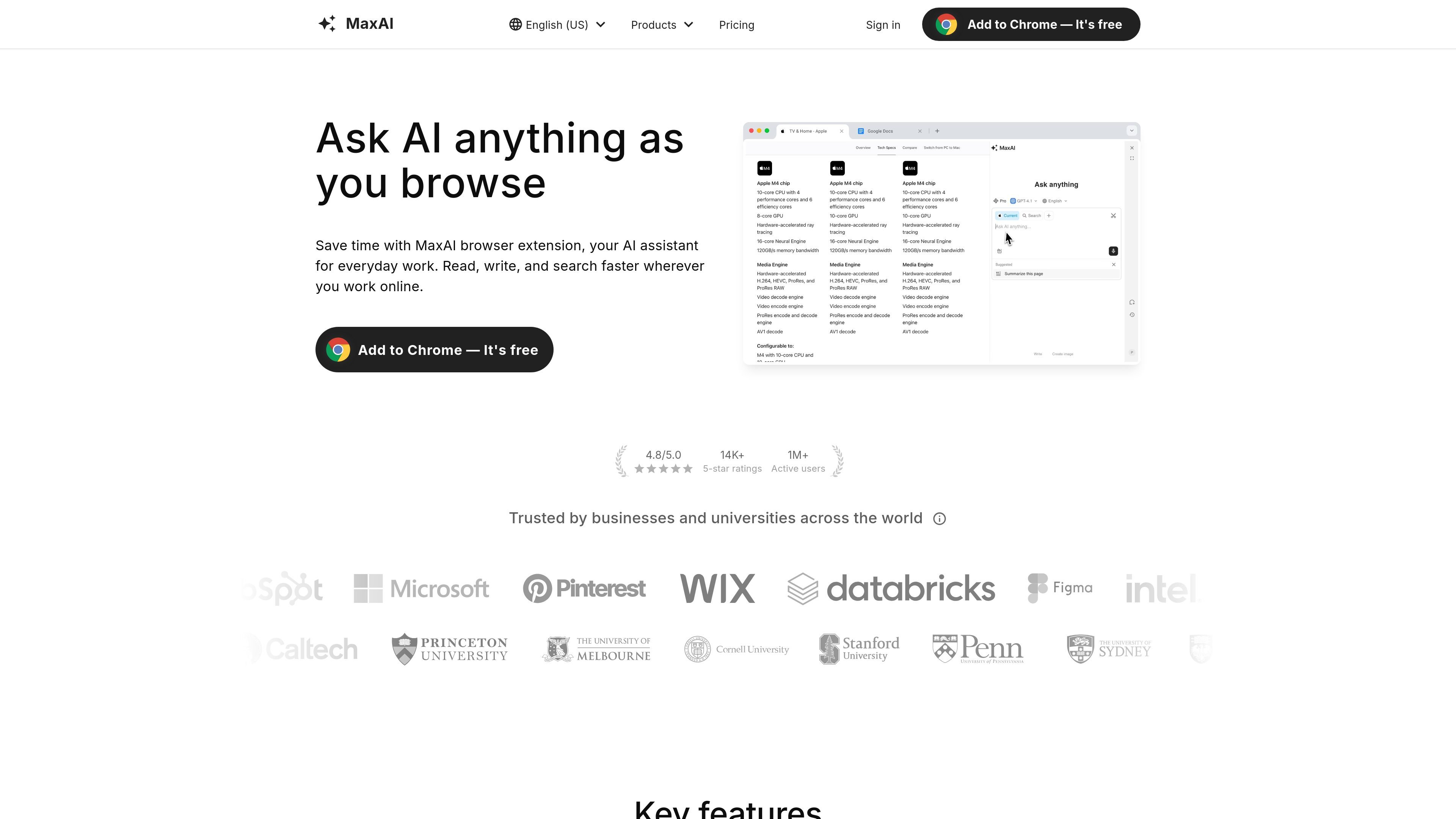
MaxAI is a browser-based AI assistant built to help people read, write, search, translate, and respond faster while working online. The product centers on a browser extension that can be added to Chromium-based browsers such as Chrome and Edge.
It combines access to several AI models with workflow tools for webpages, PDFs, YouTube videos, emails, screenshots, and text on the page. The site positions the product as a way to summarize content, explain unfamiliar passages, improve writing, and generate quick replies without switching between separate apps.
Use MaxAI in the browser sidebar to chat with top models and switch between options such as o1, GPT-4o, Claude-3.5, and Gemini-1.5.
Ask questions about webpages, PDFs, YouTube videos, articles, emails, and screenshots without leaving the browser.
Summarize, explain, translate, paraphrase, simplify, and change tone on text directly within a page or document.
Search the web with AI answers and source links so you can review the underlying sources alongside the response.
Generate images and draft prompts from within the product for creative and content workflows.
Create instant replies for email, social media, and messaging apps, including Gmail, Outlook, LinkedIn, WhatsApp, Slack, Discord, and Telegram.
Summarize long pages, explain unfamiliar sections, and pull key points from articles or PDFs while researching a topic.
Draft, rewrite, proofread, paraphrase, and adjust tone on text directly in the browser when preparing emails or documents.
Translate full pages or selected text and use bilingual translation when working across languages.
Reply to emails, social posts, and chat messages with short generated responses instead of starting from scratch.
Ask questions about screenshots, images, YouTube videos, or live webpages when you need context from the content itself.
MaxAI offers a free tier with basic features and a daily limit on AI requests. Paid plans are available for access to advanced features.
Yes. The pricing page says you can cancel a paid subscription through the Your Plan page using the subscription management option.
MaxAI says it works on any website in Chromium-based browsers such as Chrome and Edge, where it can help compose, improve writing, summarize, explain, translate, and reply to text.
Yes. The pricing page says MaxAI offers team plans, and the account page shows a per-member team plan option.
트래픽 데이터는 참고용으로만 확인하세요.