
Website embed and hosted page
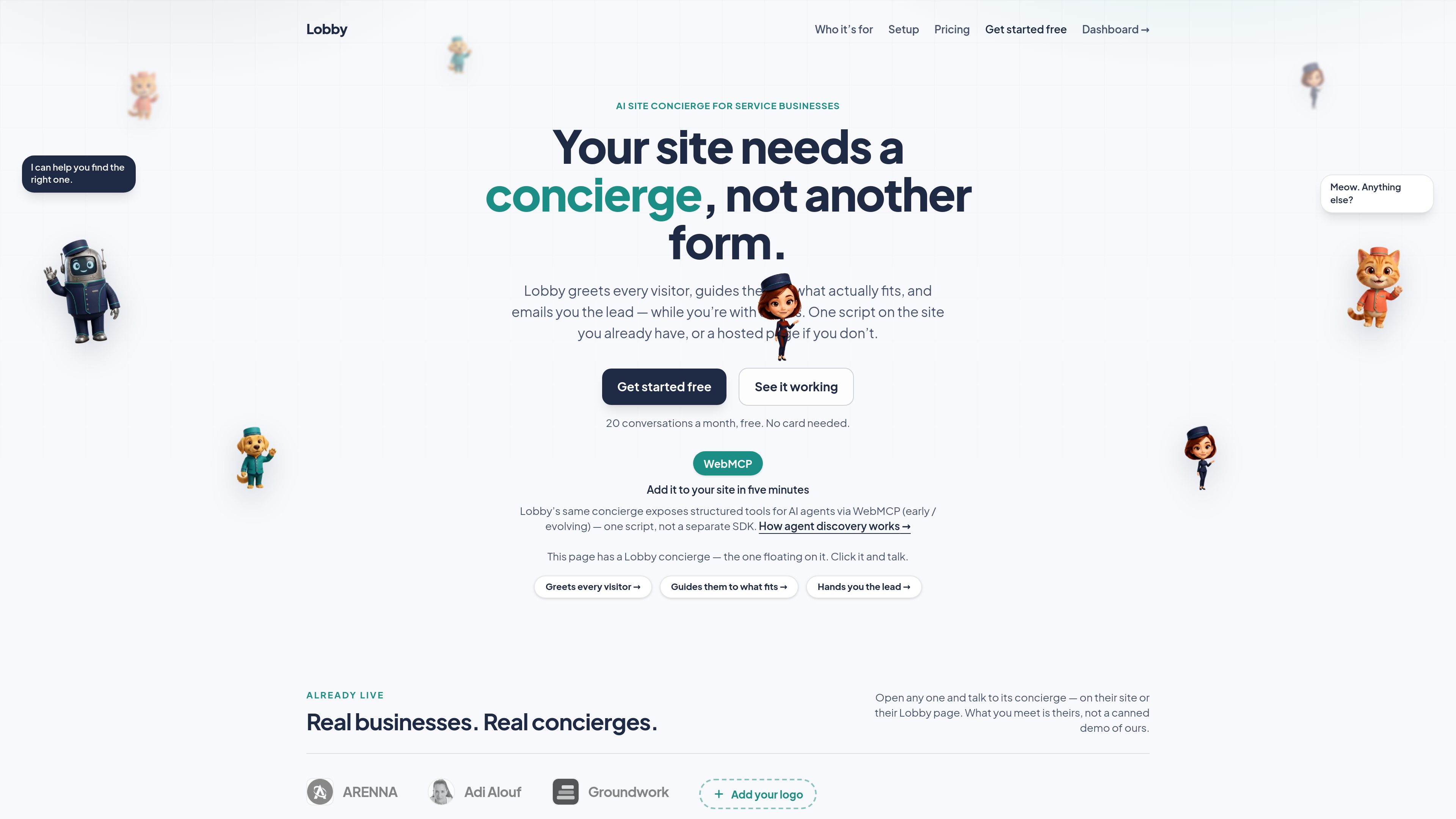
Add a single script before the closing body tag to show a chat button on an existing site, or publish a hosted page at lobby.host/c/{slug}. Both paths use the same concierge.

Lobby는 소규모 서비스 업체와 컨설턴트를 위한 AI 웹사이트 안내 도우미입니다. 방문자를 맞이하고 업체가 정한 범위 안에서 질문에 답하며, 관련 서비스로 안내하고 잠재 고객 요약을 업체에 이메일로 보냅니다.
Lobby is an AI site concierge for boutique service businesses and consultants. It welcomes website visitors, asks what they need, answers questions about the business, and guides them toward relevant offerings using information and boundaries provided by the owner.
Businesses can place the concierge on an existing site with one script or publish a hosted Lobby page without changing their DNS or rebuilding their site. When a conversation ends, Lobby emails the lead’s details, request, and a suggested reply so the owner receives usable context rather than only a blank form submission.
Add a single script before the closing body tag to show a chat button on an existing site, or publish a hosted page at lobby.host/c/{slug}. Both paths use the same concierge.
The concierge asks what a visitor came for and recommends or explains services using the offerings and business information supplied by the owner. Owners can list claims the system must never make.
After a visitor finishes a conversation, Lobby emails the business who the visitor is, what they wanted, and a suggested reply.
When the concierge does not know an answer, it can say so and hand over the business’s contact details instead of improvising unsupported information.
Each live concierge publishes an llms.txt file containing a plain-text summary of the business, services, common questions, contact details, and a link to the concierge.
The embed can register ask_concierge, get_business_info, and list_offerings for supporting AI agents. WebMCP availability varies because the standard is still early and evolving.
A consultant, studio, clinic, or other service business can let the concierge handle initial questions and capture what a prospective client needs while the owner is occupied.
Businesses without a site rebuild can publish the hosted concierge and share it in a proposal, email signature, bio, or WhatsApp conversation.
Owners can define offerings, common questions, contact details, and prohibited claims so visitor guidance stays within the information they have sanctioned.
A live concierge provides an llms.txt summary and, when embedded, optional structured tools that let compatible agents read business details or query offerings.
Paste one Lobby script before the closing body tag on the pages where the concierge should appear. Visitors stay on the business’s domain, and the site’s DNS and search rankings do not change. A hosted lobby.host/c/{slug} page is also available without modifying a website.
The business provides its offerings, common visitor questions, contact information, and boundaries describing what the concierge must not claim. Lobby recommends writing offerings in terms clients will recognize.
When a visitor finishes a conversation, Lobby emails the visitor’s details, what they wanted, and a suggested reply.
One visitor session counts as one conversation, regardless of how many messages it contains. A visitor asking eight questions is still one conversation.
On the free plan, the page remains online. The concierge explains that it is at capacity and shows the business’s contact details; the allowance resets at the start of the next month. On the paid plan, Lobby provides a buffer and sends an email rather than automatically charging for overage.
트래픽 데이터는 참고용으로만 확인하세요.