

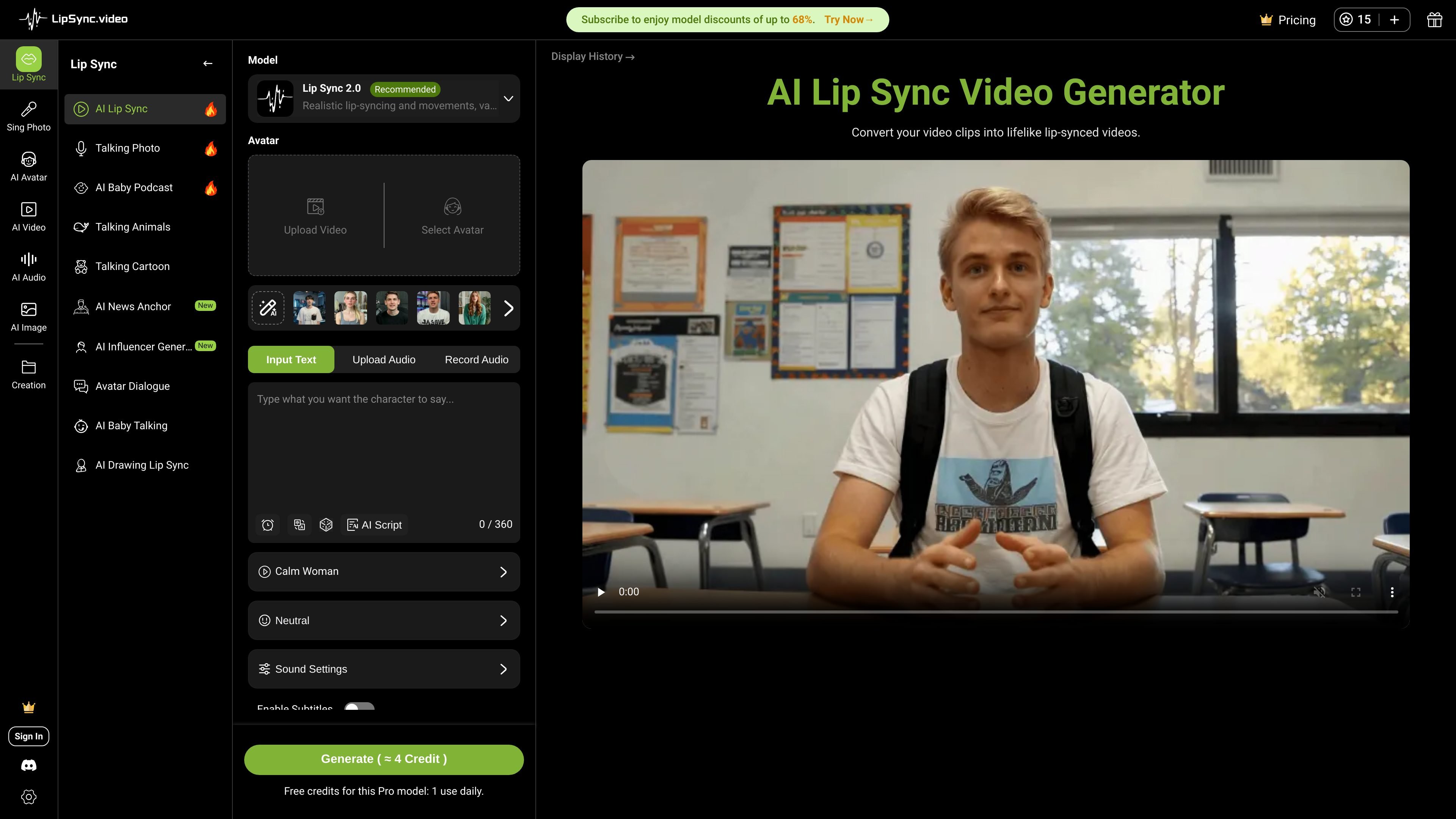
Multiple input workflows
Generate lip-synced videos by uploading a clip and audio, recording audio, or entering a script for speech generation.
LipSync is an online AI video tool for creating lip-synced clips from uploaded video, audio, or scripted speech. The main product page presents it as a free, no-sign-up service for turning existing footage into lifelike talking videos with automatic mouth-movement matching.
The site also includes adjacent generators for talking photos, talking avatars, singing photos, cartoons, and video dubbing. Pricing is credit-based, with free credits for trial use and paid plans or one-time credit packs for heavier creation workflows.
Generate lip-synced videos by uploading a clip and audio, recording audio, or entering a script for speech generation.
Choose between Lip Sync 1.0 and Lip Sync 2.0, with 1.0 described as faster and cheaper and 2.0 as more realistic for varied characters.
Work with video uploads, portrait-based talking photo generation, talking avatars, singing photos, talking cartoons, and dubbing-related tools across the site.
Use built-in voice options and script-to-speech controls, including support for more than 200 voices and adjustable emotion and speed on the talking photo page.
Generate videos without watermarks on the home page and download the processed result after generation.
Access a credit-based pricing structure with subscription plans, one-time packs, and monthly batches of credits.
Create short talking videos from a recorded clip and matching audio when you need automatic mouth synchronization without manual editing.
Turn portrait photos into talking-head clips for social posts, explainers, or character-driven content using the talking photo generator.
Build branded or creator-facing avatar videos from photos when you want controlled appearance and motion rather than a live shoot.
Localize or translate video content with the dubbing workflow listed on the site for speech-driven edits.
Test the tool on a small job using free credits before moving to a paid subscription or a one-time credit pack.
Yes. The home page describes the service as a free AI lip sync tool with no sign-up needed, and the pricing page says it offers limited free credits to try before purchasing more.
You can upload a video and audio, record audio, or type a script for speech generation. The pages also mention built-in avatar and portrait options for some workflows.
The FAQ on the home page says common formats such as MP4 and MOV are supported for video uploads.
The pricing page says credits are used for generation, with a typical video cost of 1 credit per second, while some advanced models consume more credits. It also states that one-time pack credits do not expire, subscription credits expire monthly, and free credits have their own shorter cycles.
The pricing page says monthly plans renew automatically unless canceled, while annual plans are paid upfront for the year and do not auto-renew. It also says annual and monthly plans both receive credits on a monthly basis.
트래픽 데이터는 참고용으로만 확인하세요.