

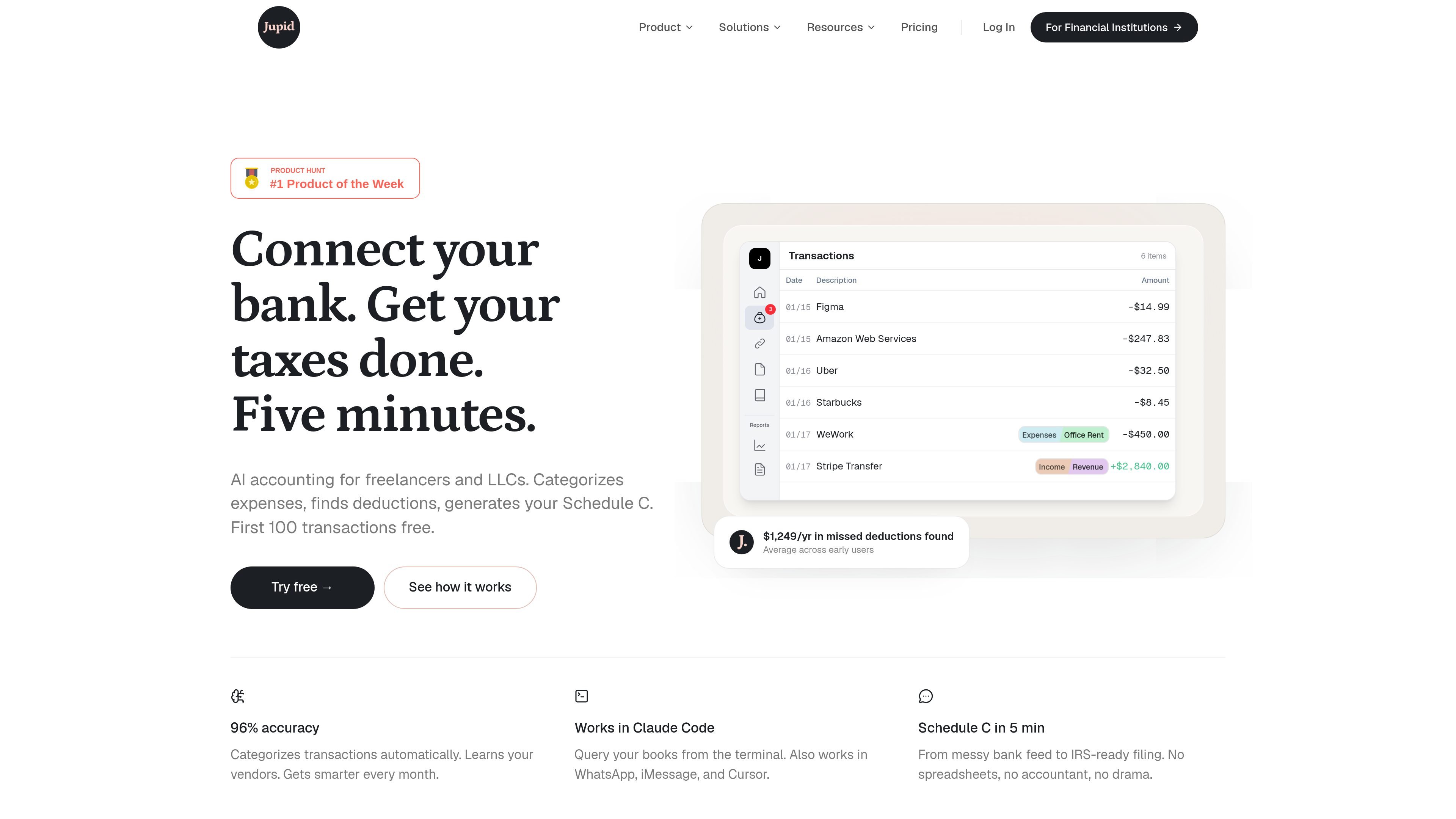
Automatic transaction categorization
Connect a bank or card feed and let Jupid categorize transactions automatically. The site says it learns vendors over time so categories stay consistent as your books grow.
Jupid is an AI accounting product for freelancers and LLCs. It connects to bank and card data, categorizes transactions, and turns those records into tax-ready output such as a Schedule C.
The product is designed to reduce manual cleanup by keeping vendor context over time, asking follow-up questions when a transaction is unclear, and syncing data continuously from connected accounts. It also exposes the books through conversational interfaces, including Claude Code, Cursor, WhatsApp, and iMessage, so users can query finances without switching tools.
Connect a bank or card feed and let Jupid categorize transactions automatically. The site says it learns vendors over time so categories stay consistent as your books grow.
Classify expenses into tax-ready categories and map them to IRS Schedule C lines, so the output is organized for filing rather than just bookkeeping.
Generate reports and a completed Schedule C from categorized transactions, including gross receipts, expenses, net profit, and other filing fields shown on the site.
Ask questions or generate reports from Claude Code, Cursor, WhatsApp, iMessage, or the web-connected workflow described on the homepage and pricing page.
When a transaction needs context, Jupid asks plain-English follow-up questions and uses your reply to finish categorization.
Sync transactions from connected accounts through Plaid or upload a bank export CSV if you are not ready to connect live banking yet.
A freelancer can connect a bank feed, let Jupid classify recurring business expenses, and get a Schedule C-ready view without sorting every transaction by hand.
An LLC owner can keep books organized all year with live transaction sync, then hand structured records to an accountant instead of a folder of receipts.
A founder who works inside Claude Code or Cursor can query spending, generate reports, and reference Schedule C lines without leaving the terminal.
A user who receives transactions from multiple accounts can use Plaid syncing or upload a CSV export to get the same categorization workflow without manual re-entry.
An accountant can use Jupid to organize client transactions and then review cleaner records, rather than spending time on basic categorization.
Yes. Jupid says the first 100 transactions are free and no credit card is required to start.
Jupid connects with Plaid and says it supports 10,000+ banks and credit card providers, so it can connect to any bank that supports online access.
Yes. Jupid says every account includes CPA review as needed, and users can schedule a call with licensed CPAs for complex questions.
Yes. The pricing page says you can cancel at any time, with no contracts or commitments.
Yes. Jupid can start from a CSV or bank export, and bank connection is optional if you do not want to connect your bank yet.
트래픽 데이터는 참고용으로만 확인하세요.