
Separate browser sessions
Each participant operates through an isolated browser session, helping represent distinct accounts rather than multiple tabs sharing one login state.

Jango는 별도의 브라우저 세션에서 활동하는 AI 참여자를 통해 다중 사용자 웹 애플리케이션을 테스트하는 macOS 데스크톱 도구입니다. 개발자는 참여자에게 테스트 계정과 목표를 할당하고, 행동을 관찰하거나 지시하며, 소셜 상호작용, 메시징, 협업, 마켓플레이스, 샌드박스 주문장 등의 워크플로를 테스트할 수 있습니다.
Jango is a macOS desktop tool for development testing of multi-user web applications. It creates separate browser sessions for AI participants, each with a test account, role, and goal, so a developer can exercise interactions that normally require multiple people.
Developers can observe participant screens, pause or direct activity, and join the same app with their own account. Jango is designed for apps under the developer’s control and covers workflows including social interactions, messaging, collaboration, marketplaces, and sandbox order books.
Each participant operates through an isolated browser session, helping represent distinct accounts rather than multiple tabs sharing one login state.
Connect a development URL and test accounts, then define roles and concrete objectives such as inviting a user, placing an order, or updating a shared task.
Watch participant screens, pause when an unexpected result occurs, issue directions, and use the app alongside the AI participants from your own account.
Save participant casts, encrypted login state, browser checkpoints, observed app controls, reusable hints, and execution history for subsequent development checks.
Runs can leave activity, observable checks, navigation hints backed by actions, and comparisons that help document what happened across accounts.
Use the desktop workspace, launch sessions from the terminal, or give a coding assistant access through MCP. AI sessions can connect to OpenAI, Anthropic, or Vercel AI Gateway.
Exercise invitations, posts, conversations, community roles, and shared activity with multiple development accounts while checking what each account can see.
Run multi-account chat scenarios without coordinating a group of human testers, including joining the conversation from the developer’s own account.
Test team invitations, shared tasks, role-based access, and other collaborative web app flows that depend on more than one participant.
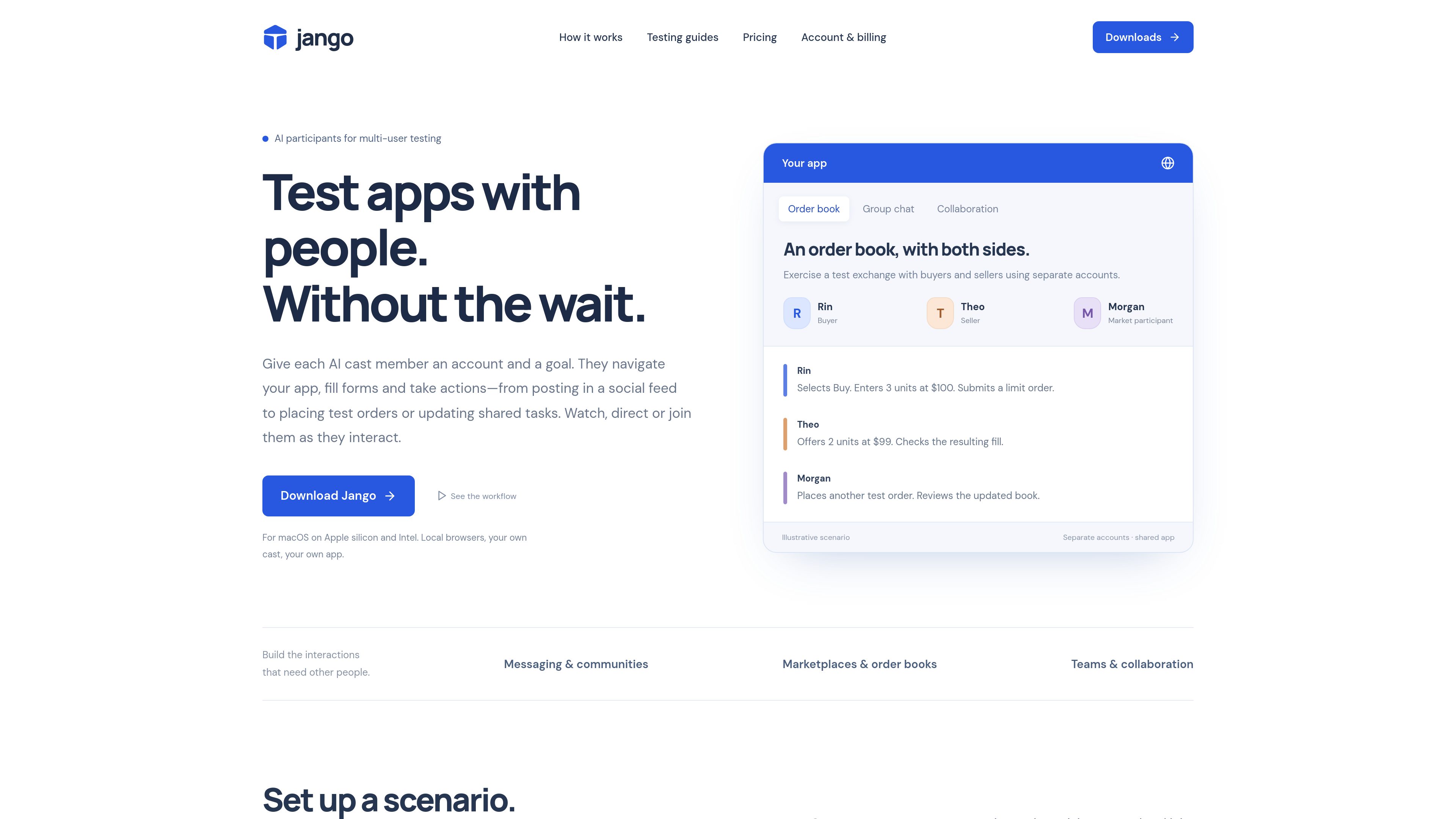
Use buyer, seller, and other participant roles to navigate pages, submit test listings or orders, and inspect the resulting state in a sandbox environment.
Keep a cast for repeated exploratory checks after app changes, then convert confirmed bugs into deterministic browser or API tests when precise assertions are needed.
A participant operates the web app through its own browser session. Depending on the controls it can observe, it can navigate, click, fill forms, select options, upload supplied images, and perform actions described in its goal.
Yes. You can log into the app with your own account while the cast uses its assigned accounts. Jango lets you watch screens, direct participants, and pause activity.
You need a development URL, test accounts for the participants, and a scenario with roles and goals. Jango’s Mac installer bundles Node.js and Chromium, so separate Node or Playwright installation is not required.
Browsers run on your computer. Projects, evidence, and browser checkpoints are stored in your Jango account, while AI usage can be connected to your own provider key or managed through Jango’s in-app credits.
The site identifies canvas-only apps, popup sign-in flows, and CAPTCHA as cases that may require a different integration. Jango is intended for testing apps you control.
트래픽 데이터는 참고용으로만 확인하세요.