

Hotkey-based voice and text input
Start a voice conversation or open a chat window with a hotkey, then use AI to answer questions, capture ideas, or trigger workflows tied to your screen, files, and tools.
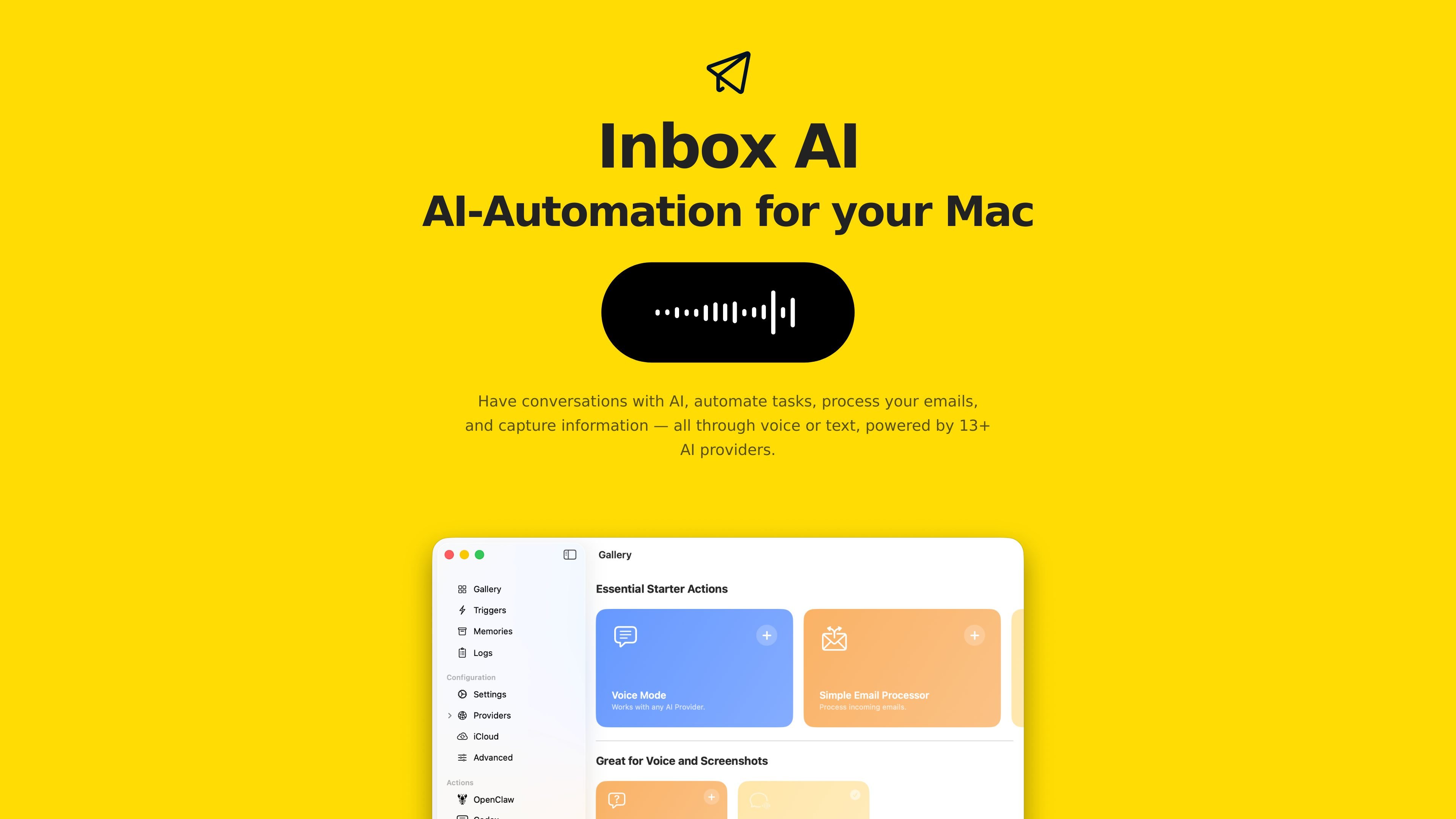
Inbox AI is an AI automation app for Mac that combines chat, voice input, email handling, and task capture in one workflow. The product page describes it as a way to have conversations with AI, automate tasks, process emails, and capture information through voice or text, connected to your files, screen, and tools.
It is positioned as a user-controlled Mac app: you can buy once and use forever, bring your own API keys, or use free local on-device AI. The page emphasizes one hotkey for launching conversations or chat, plus built-in support for Apple Mail and other macOS actions.
Start a voice conversation or open a chat window with a hotkey, then use AI to answer questions, capture ideas, or trigger workflows tied to your screen, files, and tools.
Filter junk, flag important messages, and extract tasks from incoming email. The page says this is built into Apple Mail and fully on-device.
Send selected content or text on screen to AI for summarizing, analyzing, extracting, or rewriting, then route the result to another app or action.
Use cloud models or local models from providers such as Claude, GPT, Gemini, Groq, DeepSeek, xAI, Ollama, and LM Studio, with support for bringing your own API keys.
Chain actions with conditions, groups, and multiple output targets. The page also lists native actions for Apple Mail, Apple Reminders, Clipboard, Notifications, and Shortcuts.
Connect to external tools through APIs, terminal commands, MCP servers, x-callback-urls, watched folders, and web search or web fetch steps.
Start a voice conversation from a hotkey to ask questions, capture ideas, or direct AI to perform actions without switching between separate tools.
Route incoming Apple Mail messages through on-device filtering to flag important items, filter noise, and extract tasks into other apps.
Select text or screen content, then use AI to rewrite, summarize, analyze, or extract information and send the result onward.
Build chained automations that call shortcuts, run terminal commands, trigger callbacks, or invoke MCP tools based on conditions and grouped actions.
Use local models or your own API keys when you want to keep data closer to your Mac or choose a preferred model provider.
Inbox AI is designed for Mac users who want to start AI conversations, automate actions, and process email from a single app. The homepage also points to a Slack community and a manual for help.
The homepage says it supports voice or text interaction, uses 13+ AI providers, and can also run with free local on-device AI. It also states that you can bring your own API keys.
The product page says Inbox AI can be triggered with a hotkey, handle incoming email, process selected content on screen, watch folders, call shortcuts, and work with callback URLs and MCP tools.
The source describes Inbox AI as built into Apple Mail and fully on-device for email filtering and task extraction. It also mentions native macOS actions such as Reminders, Clipboard, Notifications, and Shortcuts.
트래픽 데이터는 참고용으로만 확인하세요.