

Common image format support
Upload JPG, PNG, or WEBP images and start from photos, product shots, illustrations, or AI art without converting files first.
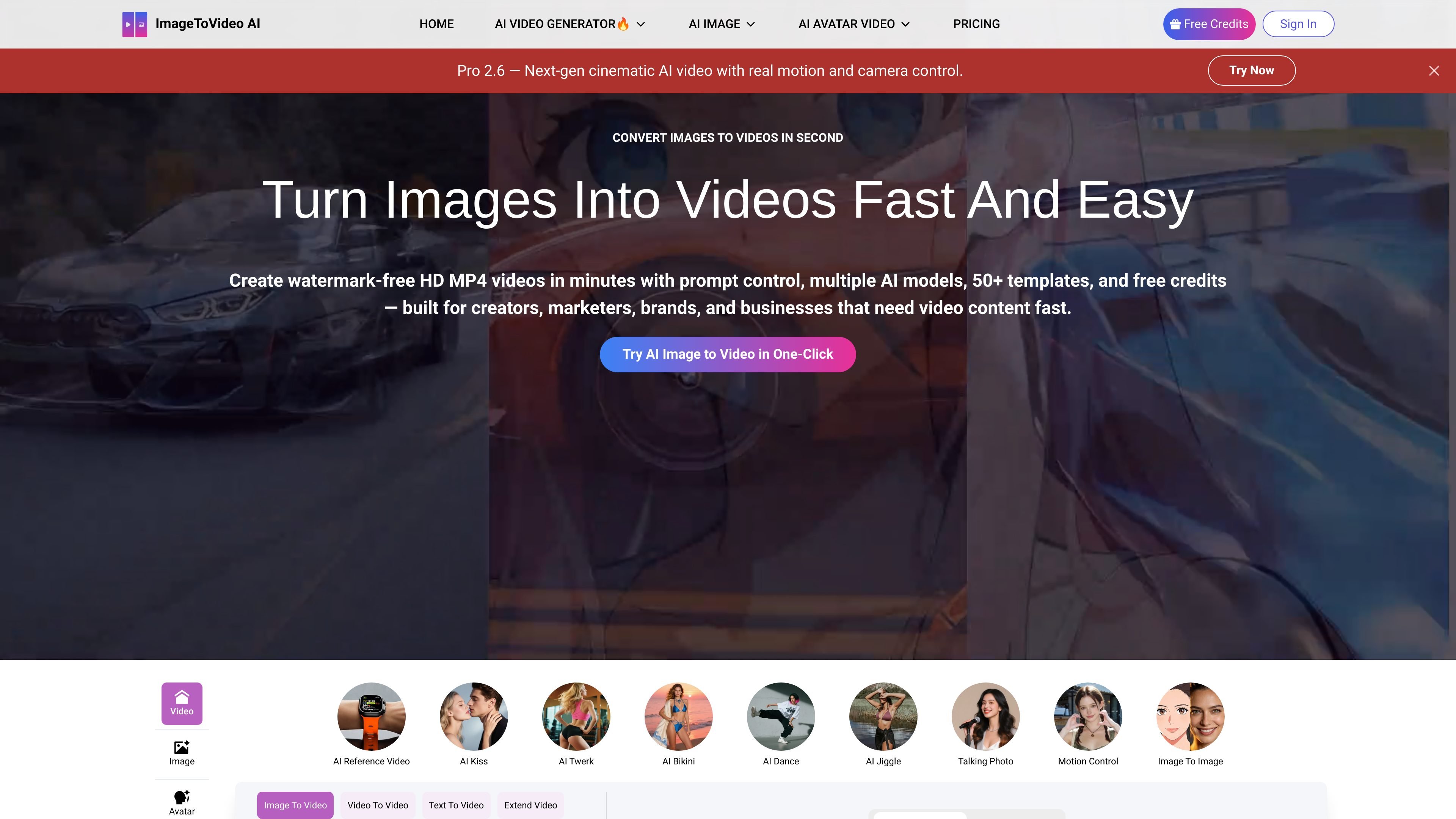
ImageToVideo AI is a browser-based tool that converts still images into MP4 videos using AI. The site positions it as a way to add motion, depth, and visual effects to photos, product images, illustrations, and AI-generated art without using traditional editing software.
The product supports a prompt-driven workflow: upload an image, crop it to fit the video frame, add creative instructions if needed, adjust options such as model, resolution, and duration, and then download the finished video. The site also presents several output styles, including product motion, social clips, cinematic storytelling, character animation, and UGC-style ad videos.
Upload JPG, PNG, or WEBP images and start from photos, product shots, illustrations, or AI art without converting files first.
Use prompts and adjustable options to guide the output, including model level, video resolution, and video duration.
Switch between Basic 1.0, Fast 2.4, and Pro 2.6 to balance generation speed, output quality, and workflow needs.
Apply 50+ ready-to-use templates and effects for social posts, promo clips, and trend-based short videos.
Download finished videos in HD with a clean, watermark-free finish.
Extend a short clip to a longer video while keeping character consistency, motion flow, and scene details.
Turn product photos into short motion clips with cinematic camera movement and reflective lighting for listings, launches, and paid ads.
Convert still images into TikTok, Instagram Reels, and YouTube Shorts content using templates built for short-form publishing.
Create narrative shots from a single frame with controlled camera motion and dramatic lighting for trailers, short episodes, or concept reels.
Animate illustrations or character art with subtle facial expression changes and motion to make static visuals feel more alive.
Expand a short clip into a longer sequence when more runtime is needed for an ad, demo, or story beat.
It turns static images into MP4 videos using AI. The workflow on the site is to upload an image, add a prompt or idea, adjust options such as model level, resolution, or duration, and then download the result.
Yes. The site states that JPG, PNG, and WEBP images are supported, and its workflow pages emphasize starting from a single photo, product image, or illustration.
The site says videos are generated within minutes, with speed depending on resolution, duration, and effect complexity.
The pricing page says purchased credits are a one-time payment and do not renew automatically. It also says credits are permanently valid after purchase.
The site says downloads are watermark-free, and the pricing page lists 720p and 1080p output options for supported tools and plans.
트래픽 데이터는 참고용으로만 확인하세요.