

Browser-based Claude Code
Run Claude Code in the browser with built-in skills, so agent workflows happen in a visual desktop instead of a local command line.
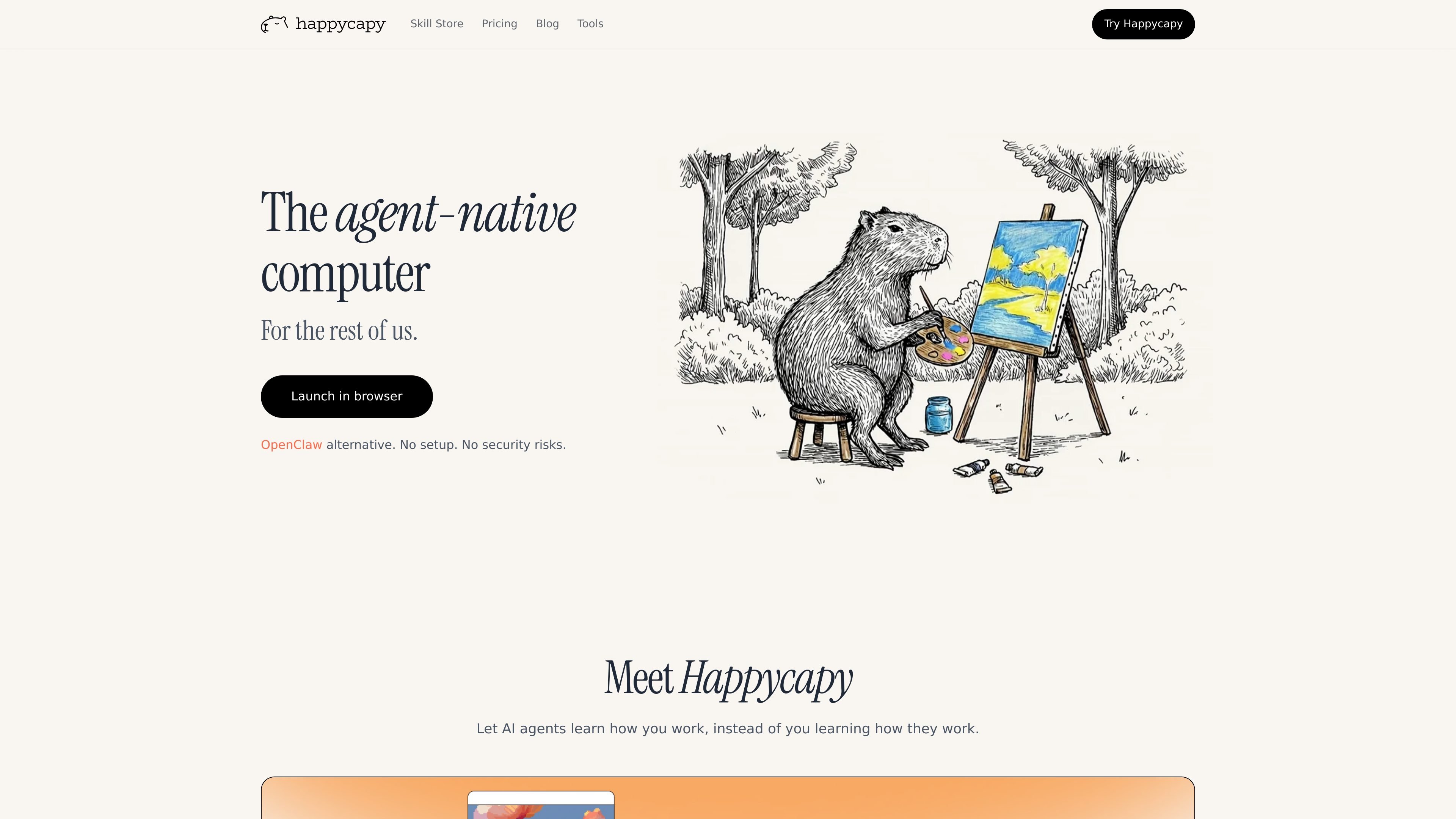
Happycapy is an agent-native computer that turns a browser into a place where AI agents can work on tasks for you. The product combines Claude Code access, a visual GUI, skills, and a private sandbox so users can delegate work without leaving the browser.
The site frames the product around practical jobs such as design, reporting, email, and recurring automations. It is positioned for creators, builders, and everyday users who want agents to complete work and send results back by email, rather than only suggesting next steps.
Run Claude Code in the browser with built-in skills, so agent workflows happen in a visual desktop instead of a local command line.
Work inside a private sandbox that the homepage describes as isolated, secure, and fully yours, with plan-based sandbox upgrades for more resources.
Create recurring tasks in the sandbox on paid plans, ranging from basic automations on Pro to larger automation allowances on Plus and Max.
Use Capymail to send and receive email from the agent workflow, with email quota included on paid tiers.
Install and browse skills from the skill store, where skills extend what the agent can do and can include open-source skills.
Access a separate browser tool suite for quick, browser-run tasks such as image generation, panoramas, and HTML page creation. The browser acts as a visual desktop.
Use Happycapy when you want an agent to work through a browser task end to end, with visible clicks and a GUI rather than a command-line-only experience.
Set up recurring sandbox automations for repeat work such as weekly tasks, routine checks, or other background jobs that should run without manual intervention.
Use the skill store or custom skills to adapt the agent to a specific workflow, especially when you need reusable instructions for a recurring task.
Send a task to the agent and receive the outcome by email, then reply to continue the work if you need another iteration.
Try the free tier for lightweight personal productivity or exploratory use before moving to paid plans for more automations, model access, or email quota.
Yes. Happycapy offers a free tier with no credit card required. The tools page also says the core tool suite is available immediately after signup, with some extended capabilities reserved for paid plans.
No. The tools page says Happycapy tools run directly in the browser with no downloads, plugins, or API setup required, and the product runs in a secure sandbox environment.
The site positions Happycapy for people who want AI agents to do work in a browser-based environment, including creators, builders, and everyday users. The pricing page also frames the product around productivity tasks and recurring automations.
The pricing page includes Claude Code access, skills-based model access, automations, and Capymail for sending and receiving email. The site also highlights that agents can deliver results by email and that the browser acts as a visual desktop.
Yes. The pricing page includes a Team plan and says it is for teams of all sizes, from startups to enterprise, with flexible plans available.
트래픽 데이터는 참고용으로만 확인하세요.
| 4월 | 99712 |
|---|---|
| 5월 | 65608 |
| 6월 | 81836 |
아직 트래픽 분석 데이터가 없습니다.

conductor.build
Conductor는 격리된 워크스페이스에서 Claude Code, Codex, Cursor 에이전트를 동시에 실행하는 Mac 앱으로, 개발자가 작업을 위임하고 변경 사항을 검토한 뒤 로컬에서 병합하도록 돕습니다.

oomol.com
OOMOL은 Gmail, GitHub, Notion을 AI 에이전트에 연결해 Codex, Claude Code, Cursor에서 인증된 도구를 재사용하도록 하며, 무료·유료·사용량 기반 요금을 제공합니다.

supalaunch.com
CLI, VS Code, JetBrains를 지원하는 Claude Code용 프로덕션 설정 패키지로 재사용 가능한 지침, MCP 구성, 훅, 워크플로 템플릿을 제공합니다.

apps.mergeable.io
Diffsmith는 Claude Code, Cursor, Codex, Copilot 같은 AI 코딩 에이전트가 만든 로컬 git 변경 사항을 검토하는 macOS 네이티브 앱입니다. 인라인 댓글을 달고 프롬프트로 보내거나 로컬 MCP 서버를 통해 에이전트에 전달할 수 있습니다.

1code.dev
1Code는 코딩 에이전트를 위한 오픈 소스 비주얼 클라이언트로, Claude Code와 Codex를 통합하고 데스크톱·웹 작업, Git 검토·병합, 클라우드 샌드박스 백그라운드 실행을 지원합니다.

www.agentconnect.md
AgentConnect를 사용하면 Claude Code, Codex, Gemini CLI와 같은 ACP 에이전트를 Slack, Telegram, Discord, GitHub에 연결해 팀이 평소 협업하는 채널에서 업무를 맡길 수 있습니다. 오픈 소스이며 자체 호스팅이 가능하고, 에이전트 워크플로를 위한 역할, 도구, 메모리, 설정 가능한 트리거를 제공합니다.