
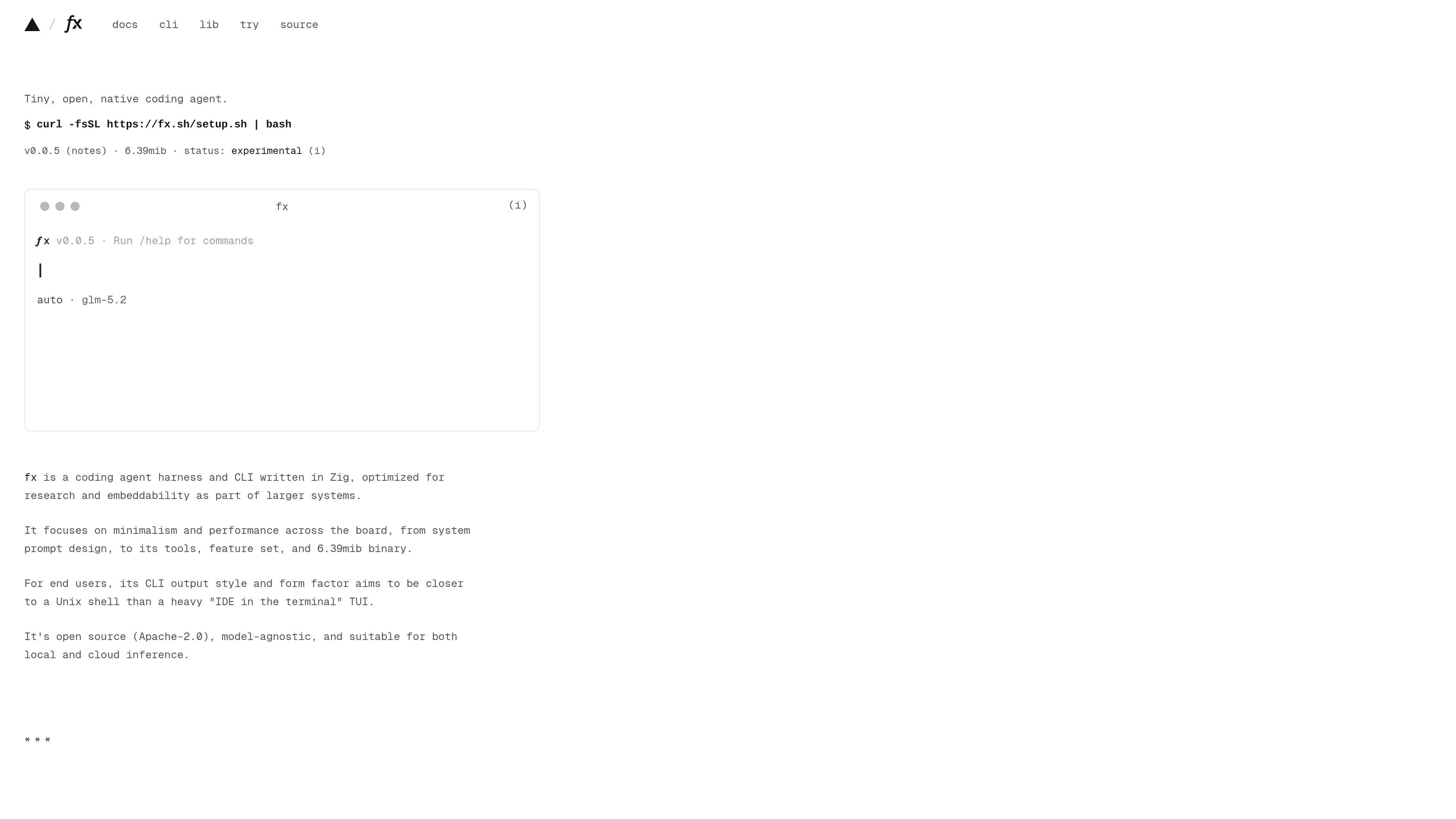
Minimal native CLI
fx is a terminal-first coding agent with a shell-like interface, designed to keep output compact and focus on the current workspace.

fx는 터미널에서 코드를 다루기 위한 작고 개방적인 네이티브 코딩 에이전트이자 CLI입니다. 연구, 임베딩, 대규모 시스템의 일부로 활용하도록 설계되었으며 로컬 또는 클라우드 추론을 지원합니다.
fx is a CLI-based coding agent written in Zig. It is designed to run from the terminal, work as a native process, and fit into larger systems through embedding or protocol-based integrations. The project emphasizes a small binary, minimal output, and a workflow that is closer to a Unix shell than a full terminal IDE.
The documentation describes fx as model-agnostic and open source under Apache-2.0. It can be used interactively in a project directory, resumed across sessions, or run noninteractively with fx ask. The same runtime can also be exposed over Agent Client Protocol or compiled to WebAssembly for JavaScript-based interfaces.
fx is a terminal-first coding agent with a shell-like interface, designed to keep output compact and focus on the current workspace.
Users can start a fresh session with `fx`, continue an existing session with `fx resume`, or run a single request with `fx ask`.
The current directory becomes the primary workspace, and commands such as reading, searching, and listing files work within that context.
fx starts in auto permission mode, reviews sensitive calls, and prompts before actions that can change files or run commands. Permission mode can be changed with `/permissions`.
The same agent can run natively in the terminal, serve over ACP with `fx acp`, or be loaded from JavaScript through the experimental WebAssembly SDK.
The docs mention skills, plugins, MCP, browser integration, and configurable SDK behavior for authentication, storage, command execution, and network requests.
Work in a repository, ask fx to inspect files, explain code, add tests, or run the test suite while the transcript shows tool calls as they happen.
Resume prior work, inspect saved sessions, and recover context when you return to a project later.
Use fx as the runtime behind an editor, application, or service that needs coding-agent behavior without building the agent from scratch.
Load the WebAssembly build into a JS application when you need a headless agent or an interactive terminal-like interface.
Use fx in environments where file access and command execution should be reviewed before they run.
fx is a CLI-based AI coding agent and harness for working with code from the terminal or embedding the agent into other systems.
The docs show installation with `curl -fsSL https://fx.sh/setup.sh | bash`, followed by `fx login` for Vercel authentication or setup of an AI Gateway API key.
Yes. The docs document `fx ask` for one-off requests, along with commands such as `fx status`, `fx models`, and `fx permissions` for inspection and configuration.
No. The site describes fx as model-agnostic and suitable for local models, gateways, direct provider API access, or subscriptions.
Yes. The docs describe native ACP support and an experimental WebAssembly SDK for JavaScript-based integrations.
트래픽 데이터는 참고용으로만 확인하세요.