

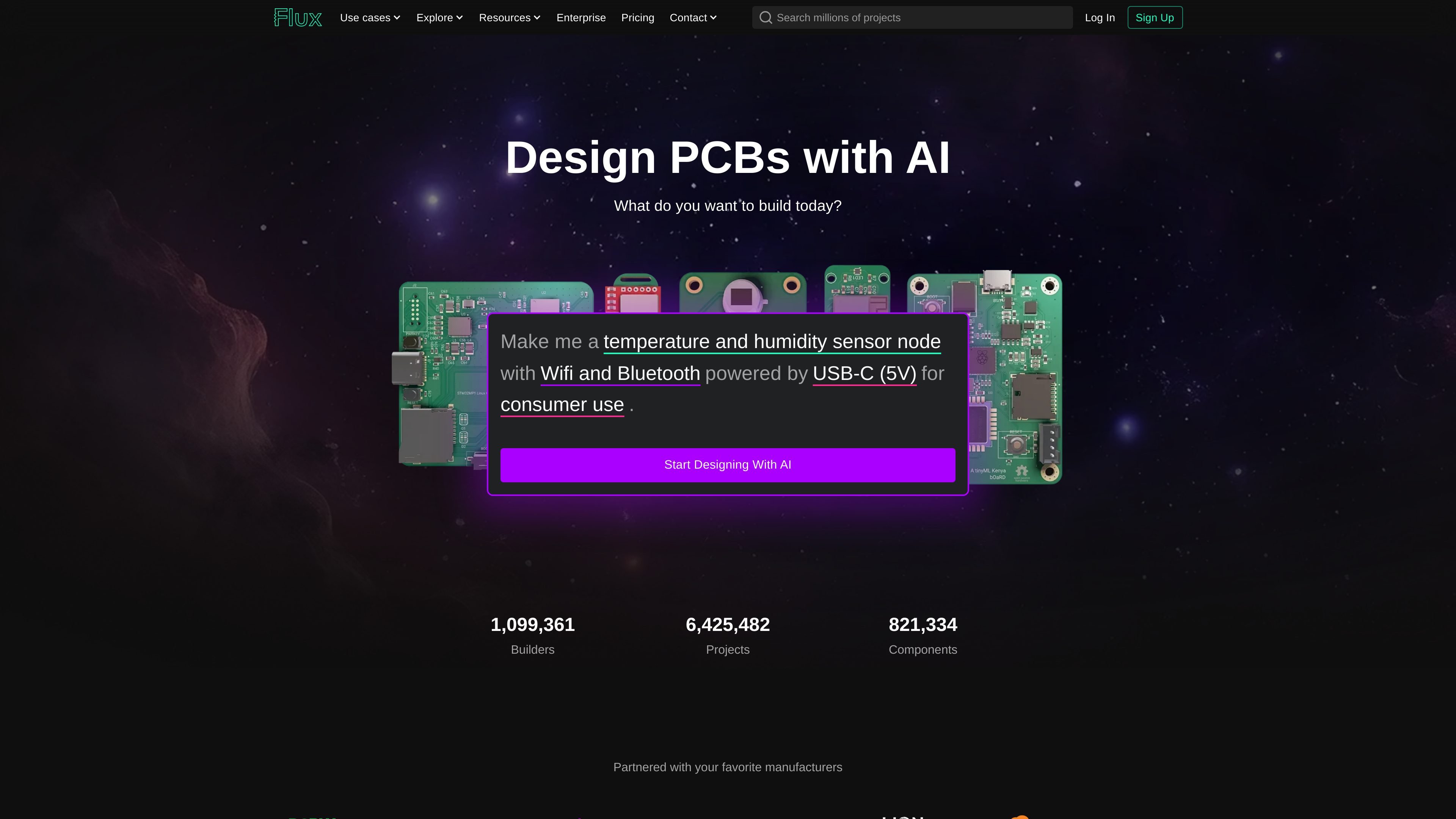
Browser-based PCB design
Flux runs in the browser as a full eCAD environment, so designs can be created, reviewed, and edited without installing desktop software.
Flux is a browser-based PCB and electronics design platform that combines collaborative eCAD tools with AI-assisted workflows. It is positioned for people building hardware who want help moving from idea to schematic, layout, and manufacturing preparation inside one editable environment.
According to the site, Flux can plan a project from a natural-language prompt, generate schematics and BoMs, place and route a layout, and prepare outputs for fabrication. The product emphasizes explainable AI, live component data, and shared workflows so individuals and teams can work on hardware designs without leaving the browser.
Flux runs in the browser as a full eCAD environment, so designs can be created, reviewed, and edited without installing desktop software.
The workflow starts with a prompt and moves through planning, schematic generation, layout, and manufacturing preparation with AI assistance at each stage.
Flux explains its decisions, checks in for feedback, and keeps users in control while handling repetitive design work.
The platform uses live component data, including inventory, pricing, and alternates, to help keep bill of materials decisions sourceable.
Users can collaborate in real time with version control and advanced permissions for shared design work.
The platform includes guardrails such as design rule checks, supply chain monitoring, and manufacturability validation.
Use Flux to turn a hardware idea into a structured design plan before committing to schematic work, especially when the requirements are still being refined.
Use the platform to generate schematics and BoMs while checking in at key moments, which can help speed up board development without fully handing over control.
Use Flux for layouts that need to remain editable after AI assistance, making it easier to continue optimization or hand off work within a team.
Use the browser workspace for shared hardware projects where multiple editors need permissions, centralized billing, and collaboration across a team.
Use the manufacturing outputs and parts-aware workflow when preparing a design for fabrication and sourcing.
Flux offers a two-week free trial of premium features. After the trial, you can still keep a Flux account and use public projects and the community, but editing private projects, exporting them, and using AI requires a paid plan.
ACUs are Agent Compute Units, the way Flux meters AI usage across chat and AI workflows. Plans include a monthly ACU allowance, and usage depends on task complexity.
An editor is someone who can make changes to a project under that project’s sharing permissions. On private projects, invited editors are billed at the per-editor rate on the plan.
Yes. The pricing page says invoicing is available on the Enterprise plan.
Flux says you can cancel your plan at any time from your profile under Plans & Payments.
트래픽 데이터는 참고용으로만 확인하세요.

www.protoflow.ai
ProtoFlow는 전자 엔지니어를 위한 AI 기반 PCB 설계 도구로, 평이한 영어로 작성한 회로 아이디어를 편집 가능한 회로도로 변환하고 레이아웃의 더 깔끔한 출발점을 제공합니다. KiCad 또는 Altium으로 내보낼 수 있습니다.

impeccable.style
AI 코딩 하네스를 위한 디자인 스킬로, 구조화된 설정과 명령 기반 편집, 브라우저 실시간 반복 작업을 지원합니다.

zoo.dev
모델링 도구, 코드 기반 CAD, Zookeeper 대화형 에이전트를 결합한 하드웨어 설계 플랫폼.

aigardenplanner.com
AI landscape design software for visualizing garden ideas and planning outdoor spaces.