
AI text-to-emoji search
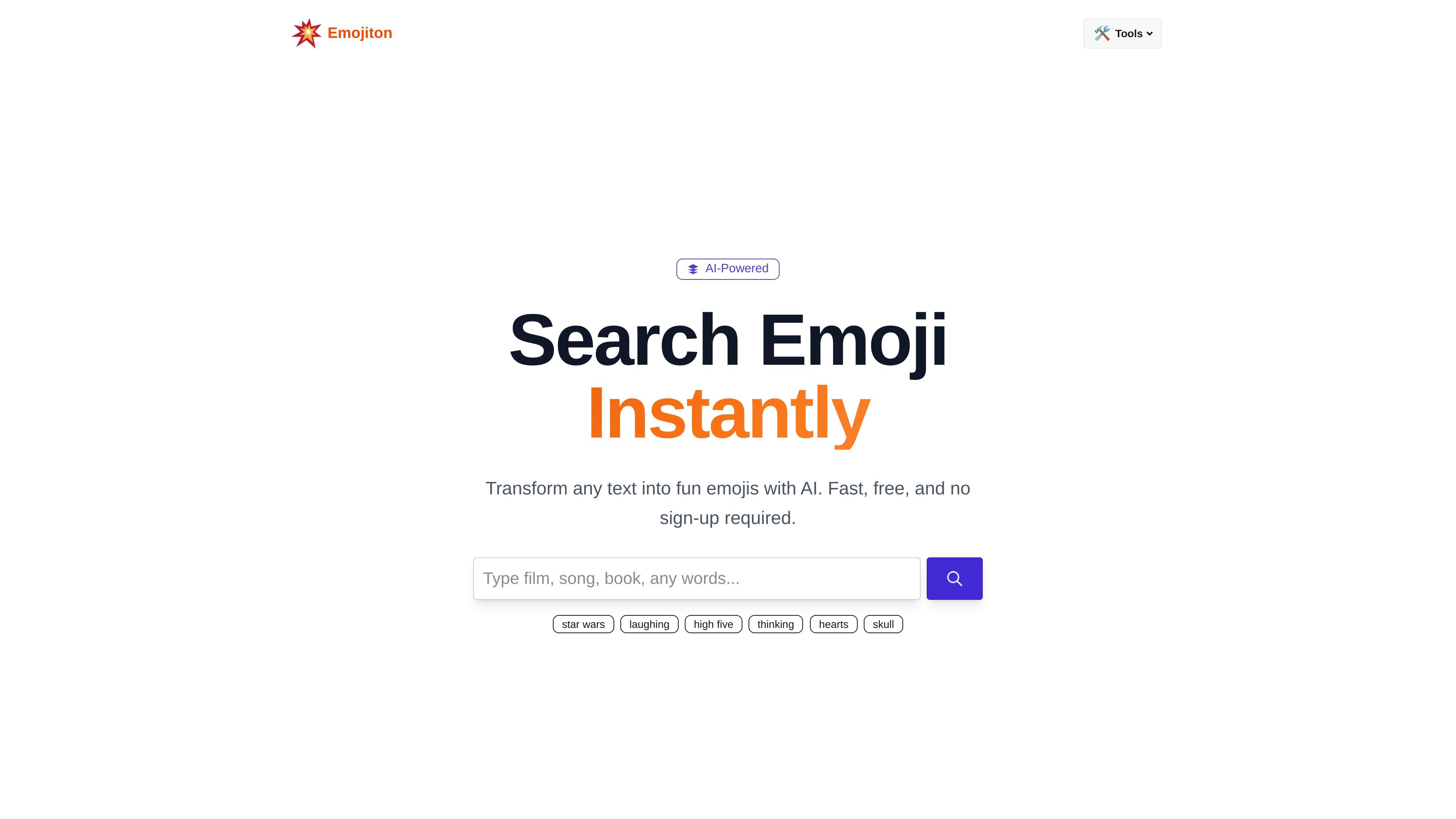
Enter text to find matching emojis. The homepage offers example searches such as “laughing,” “high five,” “thinking,” and “Star Wars.”

Emojiton uses AI to match your text with emojis. Search reactions and topics, browse themed combinations, or try a timed movie quiz.
Emojiton is a browser-based emoji finder that uses AI to turn text into a set of emojis. Its core purpose is to help people find symbols that fit the meaning or mood of a message. Users can enter text to search for relevant emojis and copy them for use elsewhere.
Alongside search, the site offers themed emoji combinations and movie-inspired emoji storytelling. It also includes a movie guessing game, bringing an entertainment component to its emoji tools.
Enter text to find matching emojis. The homepage offers example searches such as “laughing,” “high five,” “thinking,” and “Star Wars.”
Browse combinations organized around emotions, colors, seasons, occasions, and interests. Themes include friendship, birthdays, travel, gaming, and mental health.
Browse films represented as emoji sequences, grouped by genre.
Guess a movie from emojis within a 10-second countdown. Faster answers earn more points, and the quiz covers multiple genres.
Search for an emotion or gesture, such as laughter or a high five, to find emojis that communicate a reaction in a conversation.
Browse seasonal, color-based, or occasion-based combinations when preparing a birthday caption, travel update, or holiday post.
Use the timed quiz as a short movie trivia activity, interpreting emoji clues and trying to answer quickly for a higher score.
Core emoji search is free and does not require an account.
Emojiton accepts text for AI-powered emoji matching. Its example searches span reactions, gestures, symbols, and a film franchise, including “thinking,” “hearts,” “skull,” and “Star Wars.”
You can copy emoji results into a message, note or post.
트래픽 데이터는 참고용으로만 확인하세요.