
Fast machine startup
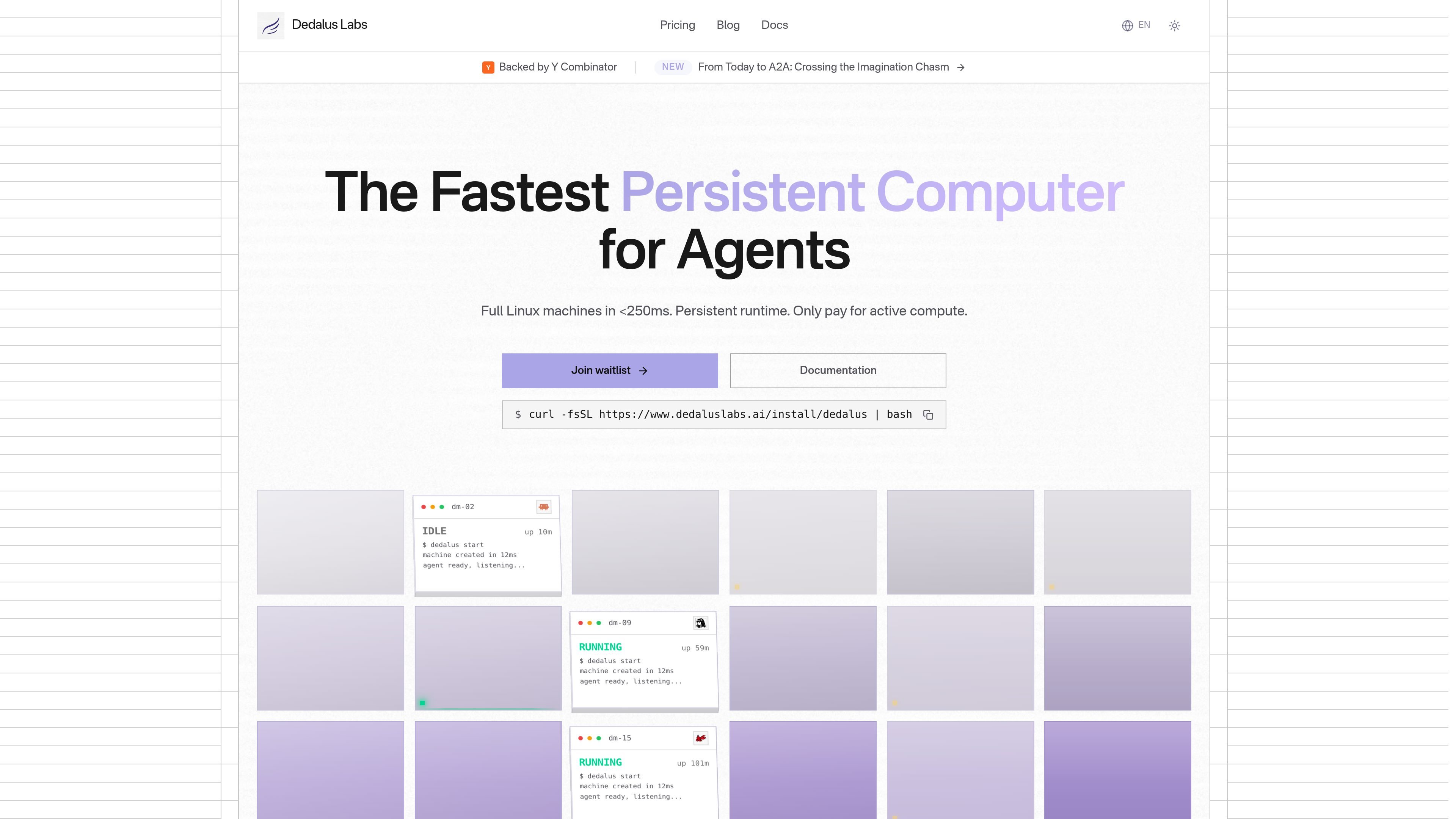
Machines are described as full Linux environments that start in under 250 ms, reducing waiting time compared with traditional sandboxes.

Dedalus Labs는 에이전트 워크플로를 위한 영구 Linux 머신을 제공합니다. 빠른 시작, 상태 보존, CLI 제어를 지원하며, 활성 컴퓨팅만 과금하고 유휴 시간과 스토리지는 무료입니다.
Dedalus Labs provides persistent Linux machines for agent workflows. The product positions these machines as starting in under 250 ms, with filesystem and memory preserved across sessions so work can continue without rebuilding the environment each time.
The site shows a CLI-first workflow for installing the Dedalus client, creating a machine, running commands, and SSHing into the environment. The pricing page adds per-second billing for active compute, free idle time, and storage that persists across sleep and wake cycles.
Machines are described as full Linux environments that start in under 250 ms, reducing waiting time compared with traditional sandboxes.
Filesystem and memory are preserved across sessions, so installed tools, environment variables, and background processes can remain available after sleep and wake cycles.
The product emphasizes full Linux access with root privileges, support for apt, pip, npm, cargo, and brew, plus GPU/CUDA and Docker support.
The pricing page states that compute is billed per second only while the machine is active, with idle time free and storage included in the plan.
The product shows a command-line workflow for installing the CLI, creating machines, running commands, and connecting through SSH.
The pricing page lists enterprise controls including SSO, RBAC, audit logs, SLA options, and dedicated support.
Run agents that need a machine to keep state between jobs, including installed packages, files, and background processes.
Create a Linux environment for tasks that require system packages, root access, or Docker instead of a limited sandbox.
Launch short-lived or intermittent workloads such as command execution, scraping, or code generation without paying for idle time.
Use a machine as a remote workspace when SSH access and command-line control are part of the workflow.
Standardize team infrastructure on a paid tier when centralized controls such as SSO, RBAC, audit logs, or dedicated support are needed.
The source shows a CLI for creating machines, running commands, and connecting over SSH. It also shows a documentation link and an API key page, but it does not fully document the API surface or integration catalog.
The pricing page says compute is billed per second only while a machine is actively running. Idle time is free, and storage persists across sleep and wake cycles.
The home page shows support for macOS, Linux, and Windows installation of the Dedalus CLI, with commands for creating machines and SSH access. It does not provide a broader platform compatibility list beyond the CLI instructions shown.
The pricing page says hobby, pro, and enterprise options are available. Hobby includes 50 compute hours per month and a one-time sign-up credit, Pro includes monthly compute credits, and Enterprise is custom with team controls such as SSO, RBAC, and audit logs.
The product is aimed at persistent agent workloads and other workflows that need full Linux machines, preserved state, and root access. The source explicitly highlights machine-based workflows such as command execution and SSH access.
트래픽 데이터는 참고용으로만 확인하세요.