

Cyphr mode for direct transcription
Cyphr transcribes your speech as spoken, without rewriting or tone changes. It is the baseline mode for capturing exactly what you said.
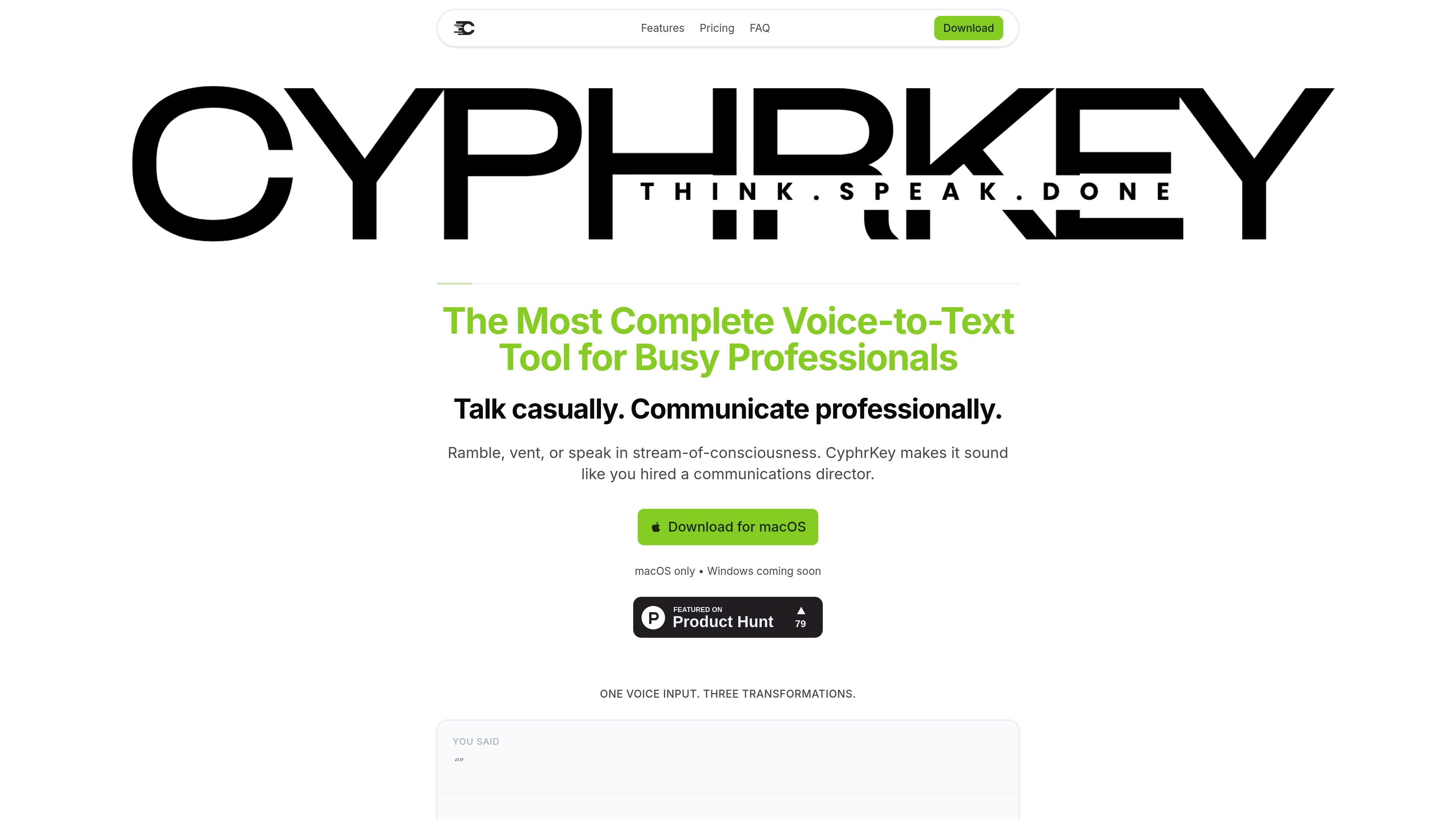
CyphrKey is a macOS voice-to-text and AI writing tool for professionals who want to turn spoken thoughts into clearer messages. Its core workflow is simple: hold a key, talk naturally, and choose how the result should be handled.
The product centers on three output modes. Cyphr transcribes speech as-is, Professional rewrites casual language into more polished text, and Email composes a full email from your dictated input. The site also describes Voice Notes for scratchpad capture and Intel Mode for voice-based questions.
CyphrKey is positioned for people who move quickly between meetings, messages, and follow-ups. The site emphasizes no setup beyond downloading the app, plus direct pasting into common work tools such as Gmail, Outlook, Slack, Teams, Notion, Google Docs, Zoom, and Linear.
Cyphr transcribes your speech as spoken, without rewriting or tone changes. It is the baseline mode for capturing exactly what you said.
Professional mode rewrites casual or rambling speech into clearer, more measured language while keeping the intent intact.
Email mode turns spoken notes into a finished email, including a sign-off and more formal structure.
Voice Notes opens a floating notepad for pure transcription to a scratchpad, intended for ideas, to-dos, and quick captures.
Intel Mode lets you ask a question by voice and receive an answer in a floating panel, without switching to a browser.
The product claims it can paste into Gmail, Outlook, Slack, Teams, Notion, Google Docs, Zoom, and Linear without plugins or extensions.
Use Professional mode to turn a rough spoken update into a clearer Slack message, recap, or follow-up before sending it.
Use Email mode when you need to dictate a complete email with a formal tone and a signature, rather than drafting from scratch.
Use Voice Notes to capture ideas, to-dos, or meeting fragments in a scratchpad without leaving the app you are already using.
Use Intel Mode to ask a question by voice and get an answer in a floating panel when you want a quick lookup without opening a browser.
Use CyphrKey in back-to-back meetings when you need to send recaps, updates, or next steps quickly from a spoken summary.
CyphrKey includes three voice modes: Cyphr for exact transcription, Professional for polished language, and Email for full email composition. The source also mentions Intel Mode for voice-powered questions and Voice Notes for scratchpad-style capture.
The site positions CyphrKey as more than standard dictation: it can transform casual speech into polished professional text, format emails with signatures, and answer questions in a floating panel.
The homepage says CyphrKey works with Gmail, Outlook, Slack, Teams, Notion, Google Docs, Zoom, and Linear, and that it pastes directly into whatever you're using without plugins.
Intel Mode is described as a voice-powered Q&A tool that shows answers in a floating panel, so you can ask a question by voice without opening a browser.
The homepage explicitly says CyphrKey is macOS only, and notes that Windows is coming soon.
트래픽 데이터는 참고용으로만 확인하세요.
| 6월 | 0 |
|---|---|
| 7월 | 0 |
| 8월 | 0 |
아직 트래픽 분석 데이터가 없습니다.
아직 트래픽 분석 데이터가 없습니다.