
Revenue attribution
Connect Stripe, Paddle, Polar, Lemon Squeezy, Dodo Payments, or Creem using a read-only API key and/or webhook. Past payments can be imported, while webhooks can provide near-real-time payment events.

clicks.page는 창업자와 인디 해커를 위한 쿠키리스 웹 분석 도구입니다. 방문자, 트래픽 소스, 전환, 수익 기여도를 보고하며 AI 에이전트에 맞춘 설정 및 조회 흐름을 제공합니다.
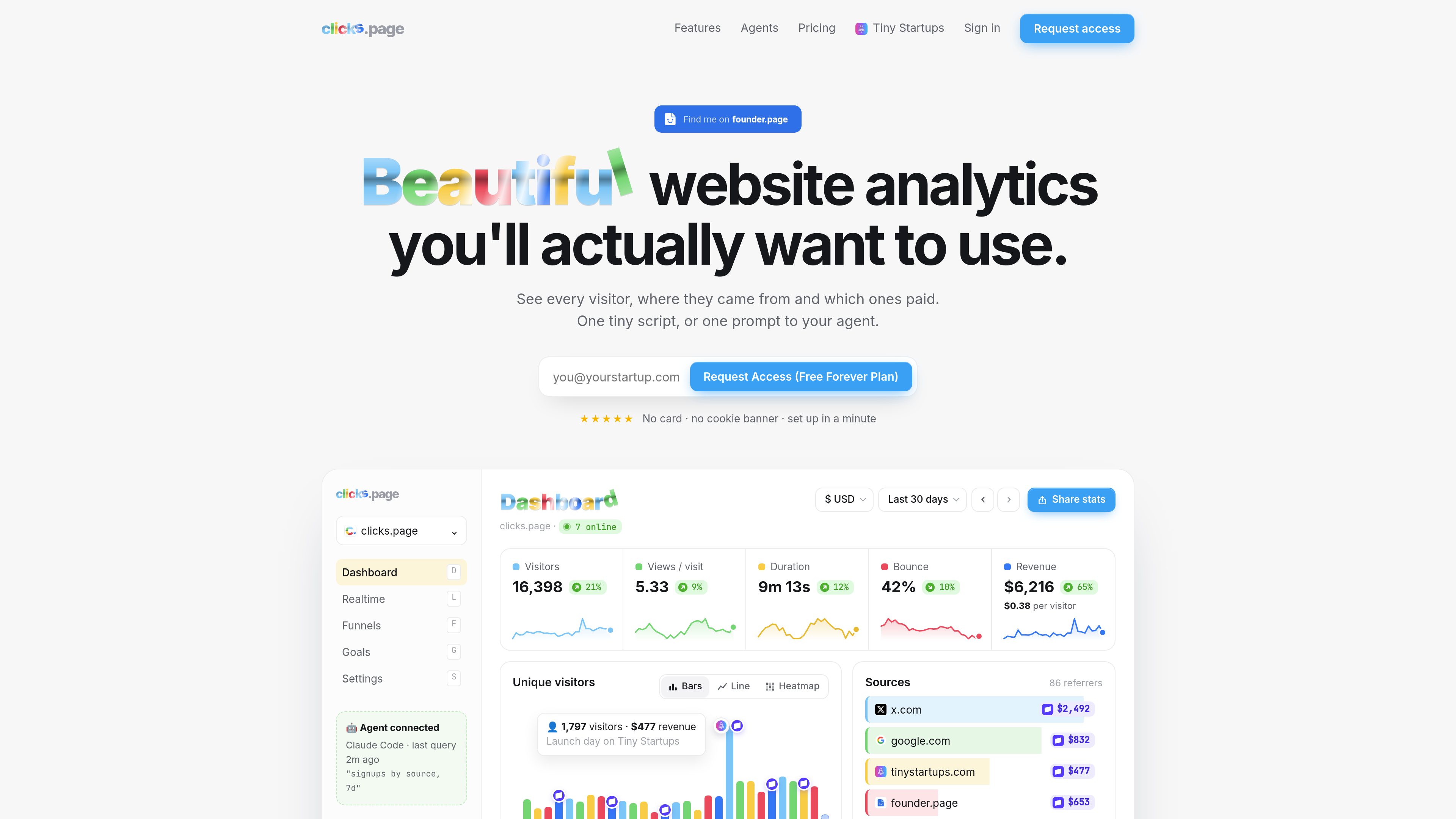
clicks.page is a privacy-friendly, cookieless website analytics service focused on visitor and revenue attribution. It shows where visitors came from, which sources generated revenue, and metrics such as revenue per visitor and renewals credited to the original source.
The tracker avoids cookies and local storage, honors Global Privacy Control and Do Not Track, and filters bots, headless browsers, and datacenter traffic. It can be installed with a script tag, queried through a REST API or MCP server, and connected to supported payment providers for payment imports and attribution.
Connect Stripe, Paddle, Polar, Lemon Squeezy, Dodo Payments, or Creem using a read-only API key and/or webhook. Past payments can be imported, while webhooks can provide near-real-time payment events.
Review visitors and revenue by source, including referrers and UTM dimensions. The homepage examples show source-level visitor and revenue totals.
Define conversion goals such as payments, custom events, selected goals, outbound links, or page paths. Funnels can combine page and event steps, with conversion counts and rates available in reporting.
Track named events with JavaScript or HTML attributes. API breakdowns support dimensions including source, referrer, UTM fields, location, device, browser, operating system, entry and exit pages, pages, and events.
The tracker uses no cookies or local storage, honors Global Privacy Control and Do Not Track, and filters bots, headless browsers, and datacenter traffic.
An AI coding agent can create an account, add a site, install the tracking script, verify installation, and connect the MCP server. A REST API provides site statistics, real-time data, status, payments, goals, funnels, and conversion data.
Founders can compare referrers and UTM campaigns to see which channels bring visitors and revenue, rather than reviewing traffic volume alone.
A site owner can connect a supported payment provider, import historical payments, and track renewals back to the customer's first visit. Refunds and certain payment reversals are reflected in attribution.
Teams can define events such as signup, combine page and event steps into a funnel, and inspect conversion counts and rates for a selected period.
Developers using an AI coding agent can request setup, add the tracker to a project, verify that events are arriving, and expose analytics queries through the MCP server.
Users can query real-time data, timeseries, top pages, sources, and status through the dashboard or API to inspect current traffic and installation health.
No. The tracker is described as using no cookies or local storage. It also honors Global Privacy Control and Do Not Track and filters bots, headless browsers, and datacenter traffic.
The documented providers are Stripe, Paddle, Polar, Lemon Squeezy, Dodo Payments, and Creem. Connections can use read-only API keys, webhooks, or both, depending on the workflow.
The tracker can pass its visit identifier into supported checkout metadata or fields. If that identifier is unavailable, clicks.page can use observed checkout activity or a returning buyer where possible; sales that cannot be linked are reported as not linked to a visit.
Yes. The setup guide documents agent signup, site creation, script installation, deployment verification, and MCP connection. The agent is instructed to ask the user to choose a plan during setup.
Yes. Custom events can be sent with `clicks.track(name, props)` or a `data-clicks-event` attribute. Events can also be used in conversion goals and funnels.
트래픽 데이터는 참고용으로만 확인하세요.