
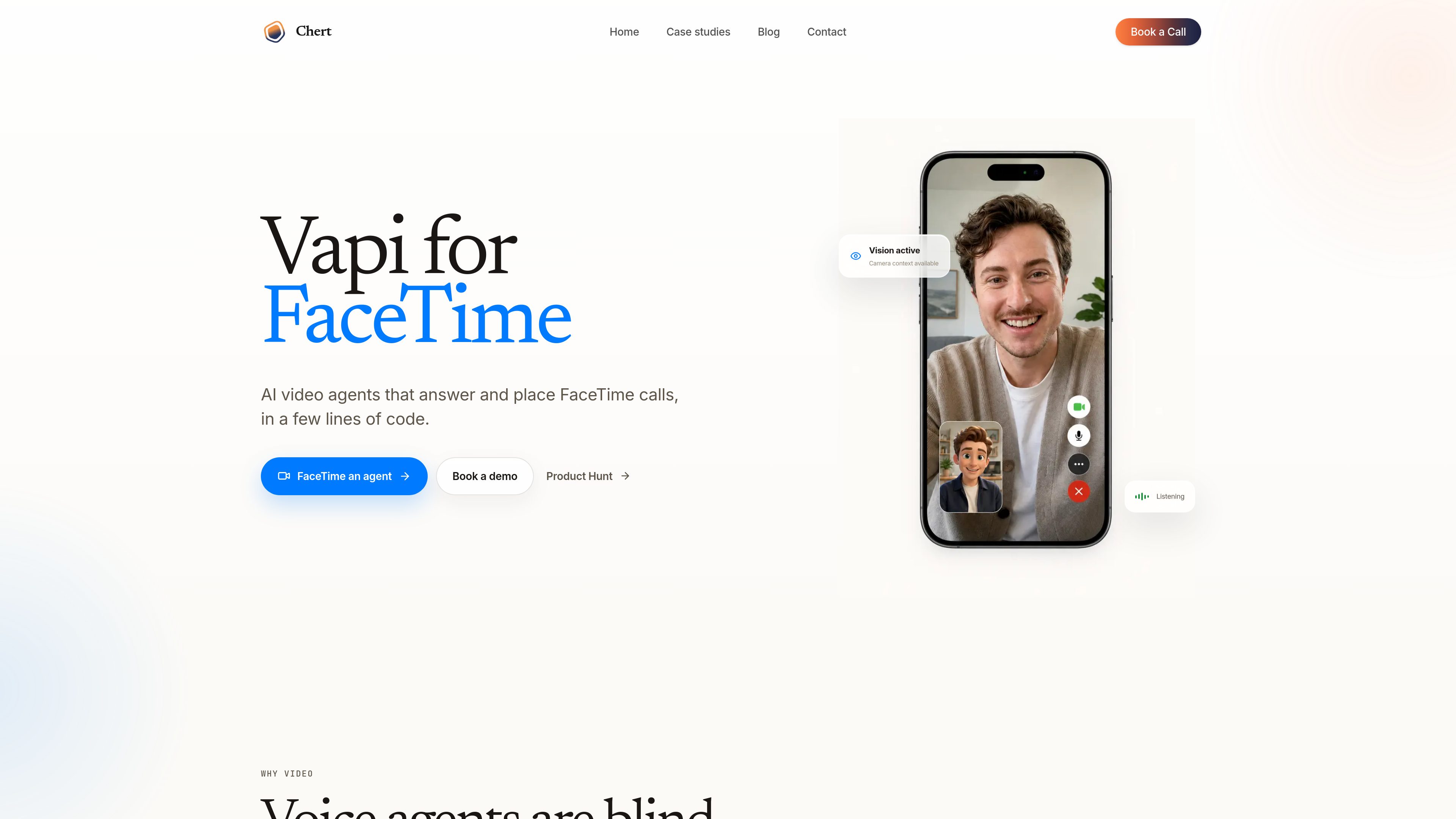
Camera-aware call handling
The product is built around the idea that an agent can use what the caller is showing on camera to understand a problem or next step more directly than voice alone.

Chert는 카메라를 인식하는 어시스턴트를 통해 팀이 FaceTime 전화를 받고 걸 수 있도록 돕는 AI 영상 에이전트 제품입니다. 고객 지원, 온보딩, 가이드형 검토처럼 통화 상대가 시각 자료를 보여줘야 하는 업무에 적합합니다.
Chert is a FaceTime-focused AI video agent product that lets teams configure an assistant, assign it to a managed line, and publish it for controlled calling workflows. The page positions it as “Vapi for FaceTime,” with a focus on agents that can use camera context during calls instead of relying only on voice.
It is designed for situations where seeing the problem matters as much as hearing it. The source highlights remote support, field service, telehealth intake, guided onboarding, visual inspections, and customer success as examples of work that can benefit from a video agent. The product also emphasizes a controlled private preview, so the FaceTime offering is not described as generally available yet.
The product is built around the idea that an agent can use what the caller is showing on camera to understand a problem or next step more directly than voice alone.
Users can define the assistant’s instructions, realtime model, voice, and behavior before a call is placed.
The setup flow includes choosing an avatar persona and framing style, such as a mid-shot presentation.
A browser-based preview is available to check the prompt, voice, microphone behavior, interruption handling, avatar, and cleanup before going live.
The assistant can be deployed by publishing it and assigning it to a provisioned FaceTime line.
The control plane supports bounded inbound and outbound test workflows, with live execution described as provisioned and explicitly authorized.
Guide a caller through a problem they can show on camera, such as a cable, device, or environment issue.
Help users or technicians walk through a physical setup or repair step by step when visual confirmation is useful.
Use a video agent for intake workflows where a person may need to show symptoms, equipment, or surroundings.
Walk new users through a process visually, reducing the need for them to describe every detail from memory.
Support review workflows where the agent needs to see an object, location, or setup in order to proceed.
No. The page says the FaceTime product is being onboarded through a controlled private preview while production media and line readiness are validated.
Yes. The browser preview is meant for checking the prompt, voice, microphone, interruption behavior, avatar, and cleanup before publishing.
The page says the control plane supports bounded inbound and outbound test workflows. Live execution is provisioned and explicitly authorized, and accepting mode is not enabled by default.
The page says you can configure the assistant instructions, realtime model, voice, avatar, framing, publishing state, and managed line assignment.
The product is presented for situations where a caller needs to show a problem or environment, including remote support, field service, telehealth intake, guided onboarding, visual inspections, and customer success.
트래픽 데이터는 참고용으로만 확인하세요.