

Chat with files
Send documents, images, or code files to Chatbox and ask questions about their contents. The site also notes support for scanned and handwritten PDFs.
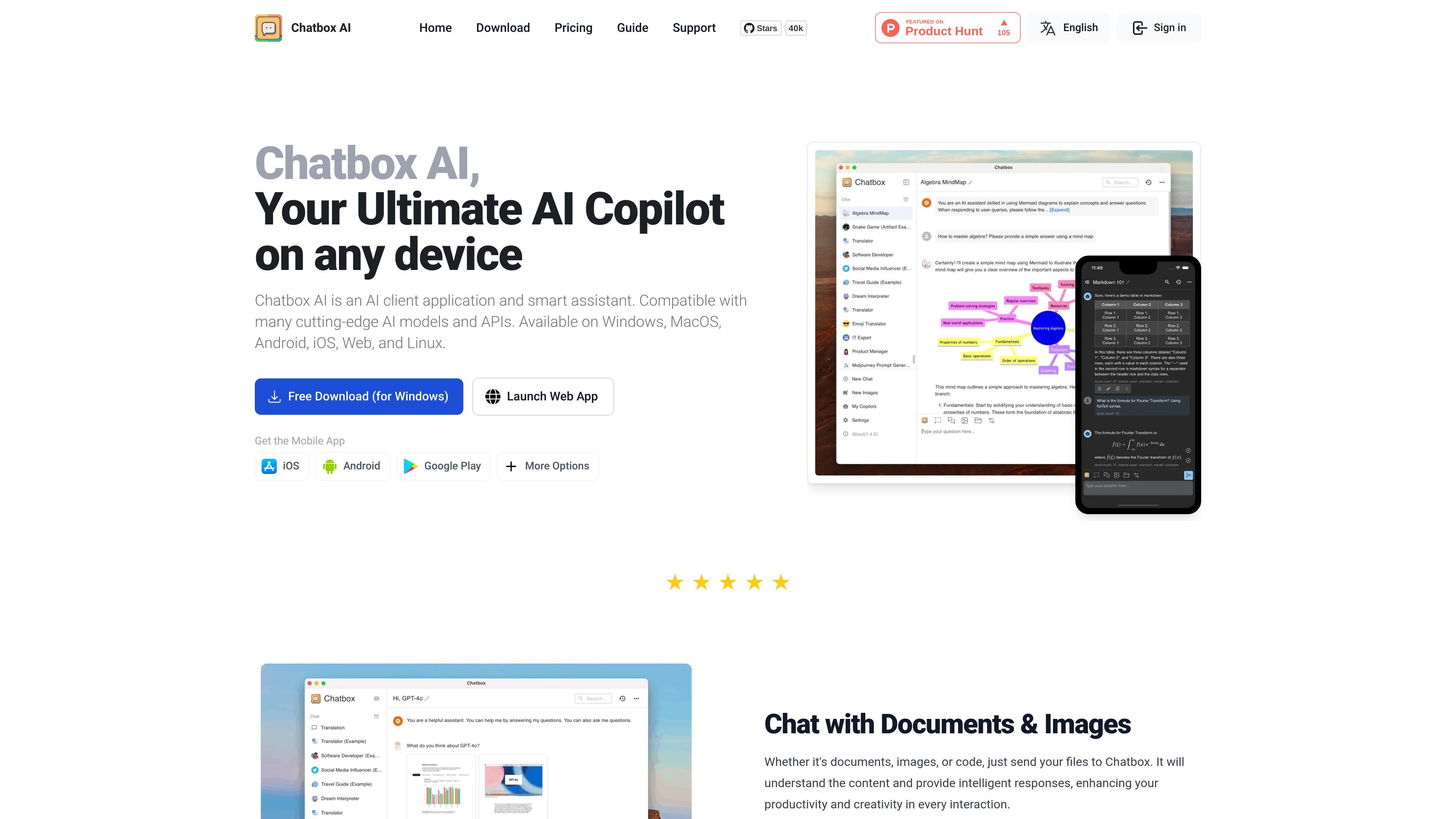
Chatbox AI is a cross-platform AI client and smart assistant for working with multiple AI models and APIs on desktop, mobile, and the web. The site positions it as a copilot for chat, file analysis, coding, web search, image generation, and formatted writing.
It supports Windows, macOS, Linux, Android, iOS, and a web app, with direct download and install flows for each platform. The product also emphasizes local storage, backup and export tools, and search across message history for managing conversations on the device.
Send documents, images, or code files to Chatbox and ask questions about their contents. The site also notes support for scanned and handwritten PDFs.
Use Chatbox as a coding assistant for code generation, review, refactoring, debugging, syntax highlighting, artifact preview, optimization, and security checks.
Get real-time information through AI-powered web search and browsing, including internet search, latest news, real-time data, URL analysis, content summaries, and fact checking.
Create AI-generated images from text prompts and use the result in conversations. The site presents this as a built-in image creation feature with multiple artistic styles.
Render LaTeX and Markdown inside conversations for academic writing, math equations, and structured explanations.
Keep data stored locally, with built-in backup and export features plus message history search.
Ask questions about PDFs, office files, images, or code when you need an AI assistant that can read the uploaded material and respond in context.
Use the coding features to generate, review, debug, and refactor code while previewing artifacts and checking syntax or security concerns.
Search the web inside a conversation when you need current facts, news, or URL-based summaries instead of relying only on model training data.
Create visuals from text prompts, then iterate on the result within the same assistant workflow.
Keep conversations and settings stored locally when you want more direct control over the data on your device, with backup and export options available.
Chatbox AI is available on Windows, macOS, Linux, Android, iOS, and as a web app. The site also provides direct install and download flows for desktop and mobile platforms.
The help center includes guides for using your license, keyboard shortcuts, Chatbox AI service FAQs, and changelog entries. The pricing and model pages also explain the different service plans and model pricing structure.
The site says Chatbox AI stores data locally and includes backup and export features. It also supports message history search.
The pricing page shows Lite, Pro, and Pro+ service plans with different compute-point allocations and feature access. The model-pricing page also lists tokens per compute point for supported models and APIs.
The homepage and pricing page show file-based chat with documents, images, and code, plus web search, charts, image generation, and Markdown/LaTeX rendering. The exact feature set varies by plan.
트래픽 데이터는 참고용으로만 확인하세요.