
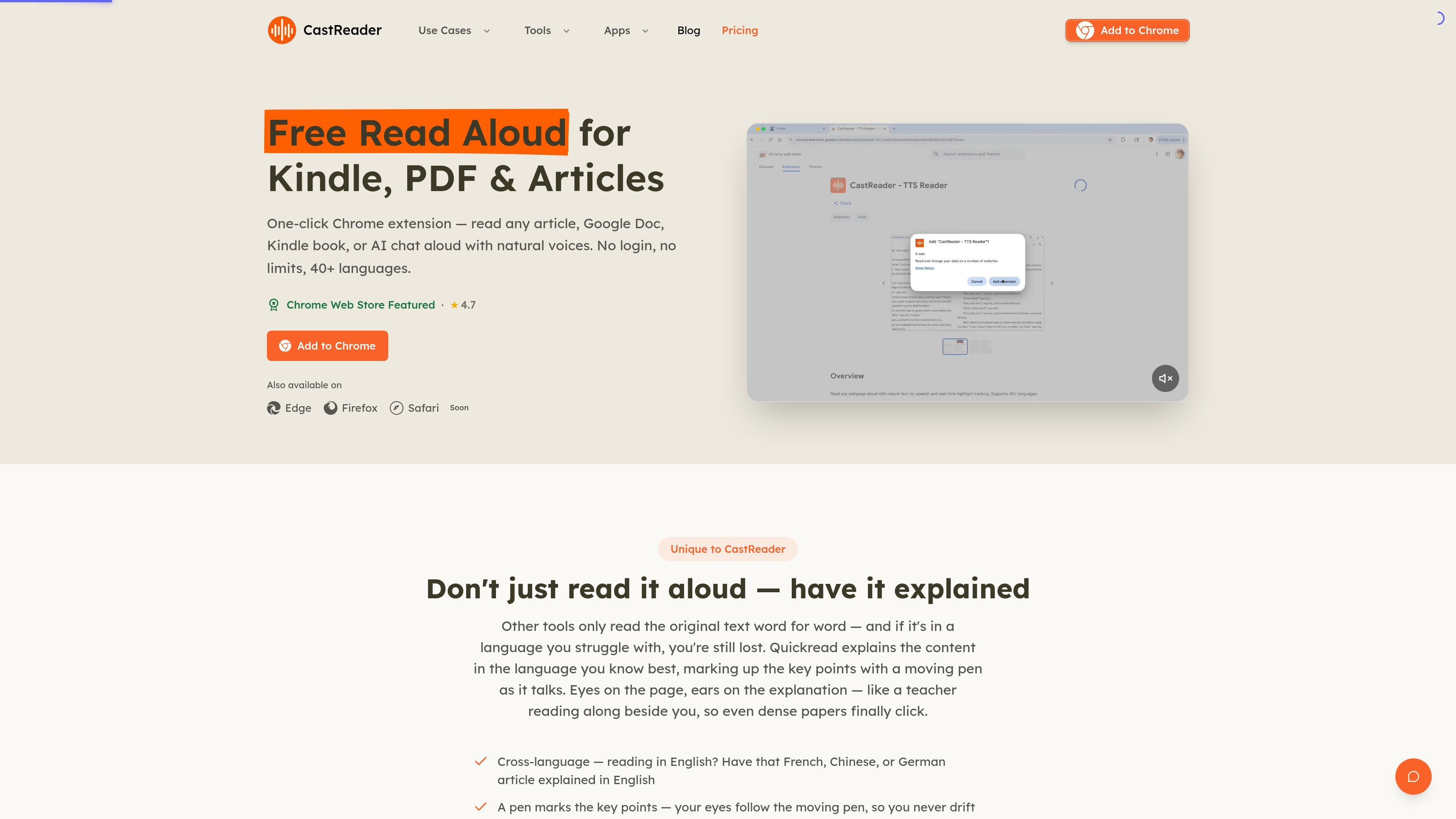
Read aloud with synced highlighting
Reads webpages, docs, Kindle pages, and chats aloud with natural AI voices, real-time paragraph or word-level highlighting, and auto-scroll to keep the page in sync.

CastReader는 웹페이지, 문서, 전자책, AI 채팅을 읽어 주는 Chrome·Edge용 텍스트 음성 변환 확장 프로그램으로, 동기화 하이라이트 요약도 제공합니다.
CastReader is a Chrome and Edge browser extension that reads webpages, documents, and AI chat responses aloud. It combines text-to-speech with real-time highlighting and auto-scroll so users can follow along on the page while listening.
The product also includes a Read & Explain mode that summarizes pages in the listener’s chosen language while marking key points on the original text. That makes it useful for long articles, foreign-language pages, research papers, ebooks, and chat-based reading workflows where hearing the content is easier than reading it directly.
Reads webpages, docs, Kindle pages, and chats aloud with natural AI voices, real-time paragraph or word-level highlighting, and auto-scroll to keep the page in sync.
Adds an Explain mode that summarizes and unpacks pages in your language while marking the key points on the original text with a moving pen.
Supports text-to-speech on articles, PDFs, Google Docs, Gmail, Notion, Feishu Docs, Yuque, WeRead, Kindle, ChatGPT, Claude, and more.
Lets you listen to individual AI responses on supported chat platforms, so you can hear one answer without replaying the whole conversation.
Supports 40+ languages on the free experience and 100+ premium voices on Pro, with speeds up to 2× free and up to 3× on Pro.
Includes cross-device sync and MP3 export on Pro for users who want their listening progress and audio files available beyond one browser session.
Open a long article, newsletter, or forum post and let CastReader read it aloud while the current paragraph highlights and the page auto-scrolls.
Use Read & Explain on dense or foreign-language pages to hear a plain-language explanation while key points are marked on the original page.
Open Kindle, WeRead, or other supported reading pages in the browser and continue through chapter-style reading with auto-advance.
Click the listen button on ChatGPT or other supported AI responses to hear a single answer instead of the whole conversation.
Use the document and email support in Google Docs, Gmail, Notion, Feishu Docs, or Yuque to proofread or review material by ear.
Yes. The free plan includes 20 minutes of listening per day with word-synced highlighting and auto-scroll on any page.
Pro removes the 20-minute daily listening cap and adds unlimited AI explain, 100+ premium voices, up to 3× speed, full ebooks and long PDFs, cross-device sync, and MP3 export.
The free plan includes 3 explain actions per day, and the counter resets every day.
It works in Chrome and Edge through the CastReader browser extension, and the subscription follows your account across devices.
Payments are processed by Stripe, and the site says you can cancel anytime.
트래픽 데이터는 참고용으로만 확인하세요.
