

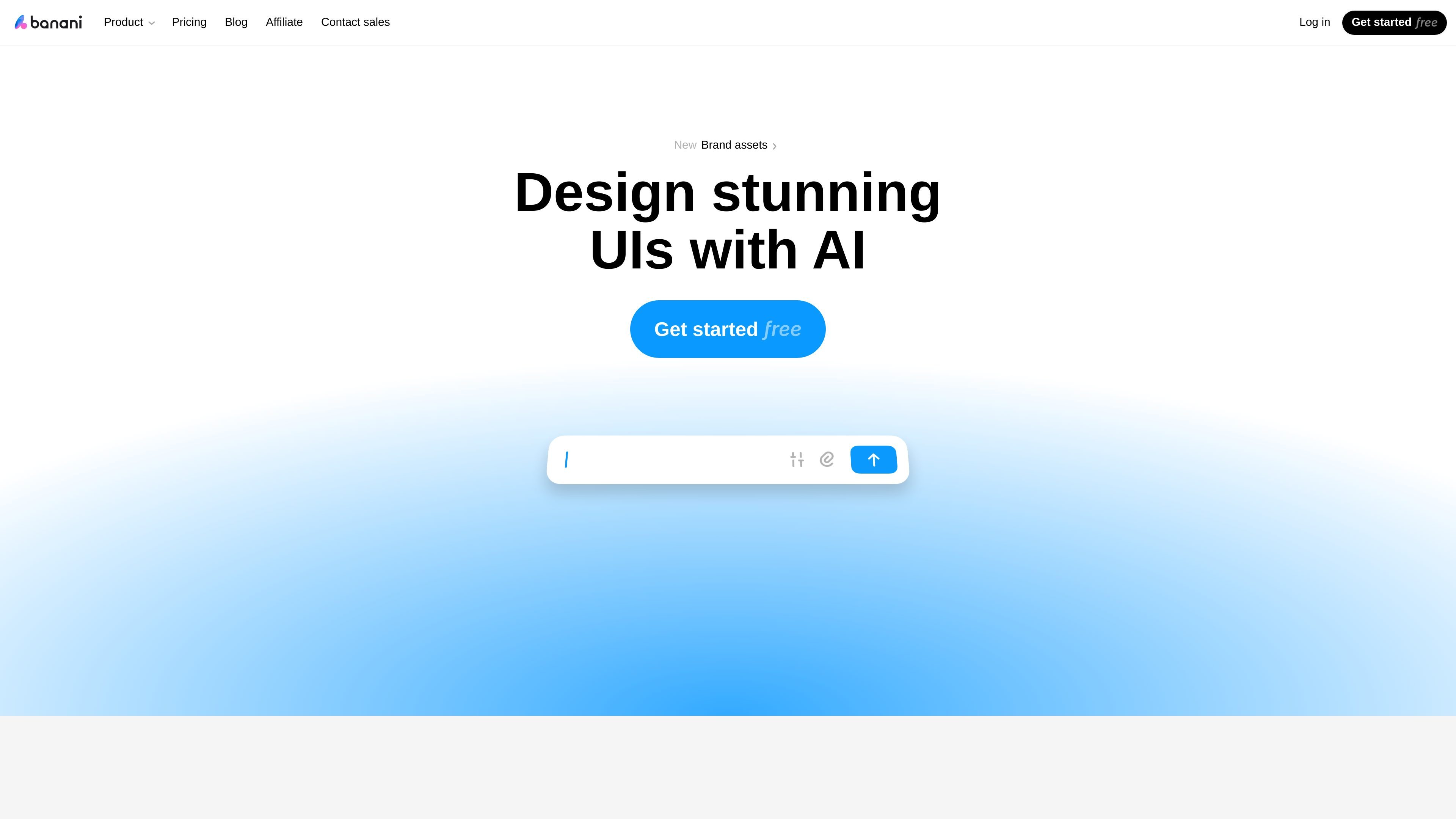
Text to UI generation
Describe an idea in plain language and Banani generates editable, multi-screen prototypes from text.
Banani is an AI UI design tool that turns prompts, references, and product requirements into editable UI designs and prototypes. The site presents it as a way to create wireframes, multi-screen interface concepts, and high-fidelity layouts without starting from a blank canvas.
Its workflow centers on generating UI from text or design input, then refining the result through chat or direct edits. Users can share projects for feedback and export to Figma, HTML/CSS, images, or code, with MCP support for connecting designs to coding agents.
Describe an idea in plain language and Banani generates editable, multi-screen prototypes from text.
Upload screenshots, images, or Figma links so Banani can extract style and layout from an existing design.
Use prompts or click-and-chat interactions to adjust screens, and tune colors, typography, and other tokens to fit a style direction.
Share a project or screen link for review, then export finished work to Figma, HTML/CSS, or images.
Use the AI design agent to research, plan, and generate complete UI designs from prompts, PRDs, or references.
Explore the product’s UI tools, including wireframe, prototype, design system, screenshot editing, and Figma conversion workflows.
Turn a product idea or PRD into a clickable prototype that can be reviewed before implementation.
Generate wireframes and higher-fidelity screens quickly when the team needs to communicate a concept without a designer on hand.
Start from screenshots, images, or a Figma link to recreate or remix an existing interface and explore variations.
Share screens or projects with teammates, gather feedback, and then export the result to Figma or code for handoff.
Use the AI UI agent to generate screens from a description or PRD, then iterate in chat to adjust the result.
Banani is an AI UI design tool that turns prompts, references, and PRDs into ready-to-edit UI designs and prototypes. The source also says it can export designs to Figma, HTML/CSS, images, or code, and connect through MCP so coding agents can access designs.
The site positions Banani for product teams that need to ship UI quickly, including non-designers, PMs, startup founders, engineers, and designers who want an AI copilot to handle repetitive work.
You can start from a prompt, a design reference, or a PRD. Banani then generates a multi-screen, clickable UI prototype, and you can refine it by clicking or chatting with the AI before sharing or exporting.
Yes. The pricing page says the Free plan never expires, and the site notes that paid plans add more credits, faster generation, and additional export options. Figma export is available on paid plans.
Banani supports export to Figma, HTML/CSS, and images, and the pricing page says it also offers MCP access so AI coding agents such as Claude Code, Cursor, and Codex can connect to designs.
트래픽 데이터는 참고용으로만 확인하세요.