

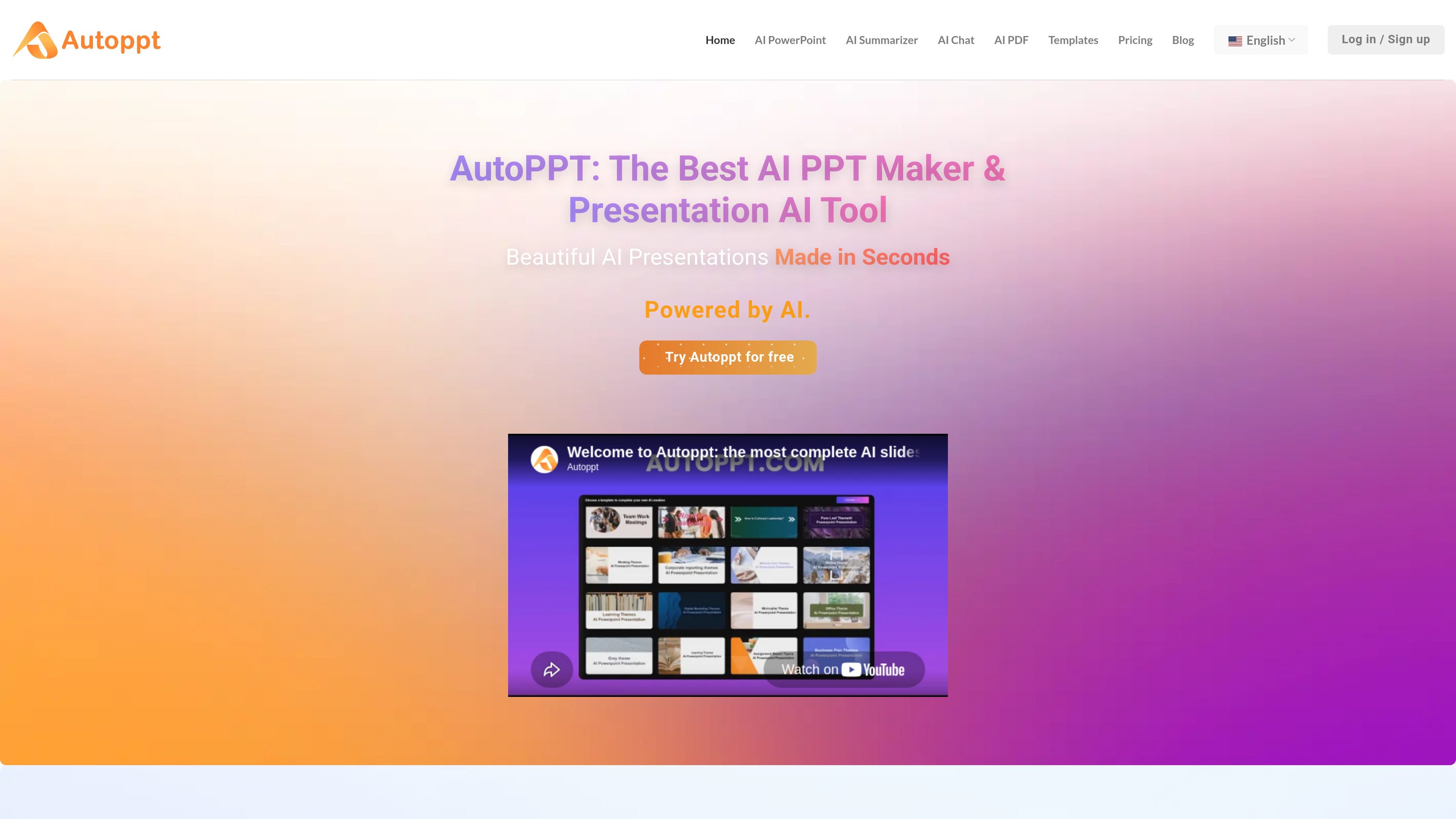
AI presentation generation
Creates presentations from AI workflows, with the homepage and pricing page both describing Autoppt as an AI PPT or presentation generator.
Autoppt is an AI presentation generator and slides maker for creating PowerPoint-style decks from prompts and other source material. The site positions it as a fast way to produce slide presentations with AI, then refine them using templates and online editing.
The product also includes a template library and paid-plan workflow tools such as text upload, AI summarization, mind map creation, AI PDF processing, file storage, presentation sharing, and downloads in PPTX, image, and PDF formats. That makes it a fit for users who want to move from an outline or document to a finished presentation inside one web-based workspace.
Creates presentations from AI workflows, with the homepage and pricing page both describing Autoppt as an AI PPT or presentation generator.
Includes a template replacement workflow and access to a library of presentation templates, with examples spanning themes such as education, nature, food, health, and business topics.
Supports text upload and AI summarization, which points to a workflow for turning existing written material into slide content.
Offers AI mind map creation and AI PDF processing on paid plans, extending the product beyond presentation drafting into supporting document workflows.
Provides online slide editing, file storage, customer support, and presentation sharing on paid plans.
Allows downloads in PPTX, image, and PDF formats on Pro and Unlimited plans.
Draft a deck quickly from a prompt or source text, then use the online editor to refine the slides before sharing or downloading them.
Replace an existing template or pick from the library when you want a presentation style matched to a topic such as education, health, food, or technology.
Upload text, summarize supporting material, and create a presentation from longer written content like notes, articles, or documents.
Use the paid-plan tools to create a mind map, process a PDF, and then continue into presentation building in the same workflow.
Prepare client, class, or internal-share decks that need export options and web sharing rather than a one-off screenshot-only output.
Autoppt offers a free plan with limited usage, and its pricing page also presents paid Pro and Unlimited subscriptions for higher usage limits and additional features.
The pricing page says Pro and Unlimited plans include extended AI PPT generation, template replacement, text uploads, AI summarization, mind map creation, AI PDF processing, file storage, customer support, document downloads, and presentation sharing.
The pricing page says exported documents can be downloaded as PPTX, images, and PDF on the Pro and Unlimited plans.
The pricing FAQ says most template elements are editable, but some design elements may remain locked in the master slides.
According to the pricing FAQ, templates can be used for both personal and commercial purposes, and Pro access is required to use all available templates.
트래픽 데이터는 참고용으로만 확인하세요.