
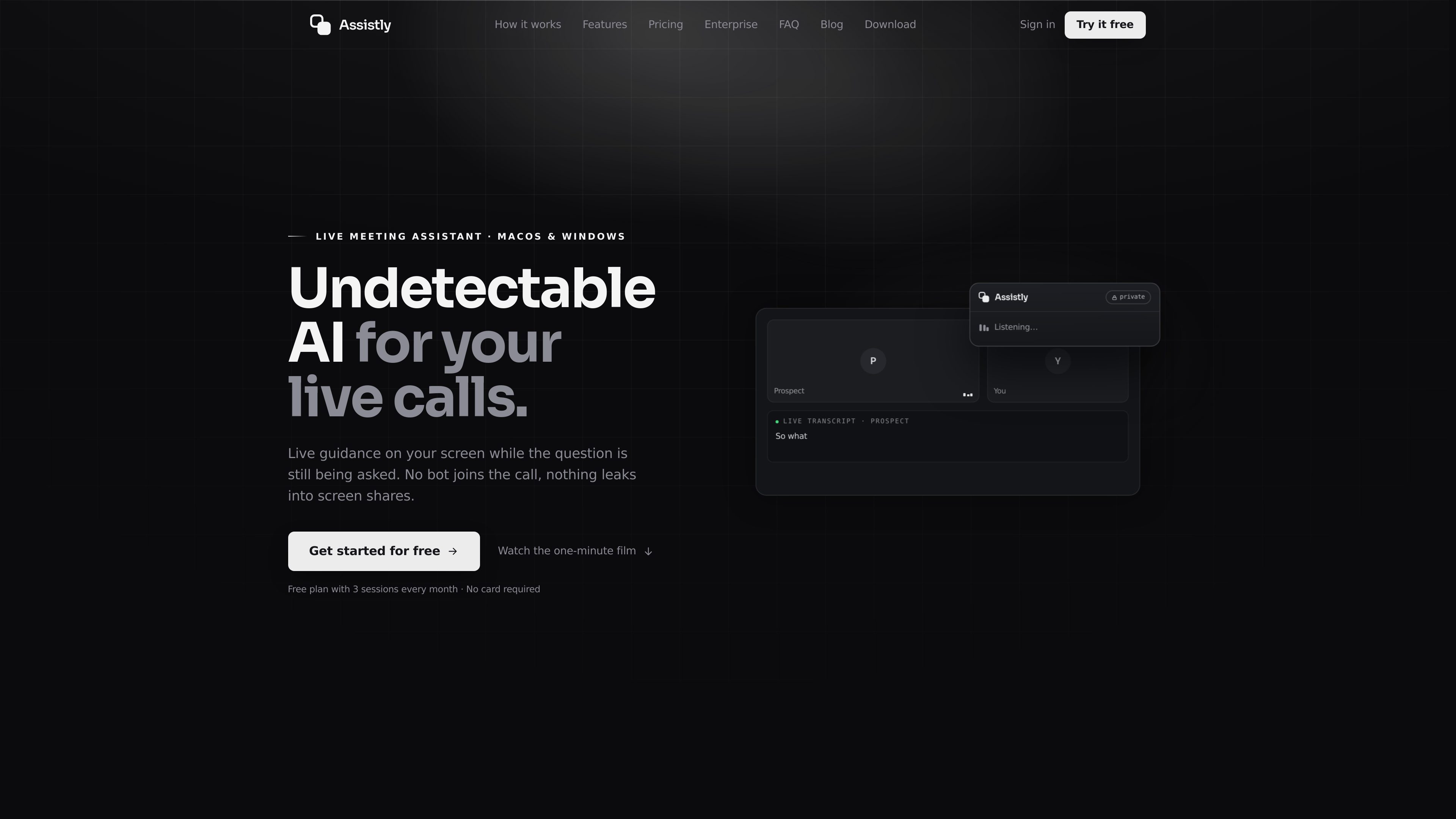
Invisible in-call overlay
During a live call, Assistly surfaces guidance in an overlay that stays on the user’s screen and is not visible to other participants or screen shares.

Assistly는 macOS와 Windows용 실시간 회의 도우미로, 통화 중 실시간 안내를 제공하고 통화 후 요약을 작성합니다. 봇으로 회의에 참여하는 대신 컴퓨터에서 직접 작동하며, MCP 서버를 통해 연결된 앱에서 통화 기록을 확인할 수 있습니다.
Assistly is a live meeting assistant for macOS and Windows that helps during conversations instead of waiting until the meeting ends. It runs from your computer’s audio, shows an on-screen overlay that only you can see, and works without adding a bot to the call.
The product combines live transcription, in-call guidance, and post-call recaps. It is positioned for people who take calls in Zoom, Google Meet, Teams, Webex, Slack huddles, or even regular phone calls, and it can also connect call context to external tools through MCP and supported apps such as Claude, ChatGPT, and Cursor.
During a live call, Assistly surfaces guidance in an overlay that stays on the user’s screen and is not visible to other participants or screen shares.
It transcribes the full call audio in real time, auto-detects dozens of languages, and tracks who said what across multiple speakers.
When a question comes up, Assistly streams talking points and structured responses as the conversation is still happening, so the user can respond without switching context.
At the end of the call, Assistly generates a summary and a list of action items with owners, creating a session record that can be searched later.
Users can organize conversations into projects so calls are filed to the right client, deal, or workstream and answers stay scoped to that history.
Assistly’s MCP server lets connected apps like Claude, ChatGPT, Cursor, and Claude Code read call recaps, transcripts, action items, and related context through a browser-authenticated connection.
A salesperson or account owner can keep talking while Assistly surfaces answers, objections, and follow-up structure in the moment, then leaves behind a recap and action list after the call.
A user can ask about a prior discussion from another app through the MCP server and get cited answers drawn from transcripts and recaps instead of re-reading notes manually.
Teams can file calls into projects so each client, deal, or workstream has its own call history, summary trail, and open items.
When someone new picks up an account, they can review the shared history of calls, decisions, and unresolved follow-ups without relying on a separate handover document.
The site says Assistly can build a persona from your CV, docs, and notes and switch modes for situations such as interviews or client reviews, while still grounding guidance in your own material.
No. The site says Assistly works from your computer’s audio, so nothing joins the participant list and nothing shows up as a bot in the meeting.
The site says Assistly works with Google Meet, Zoom, Teams, Webex, Slack huddles, and ordinary phone calls.
It writes a recap that includes a summary and action items with owners, and it keeps sessions searchable across your notes history.
Yes. Assistly provides an MCP server so connected apps like Claude, ChatGPT, Cursor, and Claude Code can read meeting data from your account.
Yes. The enterprise page describes team workspaces, shared context, single sign-on, retention controls, roles and permissions, and admin-managed access. The site also says setup can happen in days rather than quarters.
트래픽 데이터는 참고용으로만 확인하세요.