
Virtual clothing try-on
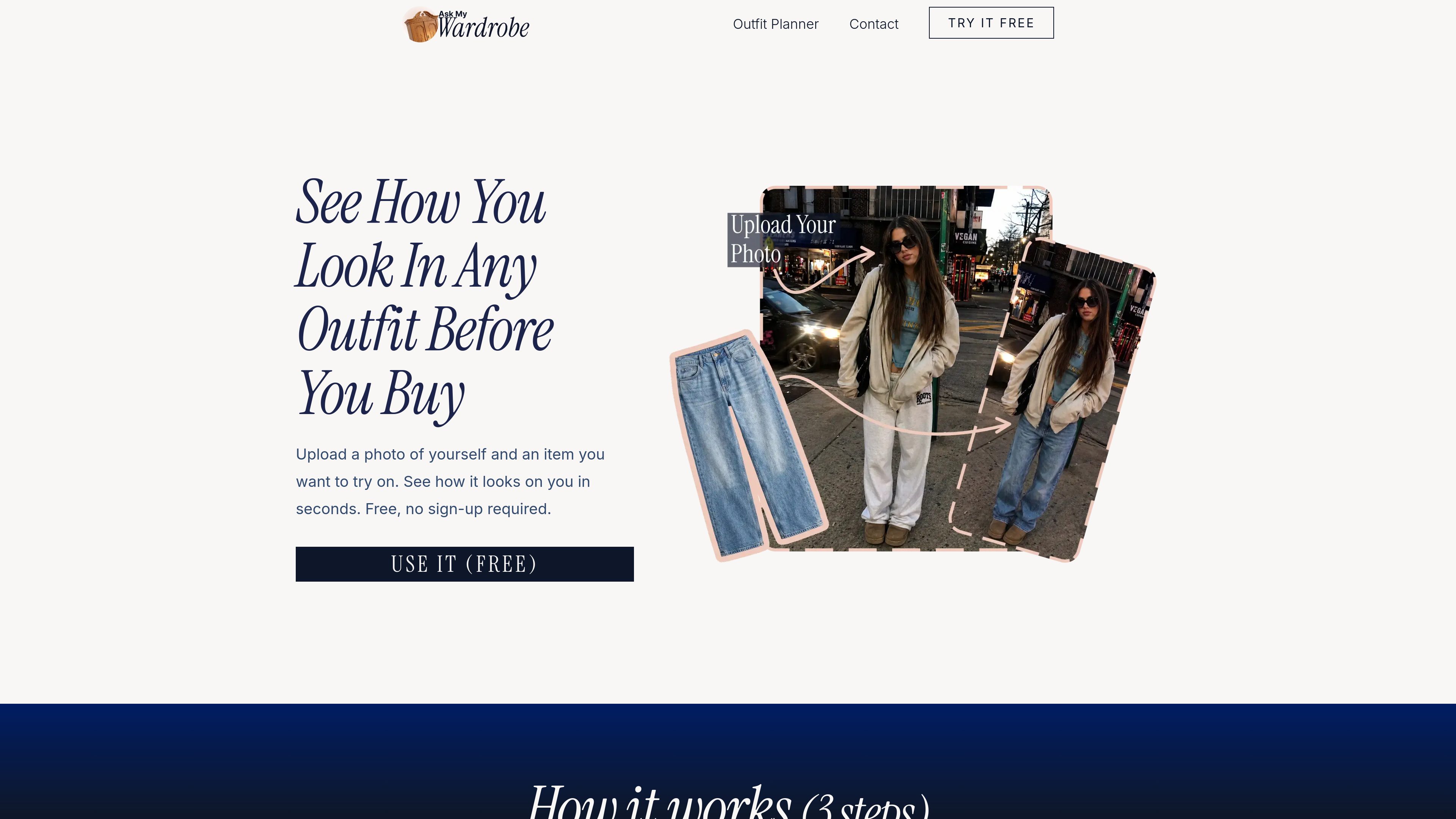
Upload a personal photo and an image of a clothing item to see a generated preview of the look.

Ask My Wardrobe는 브라우저 기반 가상 착용 및 코디 계획 도구입니다. 자신의 사진과 의류 이미지를 업로드해 스타일을 미리 보고, 선택지를 비교하고, 코디를 계획하고 공유한 뒤 입거나 구매할 옷을 결정할 수 있습니다.
Ask My Wardrobe is a browser-based virtual try-on and outfit planning tool. It lets you upload a photo of yourself and a clothing item, then preview how the item looks on you. The service is designed to reduce guesswork when shopping or deciding what to wear.
The tool supports tops, bottoms, and full outfits when the clothing image is clear. Results are intended to show the overall fit, look, and suitability of an outfit rather than provide a perfect representation. Users can test several options, compare looks, and download or share the results.
Upload a personal photo and an image of a clothing item to see a generated preview of the look.
Try tops, bottoms, or complete outfits, depending on the available clothing image.
Review different looks, choose between options, and download or share images with friends for feedback.
Build a visual plan using wardrobe images, uploaded images, text, backgrounds, and background removal, then arrange the elements into an outfit composition.
Organize planned looks by date in a monthly calendar and connect them with Apple Calendar, Google Calendar, Outlook Calendar, or another calendar app.
Preview a clothing item on your own photo before buying it, helping you decide whether the style appears to work for you.
Prepare looks for workdays, dinners, weekends, happy hours, dates, or events and assign them to specific days.
Combine items from a digital wardrobe or uploaded images on a custom canvas to visualize a complete outfit.
Download or share planned looks through messaging or social platforms when you want opinions from friends.
No. You can start with a few free tries without signing up. An account is needed to unlock more tries and save looks for later.
You need a photo of yourself and an image of a clothing item. A full-body, forward-facing photo with good lighting and a simple background is recommended.
The site says the tool can work with tops, bottoms, and full outfits when the clothing image is clear.
Yes. You can assign planned looks to days, view them in a monthly calendar, and sync them with Apple Calendar, Google Calendar, Outlook Calendar, or another calendar app.
You can download a planned look or share it through a social media or messaging app to get feedback from friends.
트래픽 데이터는 참고용으로만 확인하세요.