

Photo face swap
Replace faces in photos with a one-click workflow aimed at quick edits rather than manual retouching.
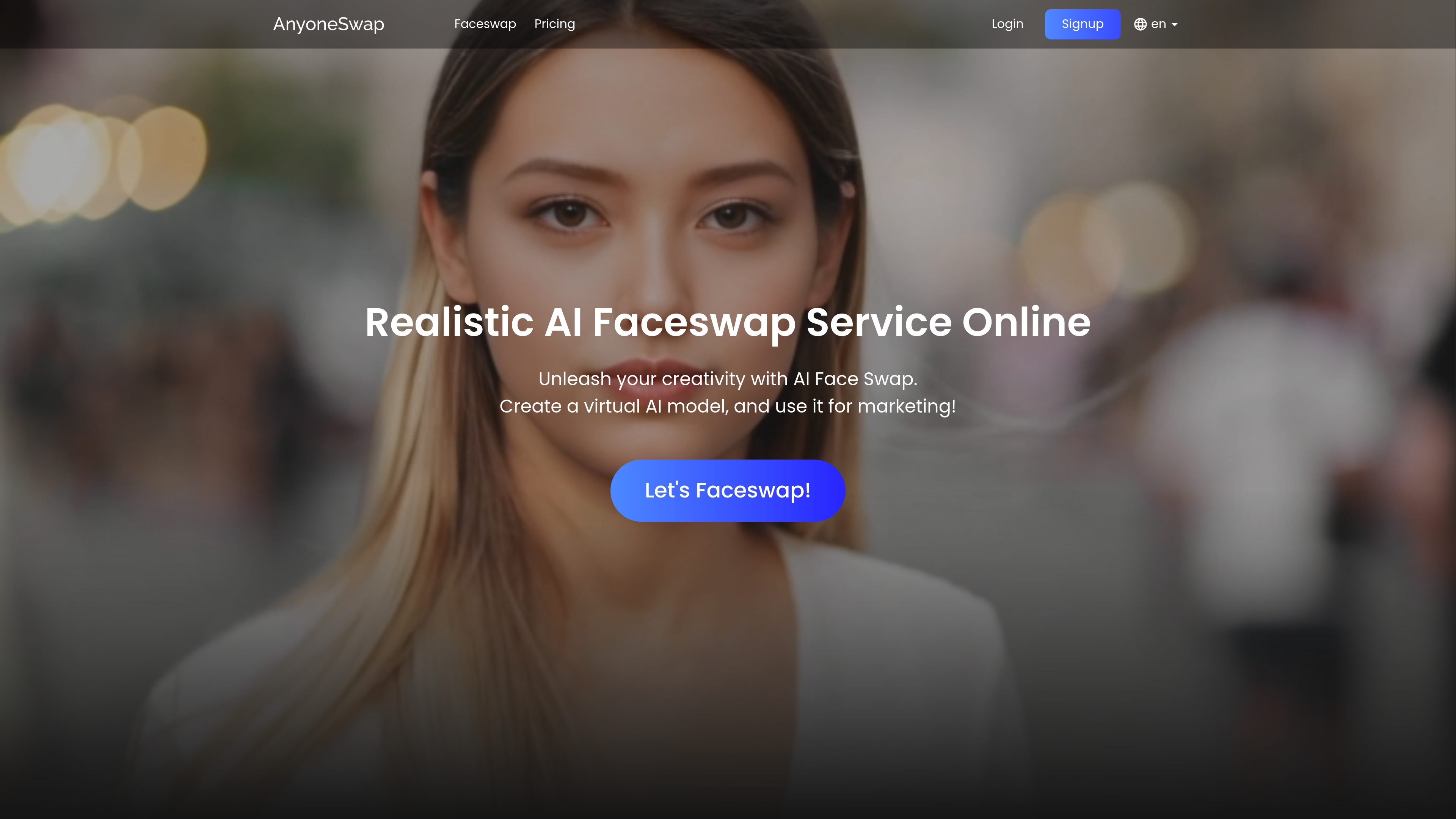
AnyoneSwap is an online AI face swap tool for photos, videos, and GIFs. The site positions it as a browser-based service that lets users replace faces in uploaded media and generate a result quickly without manual editing.
The product pages emphasize a simple workflow: upload content, choose the faces to swap, and save or share the output. The service is available on PC and mobile, offers a free tier with limited image swaps, and also sells monthly credits and credit packs for heavier use.
Replace faces in photos with a one-click workflow aimed at quick edits rather than manual retouching.
Swap faces in video clips and generate results directly in the browser.
Create face-swapped GIF outputs, with the pricing page listing GIF support for premium users.
Handle group photos with multiple face swap processing instead of limiting the tool to one subject.
Support common formats mentioned on the home and faceswap pages, including JPG, PNG, GIF, and MP4.
Offer a simple three-step flow: upload content, choose faces, then save and share the result.
Swap a face into a still photo for a quick edit or a personal image variant without using manual photo editing software.
Create short face-swapped clips or GIFs for lightweight social content where a browser-based workflow is sufficient.
Process group photos with multiple faces when the goal is to replace several people in one image.
Produce humorous or casual face swaps for everyday sharing, since the home page describes the tool as suitable for making funny photos or videos.
Create a virtual AI model for marketing-oriented image use, which the home page explicitly mentions as a possible workflow.
Users upload a photo, video, or GIF, choose the faces to swap, and save the result. The faceswap page presents the flow as three steps: upload content, choose the faces, then save and share the output.
The faceswap page lists supported upload limits of up to 50 MB for images, 500 MB and 100 seconds for videos, and 100 MB and 10 seconds for GIFs.
The home page says Anyoneswap works on both PC and mobile devices, so it is designed as a browser-based online tool rather than a desktop app.
The pricing page shows a free tier with 2 free image swaps and paid options for monthly credits or credit packs. The premium plan includes 80 credits per month and support for video and GIF swaps.
The site does not describe team accounts, multi-user collaboration, or project sharing tools. The published flow focuses on individual uploads and generating a result for saving and sharing.
트래픽 데이터는 참고용으로만 확인하세요.