Antideploy logo

Antideploy

Freemium
방문

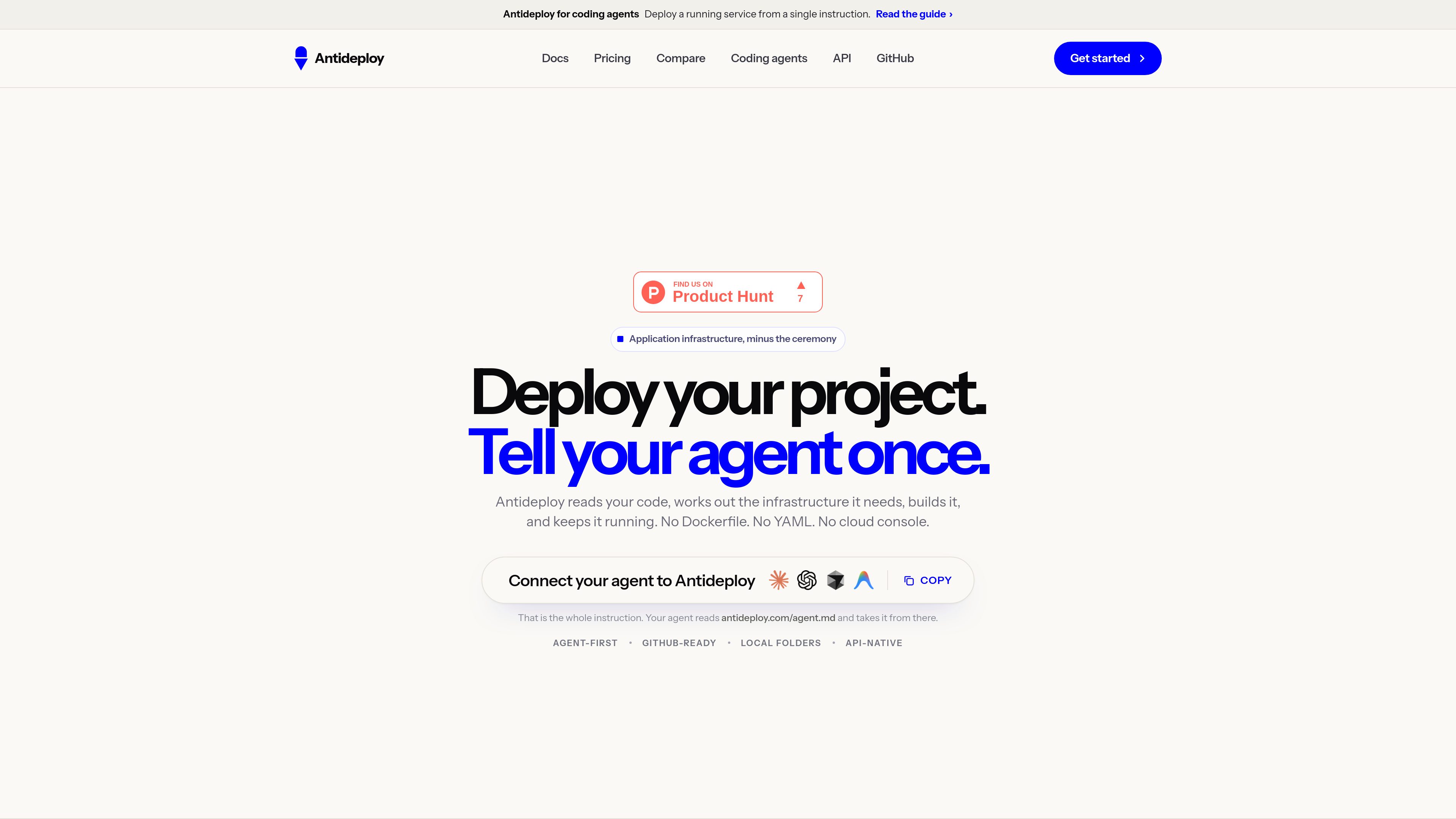
Antideploy는 애플리케이션 코드를 분석해 필요한 런타임과 인프라를 결정하고 이를 빌드한 뒤 HTTPS로 제공하는 배포 플랫폼입니다. Dockerfile이나 YAML 설정을 작성하지 않고 GitHub, 로컬 폴더, API 또는 코딩 에이전트에서 배포할 수 있습니다.

Antideploy란 무엇인가요?

Antideploy reads an application’s source code, identifies its runtime and infrastructure requirements, builds it, and deploys it behind HTTPS. It replaces manual Dockerfile, YAML, and cloud-console setup with an analysis step that shows the files supporting its conclusions.

Developers can deploy from GitHub, a local folder, the API, or supported coding-agent workflows. The result includes a live URL, deployment history, logs, and health checks, with PostgreSQL, encrypted secrets, and S3-compatible storage available for supported application needs.

Antideploy(으)로 무엇을 할 수 있나요?

Source-code analysis

Antideploy detects the runtime, framework, build and start commands, port, database requirement, and environment variables read by the code. It displays the file evidence behind each conclusion and raises hazards before deployment.

Multiple deployment paths

A project can be connected from GitHub, uploaded as a folder or ZIP, pushed through the deployment API, or sent from a coding agent using the documented MCP workflow.

Buildpack-based releases

Buildpacks turn the repository into a container and release it behind HTTPS, so users do not need to create or maintain a Dockerfile.

Managed application resources

Antideploy can provision PostgreSQL and run migrations before release, provide encrypted environment secrets, and create S3-compatible object storage for applications that already speak S3.

Deployment history and recovery

The console shows the live version, application address, and previous builds. Retained builds can be used to roll back to an image that was already built.

Logs and health checks

Users get build and runtime logs plus health checks that can email when an application changes state or goes down. GitHub deployments can run on every push or only when manually requested.

사용 사례

“Deploying a GitHub application”

Connect a repository, review the detected configuration and warnings, then deploy. Subsequent pushes to the default branch can build and release automatically, making this suitable for straightforward continuous deployment.

“Shipping a project from a local folder”

Upload a project directory or ZIP when the code is not hosted on GitHub. Antideploy excludes common dependency and build directories during upload, and a later folder upload can ship a new version.

“Giving a coding agent deployment access”

Claude Code, Cursor, Windsurf, or another supported MCP client can deploy a project, inspect the result, and respond to failures without requiring the developer to relay each step manually.

“Hosting small web applications and static sites”

Static sites can be deployed without counting toward live-app or deployment limits, while server-backed applications receive a hosted runtime, HTTPS address, logs, and persistent PostgreSQL or object-storage options where applicable.

자주 묻는 질문

How can I deploy an application to Antideploy?

You can connect a GitHub repository, upload a folder or ZIP from the dashboard, push a project through the deployment API, or use a supported coding-agent workflow through MCP.

What does Antideploy analyze before deployment?

It identifies the runtime, framework, build and start commands, port, database requirement, and environment variables read by the application. The dashboard shows the file evidence and any detected hazards before the build begins.

Does Antideploy provide a database and persistent storage?

It can provision PostgreSQL and run migrations before a release. It also provides S3-compatible object storage when the application already uses S3. Files written to the local application filesystem are ephemeral and should not be treated as persistent storage.

Can GitHub deployments be controlled manually?

Yes. A connected application can deploy on every push to the default branch, or be set to wait until you explicitly request a deployment. Folder uploads and coding-agent deployments start only when initiated.

What are the main platform limitations?

Antideploy runs one instance per application, does not offer horizontal scaling, and has no staging or preview environments. It provisions PostgreSQL rather than MySQL, MongoDB, or Redis, and sleeping applications may take longer to answer their first request after inactivity.

주요 정보

Category
Developer deployment platform
Deployment sources
GitHub, local folder, API, and coding agents
Application runtime
One shared vCPU and 1 GB memory per app
Managed data services
PostgreSQL and S3-compatible object storage
Static sites
Free on every plan
HTTPS
Included with deployed applications

Antideploy 트래픽 분석

트래픽 데이터는 참고용으로만 확인하세요.

도메인 평점
15