
File editing with repository context
Work on selected source files while using a compact repository map when the model configuration enables it.

Edit a local codebase through terminal conversations with your chosen language model.
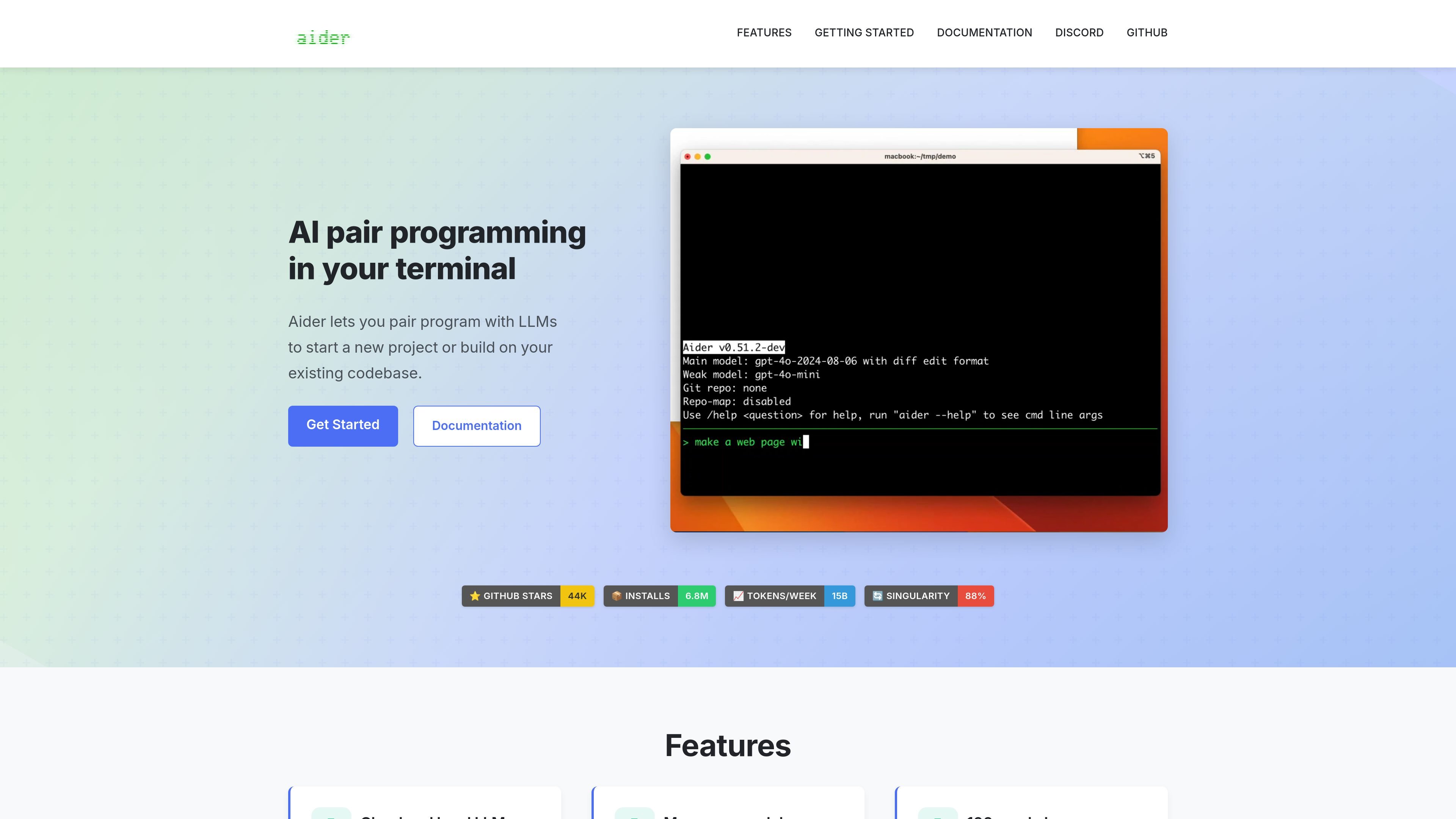
Aider is an open-source AI pair programming tool for the terminal. Start it in a project, add the files you want to edit, and describe a feature, bug fix, or other change. It applies model-generated edits to those files and shows the differences.
Git integration records changes so you can inspect or undo them. Repository context helps the model understand related code without adding every file to the conversation. Aider can connect to supported cloud APIs or local models; results depend on the model and configuration.
Work on selected source files while using a compact repository map when the model configuration enables it.
Automatically commit edits and keep preexisting changes separate. Diff and undo commands support reviewing the work.
Lint edited files automatically or use a custom linter. Configure a test command and automatic testing to feed failures back into the coding conversation.
Use compatible model services or a local backend such as Ollama rather than relying on one bundled cloud model.
Implement a feature or bug fix in the relevant files, then inspect the generated edits and validation results.
Name new files and ask for an initial implementation that you can refine through follow-up requests.
Use the same conversation workflow for tests, documentation, and configuration changes.
Install Aider using aider-install, change into your project directory, and launch it with a supported model. Supply an API key for a cloud provider, or configure a compatible local-model backend. Add the files you want to edit before describing the task.
Aider's source code is available under Apache 2.0. Cloud-model usage follows the provider's separate pricing and terms, while local inference uses your own computing resources. The software license does not include model credits.
Files and context used in the conversation are supplied to the selected model. A cloud provider processes that input; a compatible local model is a different option. Aider's optional usage analytics are separate and require opt-in.
Automatic commits can be disabled. By default, Aider skips Git pre-commit hooks; enable commit verification if you want those hooks to run.
Aider edits one repository at a time. You can supply read-only context from another repository without treating both as a single editable workspace.
트래픽 데이터는 참고용으로만 확인하세요.

cursor.com
다음 작업 제안, 에이전트 워크플로 및 클라우드 작업 실행을 지원하는 AI 코딩 에이전트

github.com
GitHub Copilot은 개발자를 위한 AI 코딩 어시스턴트이자 에이전트 플랫폼입니다.

claude.com
An AI coding agent that understands codebases, edits files, and runs commands for developers.

devin.ai
개발자와 엔지니어링 팀을 위한 AI 코딩 에이전트

codebuff.com
코드 편집과 명령 실행을 지원하는 터미널 기반 AI 코딩 도우미

codeassist.google
팀과 기업을 위한 Google AI 코딩 어시스턴트로, 코드 완성, 채팅, 에이전트 워크플로, 터미널 지원을 제공합니다.