
Multiple audio inputs
Start with an uploaded or drag-and-dropped audio file, record using a microphone, or generate speech from text.

A free browser-based tool for changing recorded or spoken audio with voice and sound effects.
Voice Changer.io is a free online audio tool for applying sound and voice effects to an audio clip. Users can upload or drag and drop an audio file, record through a microphone, or generate speech from text, then play or download the processed result. Its effects range from pitch and speed changes to distortion, echo, reversal, and character-style voices. The site describes the tool as a hobby project and cautions that its anonymous-sounding effect is for fun, not real anonymization.
Start with an uploaded or drag-and-dropped audio file, record using a microphone, or generate speech from text.
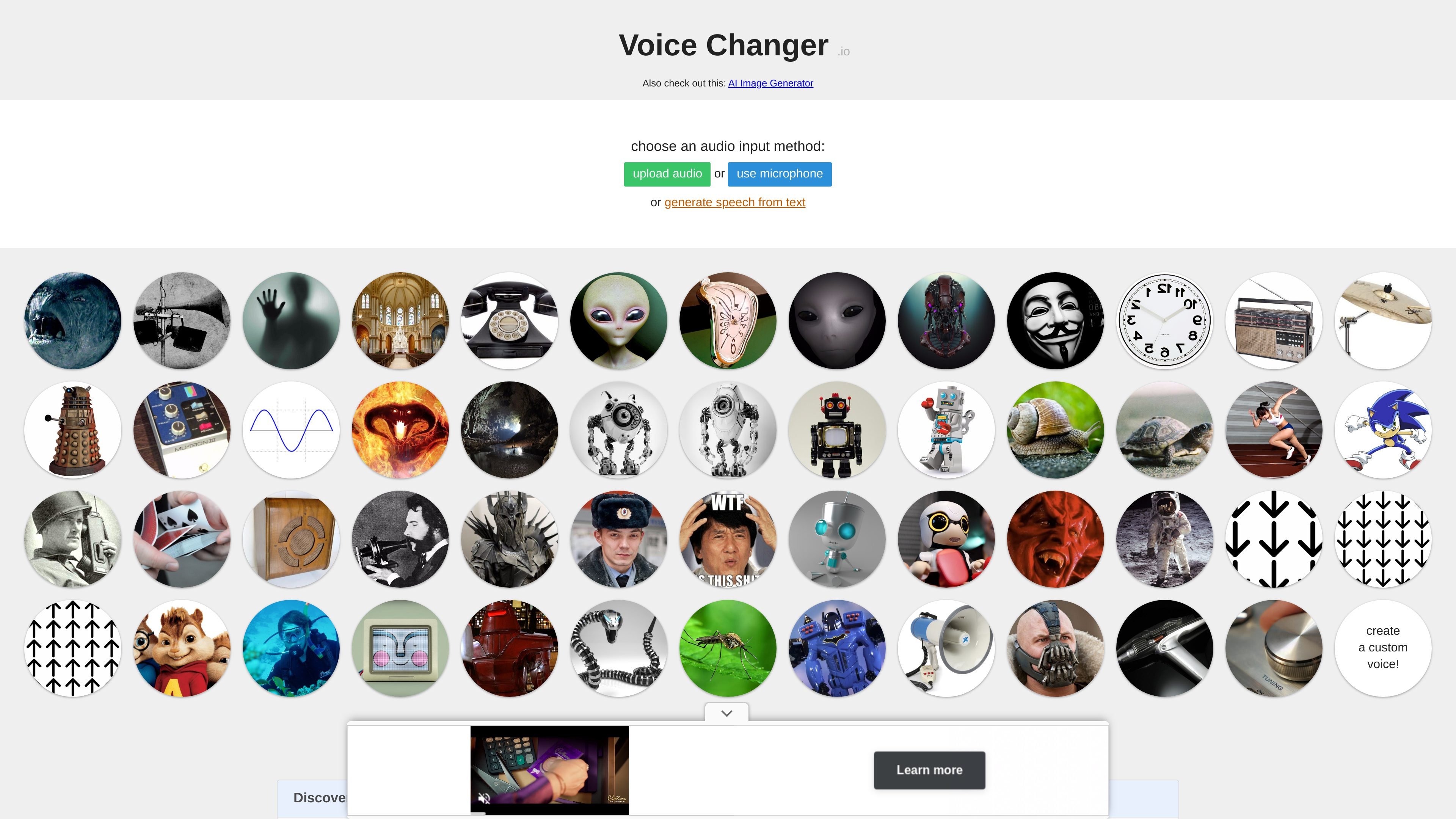
Apply effects designed for monster, demon, alien, robot, Dalek, or anonymous-sounding voices.
Choose effects such as cave echo, large-room echo, or reverse reverb for spatial or eerie sound.
Use telephone filtering, old-radio fuzz, PA-speaker distortion, or cymbal-like convolution effects.
Apply vibrato or wobble, reverse a clip, or change playback speed, including half-speed, quarter-speed, and double-speed options.
After processing, play the result or download the transformed audio.
Record or generate a line, then use a monster, demon, alien, or robot effect for a performance, game session, or skit.
Transform a spoken clip with reversal, speed changes, wobble, or a computer-like voice and download the result.
Use cave echo, reverse reverb, or a distorted PA treatment to give dialogue a setting-specific sound.
Generate speech from text and apply an effect when a microphone or prerecorded clip is not the preferred starting point.
The page offers audio upload, microphone recording, and speech generation from text. It also supports dragging an audio file onto the page.
Yes. The site says processed audio can be played or downloaded.
No. The site explicitly says the anonymous-sounding effect is for fun and should not be used for real anonymization.
The browser tool processes audio clips that you upload, record or generate. Do not assume it provides a live microphone voice changer inside other applications or games; check the current description of any separate tool for that workflow.
トラフィックデータは参考情報としてご利用ください。